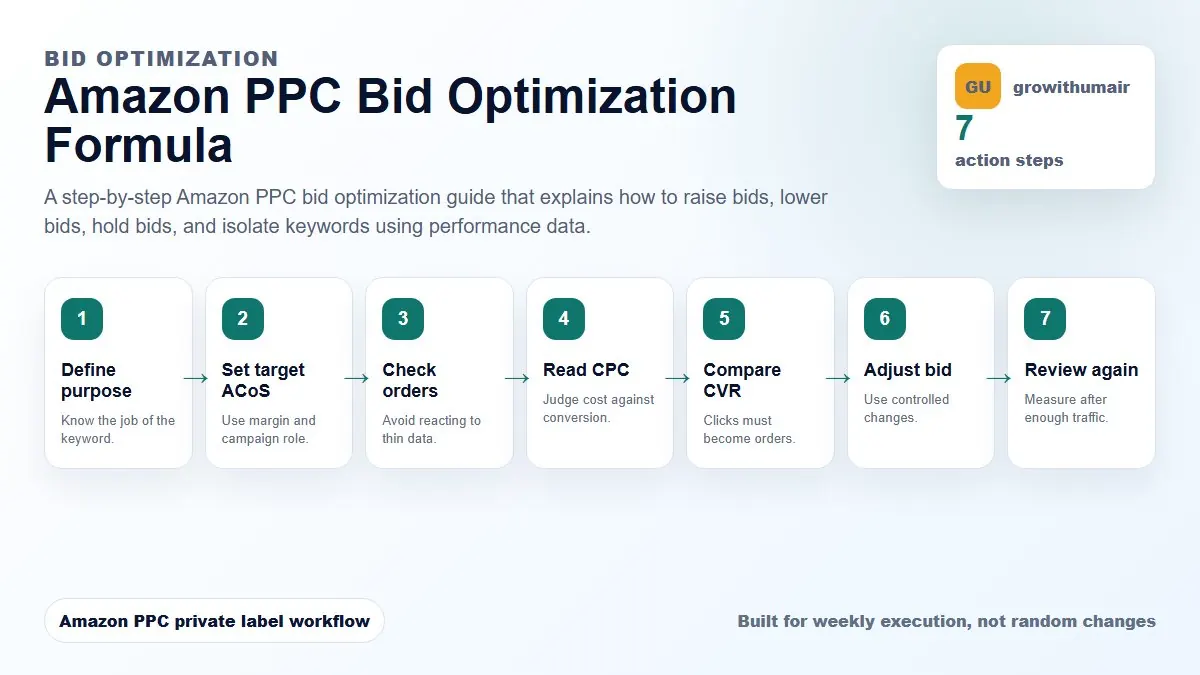
This guide is built as a repeatable workflow. Follow the steps in order, write down the reason for each change, and review the result after enough clicks and orders have collected.
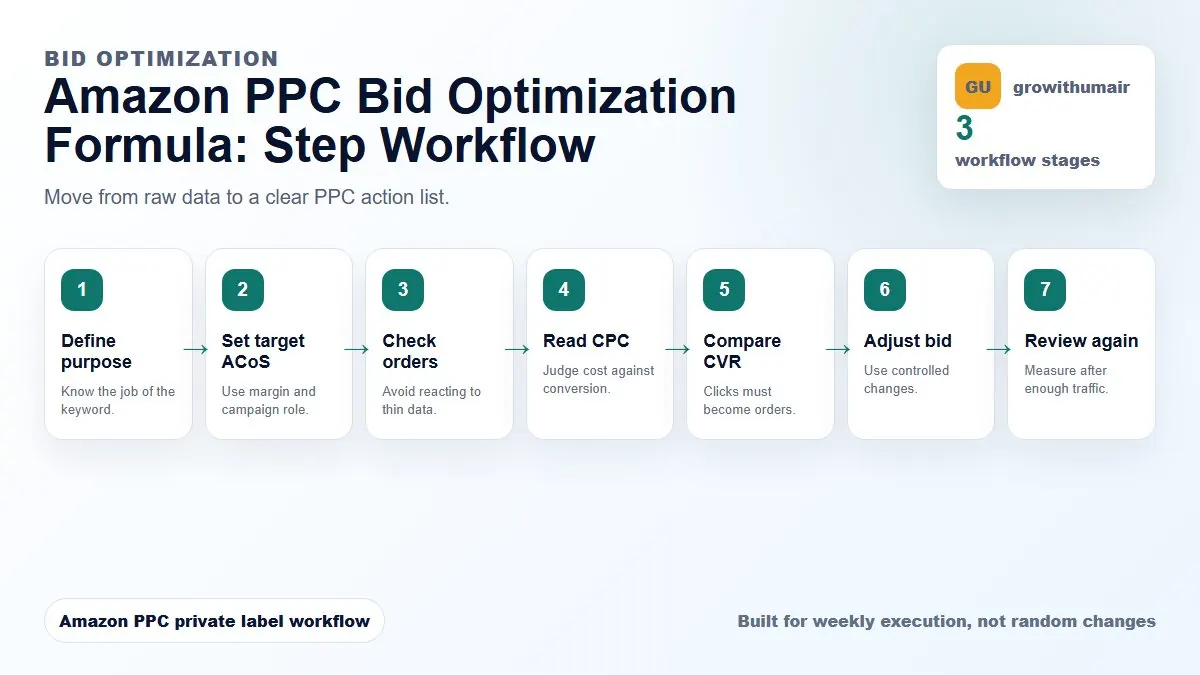
The amazon ppc bid optimization formula steps
- 1. Define purpose
- 2. Set target ACoS
- 3. Check orders
- 4. Read CPC
- 5. Compare CVR
- 6. Adjust bid
- 7. Review again
Step 1: Define the campaign purpose
Before changing a bid, decide whether the keyword is for discovery, ranking, exact scaling, brand defense, or competitor testing. A ranking keyword may tolerate a higher short-term ACoS than an exact profit keyword.
Step 2: Set the target ACoS range
Target ACoS should come from margin and campaign purpose. A product with 35 percent contribution margin cannot use the same target as a product with 55 percent margin. Research campaigns often need a ceiling, while exact winner campaigns need a profitable range.
Step 3: Check order count before reacting
Do not make large bid changes from one order or a few clicks. If a term has enough clicks but no orders, lower or negate depending on relevance. If it has multiple orders and ACoS is slightly high, a small bid reduction is usually safer than a hard cut.
Step 4: Read CPC against conversion rate
A high CPC can still be profitable when conversion rate is strong. A low CPC can still waste money if conversion is poor. The bid decision should connect CPC, conversion rate, selling price, and profit per order.
Step 5: Use small controlled changes
Most active keywords should move in small increments such as 5 to 15 percent. Larger changes are useful for obvious waste, stock problems, major price changes, or launch pushes. Keep a change log so you can connect results to actions.
Step 6: Separate winners from research
If a broad or phrase campaign finds a strong search term, harvest it into exact before increasing spend too aggressively. This prevents broad campaigns from controlling your best terms with less predictable matching.
Step 7: Review after enough traffic
After a bid change, wait for enough impressions and clicks before judging the result. Reviewing too quickly creates bid noise and makes the account unstable.
Decision table
| Situation | Bid action | Why |
|---|---|---|
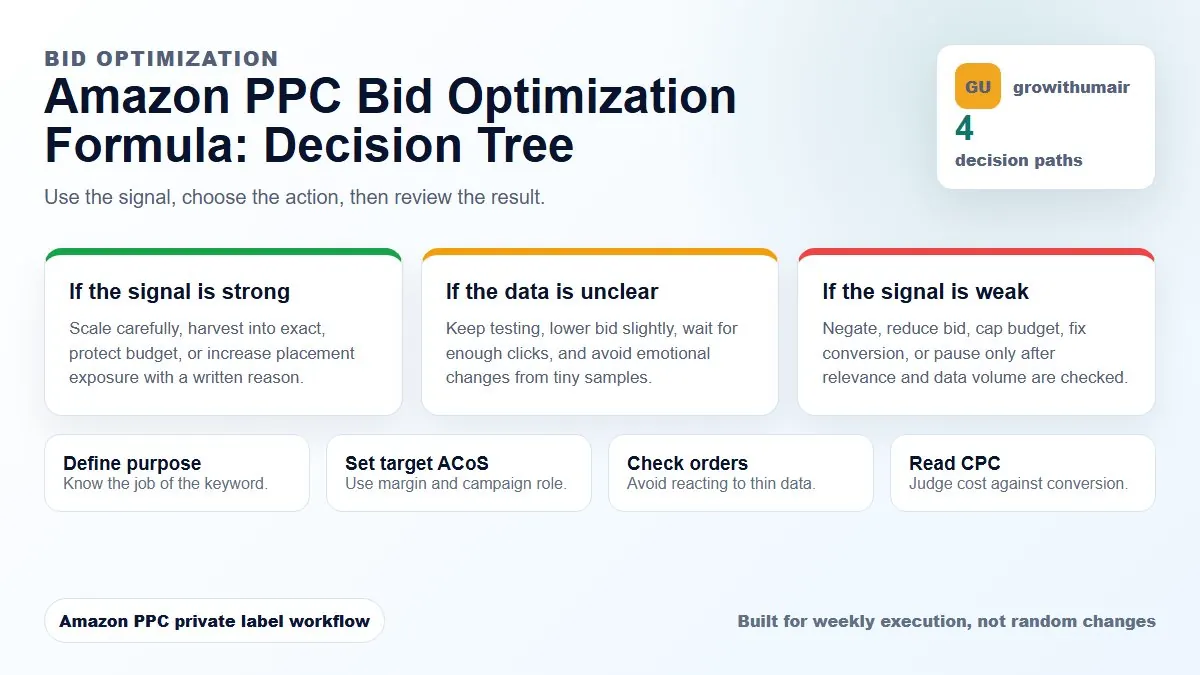
| Low ACoS + steady orders | Raise 5-15% | Capture more profitable traffic |
| High ACoS + relevant | Lower 10-20% | Preserve learning while reducing waste |
| No orders + irrelevant | Negate | Traffic mismatch |
| Winner in broad | Isolate exact | Improve control |
If your Amazon PPC account has unclear campaign purpose, wasted spend, unstable TACoS, or weak ranking movement, start with the first step and do not skip the diagnosis. The best PPC accounts are controlled by written rules, not random bid changes.
Book PPC audit