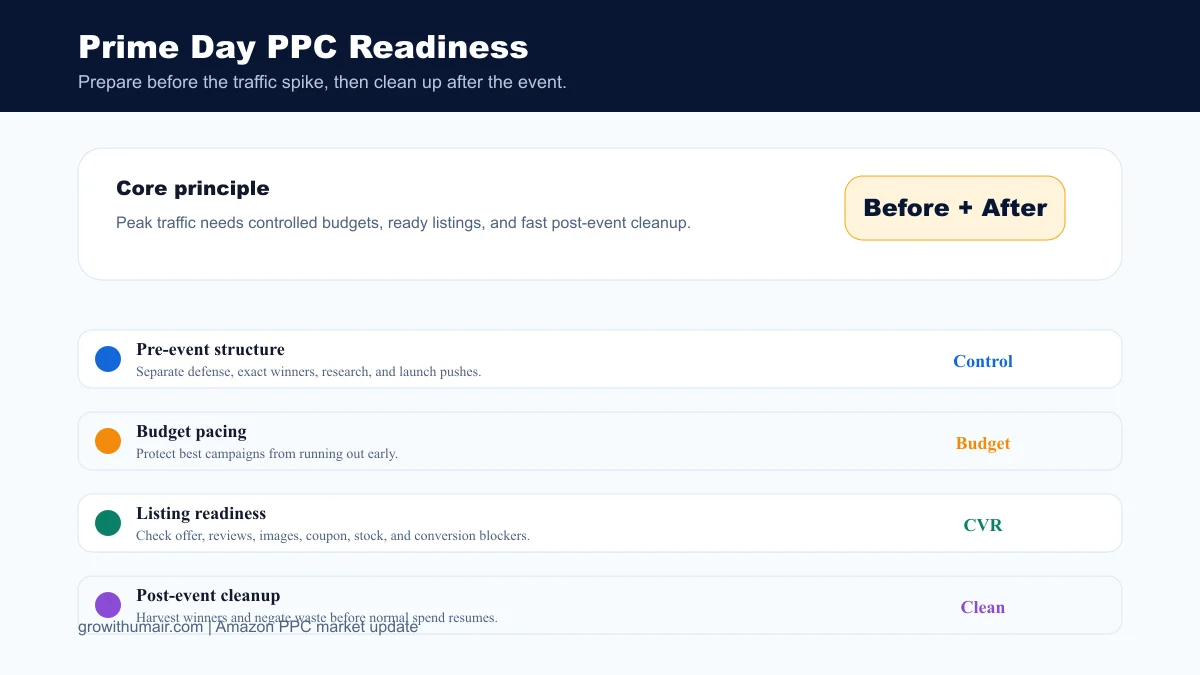
Peak events can make PPC reports look exciting and still damage profit if the account is not prepared. Use this checklist before Prime Day, seasonal promotions, and major coupon pushes.
Why peak events need separate planning
Prime Day and other traffic events change shopper behavior. More traffic does not automatically mean better PPC. Sellers need to protect budget, avoid broad waste, keep stock ready, and separate event performance from normal baseline data.
Before the event
Review listing readiness first: main image, title, coupon, price, reviews, stock, A+ content, and mobile readability. Then check campaign structure. Exact winners and brand defense should be easy to fund. Research campaigns should have capped budgets so they do not consume event spend blindly.
During the event
Monitor budget pacing, out-of-budget campaigns, conversion rate, and top search terms. Do not rebuild the whole account in the middle of the event. Make controlled changes only when spend is clearly leaking or a proven winner is underfunded.
After the event
Do not judge the next week using peak-event benchmarks. Export search terms, harvest new winners, add negatives, compare TACoS, and separate one-time promotional spikes from repeatable keyword learnings.
What to report
A good event report should show ad spend, sales, total sales, TACoS, organic rank movement, new winners, wasted spend, budget misses, stock issues, and next actions.
Step-by-step action plan
- 1. Check listing readiness 10 to 14 days before the event.
- 2. Lock campaign purpose and budgets before traffic rises.
- 3. Monitor budget pacing daily during the event.
- 4. Harvest winners and add negatives within 72 hours after the event.
- 5. Reset targets against normal baseline data.
How this connects to PPC performance
For Amazon private label sellers, the point is not to chase every new feature. The point is to use new features only when they improve one of the core PPC decisions: which traffic to buy, which keyword to protect, which listing signal to improve, which campaign to scale, and which spend to stop.
| Decision | Metric to watch | Useful action |
|---|---|---|
| Creative or message change | CTR and conversion rate | Keep changes that attract buyers, not just clicks. |
| Budget increase | TACoS and profit | Scale only where total account health improves. |
| Ranking support | Organic rank and orders | Protect terms that create rank movement. |
| Waste cleanup | Spend with zero orders | Add negatives or reduce exposure with context. |
Prime Day and Peak Event PPC Checklist for Private Label Sellers FAQ
Is this important for every Amazon seller?
It is most important for active private label sellers with live PPC campaigns, launch plans, or enough spend to test changes properly.
What should I avoid?
Avoid changing creative, budgets, bids, and listings all at once. If every variable changes together, the result cannot teach you what worked.
Can this lower ACoS?
It can help lower ACoS when it improves search intent, conversion rate, budget allocation, or campaign structure. It will not fix poor listings or irrelevant targeting by itself.