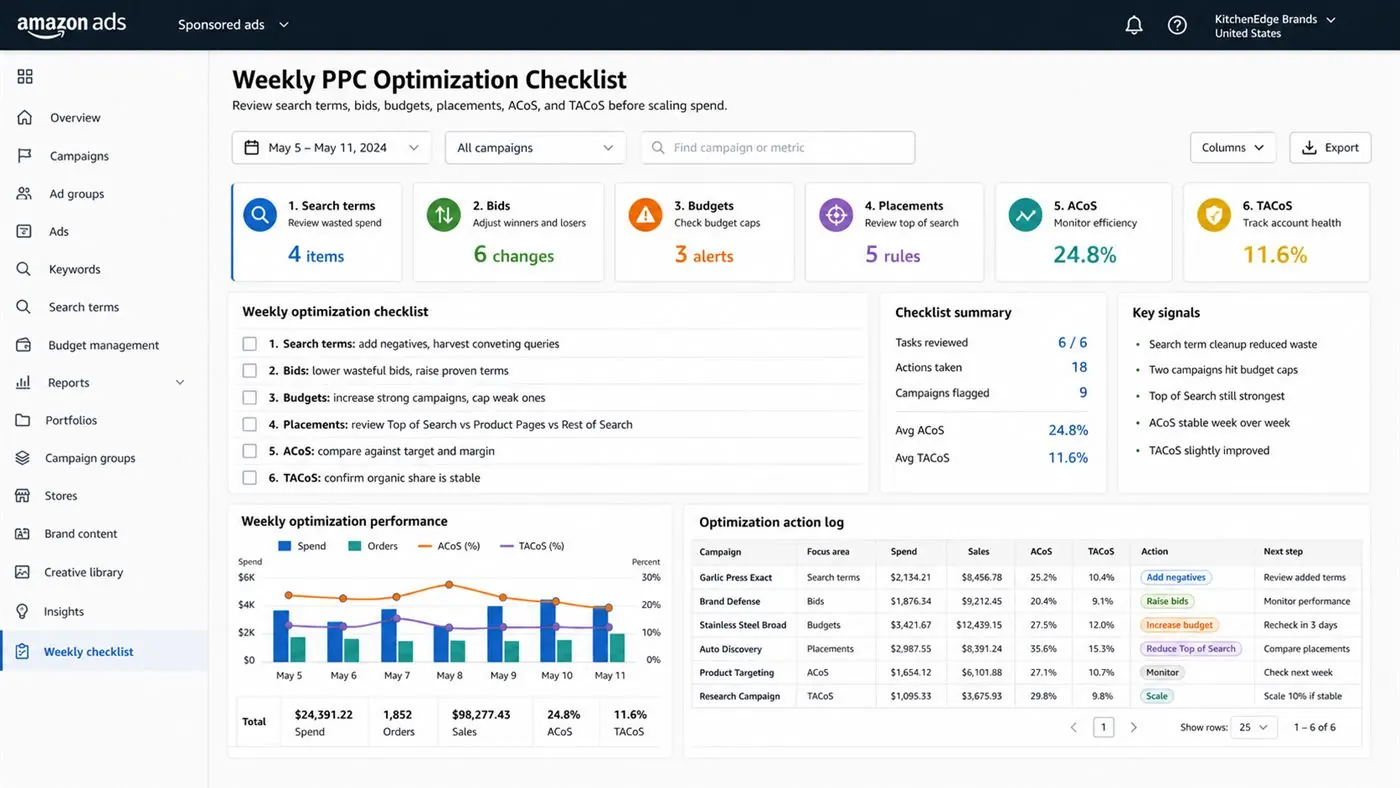
Amazon PPC Weekly Optimization Checklist: step-by-step method
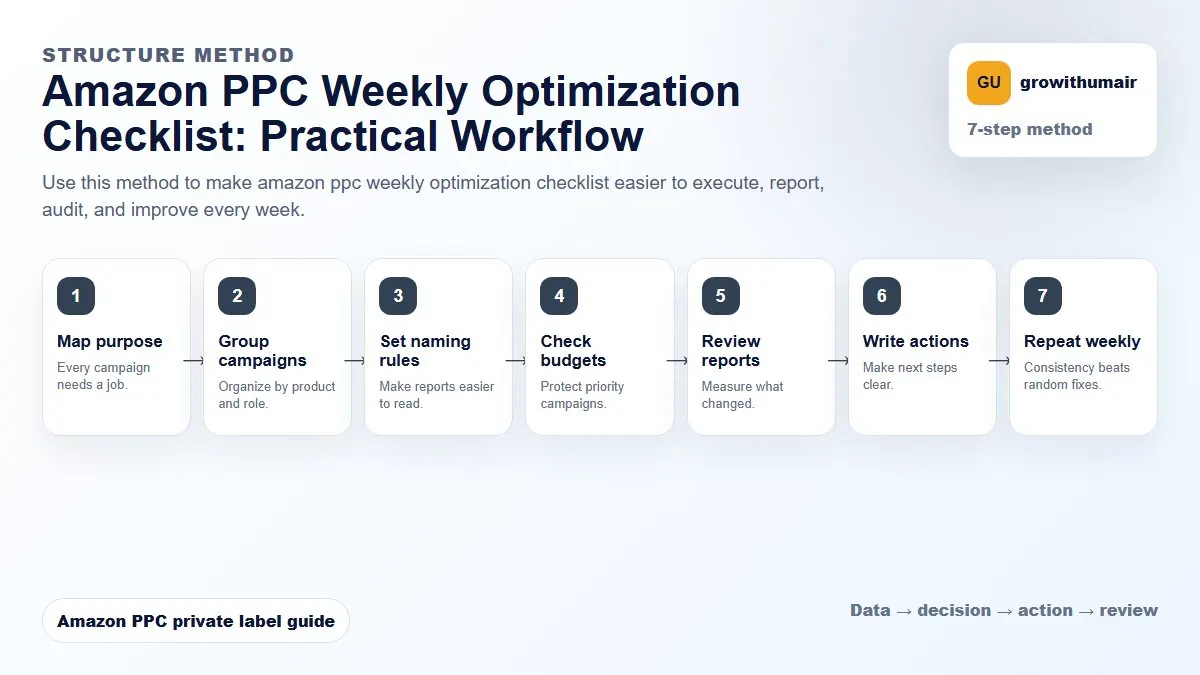
Use this method to make amazon ppc weekly optimization checklist easier to execute, report, audit, and improve every week. The aim is to move from raw Amazon Ads data to a written action list: what to protect, what to reduce, what to test, and what to review again.
- 1. Map purpose: Every campaign needs a job.
- 2. Group campaigns: Organize by product and role.
- 3. Set naming rules: Make reports easier to read.
- 4. Check budgets: Protect priority campaigns.
- 5. Review reports: Measure what changed.
- 6. Write actions: Make next steps clear.
- 7. Repeat weekly: Consistency beats random fixes.
How to choose the next action
Do not treat one metric as the whole answer. For every change, read the metric beside campaign purpose, search intent, listing readiness, rank movement, and profit. This prevents cutting useful traffic just because one report looks uncomfortable.
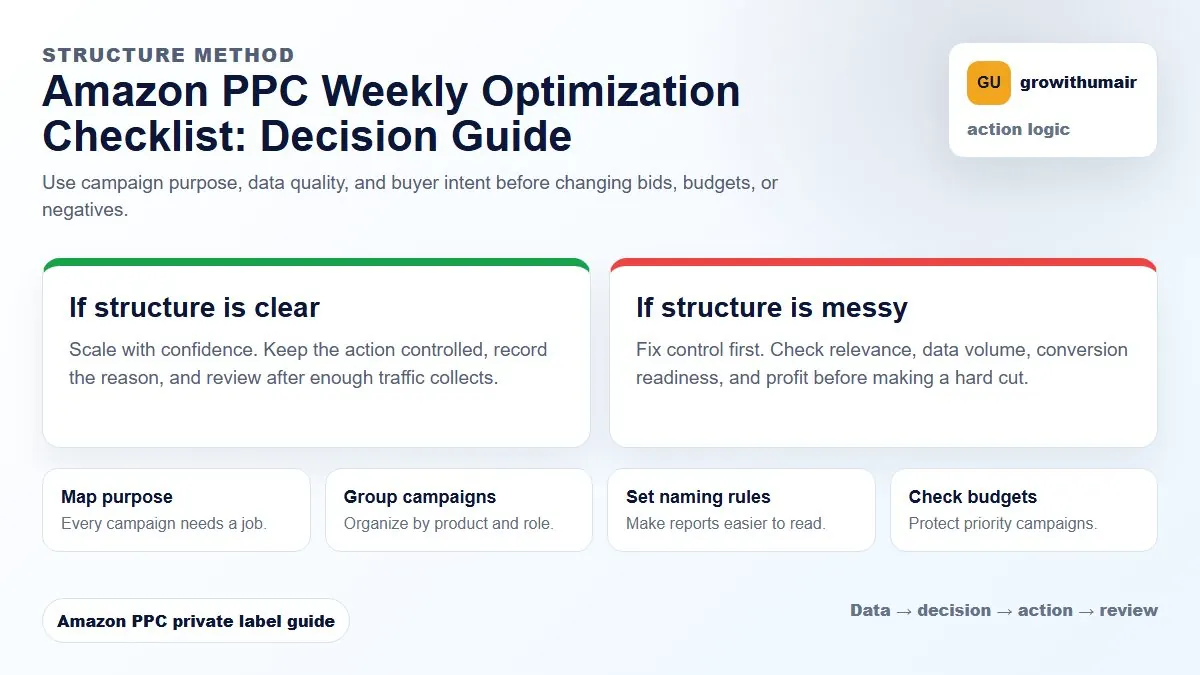
Review search terms first, then bids, budgets, placements, and ranking. Changing bids before understanding search terms often hides the real problem.
Step 1: Review the account overview
Start with total spend, total sales, ACoS, TACoS, organic sales share, and profit direction. This keeps optimization grounded in the account goal. A campaign can have high ACoS during launch and still be useful if TACoS is improving and rank is moving. A mature campaign with high ACoS and flat organic sales needs cleanup.
Step 2: Pull search term reports
Download the search term report for the last 7 to 30 days depending on spend. Sort by spend first. Identify waste, harvest winners, and group patterns. This is the foundation of weekly optimization because it shows real shopper language, not only keywords you added.
| Search term pattern | Action | Why |
|---|---|---|
| Orders at good ACoS | Harvest to exact | Control bid and budget |
| High spend, no orders, irrelevant | Add negative | Stop recurring waste |
| Relevant, clicks, no orders | Monitor or improve listing | May need more data or better conversion |
| Strong theme across rows | Group into campaign or negative phrase | Cleaner structure |
Step 3: Adjust bids with context
Bid changes should follow performance and purpose. Increase bids on exact winners with budget headroom. Reduce bids on terms with repeated spend and poor conversion. Do not cut every high ACoS keyword if the keyword is part of a launch or ranking push. Use the bid strategy guide for a deeper framework.
Step 4: Check budgets and out-of-budget campaigns
Campaigns that run out of budget early may lose visibility during high-converting hours. But increasing every capped budget is not the answer. First confirm whether the campaign is profitable or strategically useful. Move budget from poor research campaigns into exact winners, branded defense, or launch keywords with clear rank goals.
Step 5: Review placements
Check whether Top of Search, product pages, or rest of search is consuming spend without orders. Placement multipliers should be adjusted after reviewing search terms, not in isolation. Read the placement optimization guide if one placement keeps driving ACoS up.
Step 6: Connect PPC to listing and ranking
If relevant keywords get clicks but conversion is weak, inspect listing quality. Check the main image, title, price, coupon, reviews, and bullet clarity. PPC can bring traffic, but the listing must convert it. Also review rank movement for your priority keywords so you know whether ad spend is supporting organic visibility.
Weekly checklist
- Export search term report.
- Add negatives only when relevance and data justify it.
- Harvest profitable search terms into exact campaigns.
- Adjust bids based on campaign purpose.
- Move budget toward winners and strategic launches.
- Review placement performance.
- Check ACoS, TACoS, conversion, and rank together.
Send your current ad spend, marketplace, and one PPC export. I will turn it into a clear action list.
Book an audit