Amazon Product Relaunch Plan: step-by-step method
Use this method to connect amazon product relaunch plan with ranking goals, sales velocity, conversion readiness, and PPC budget control. The aim is to move from raw Amazon Ads data to a written action list: what to protect, what to reduce, what to test, and what to review again.
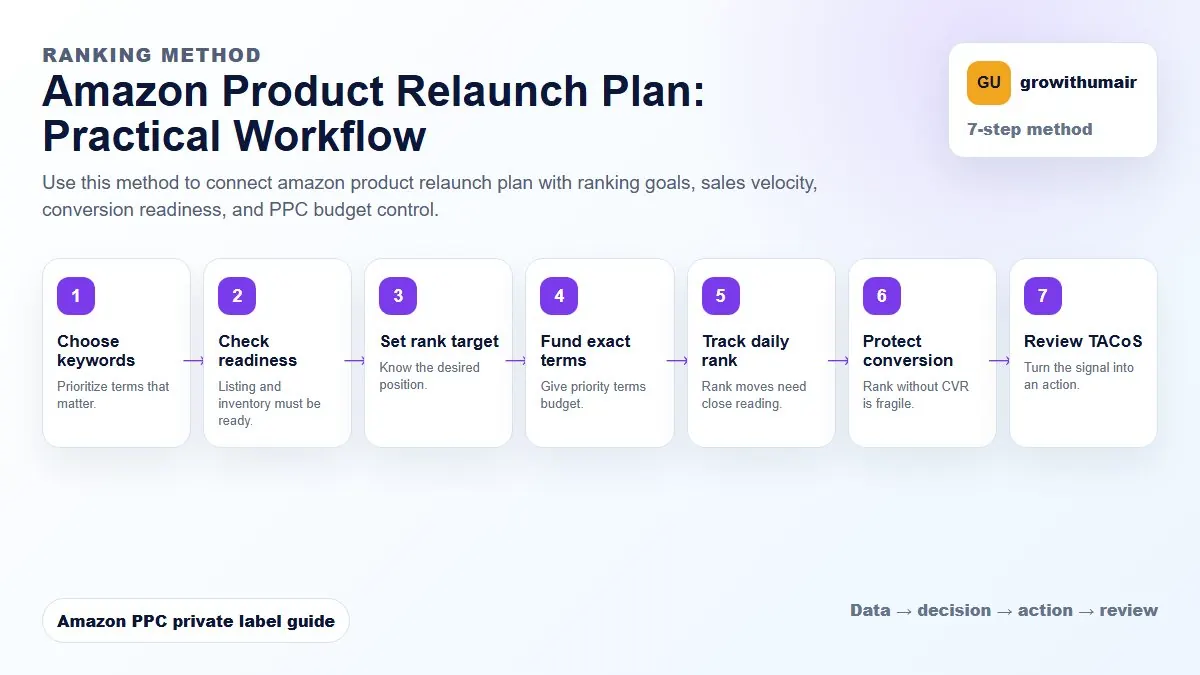
- 1. Choose keywords: Prioritize terms that matter.
- 2. Check readiness: Listing and inventory must be ready.
- 3. Set rank target: Know the desired position.
- 4. Fund exact terms: Give priority terms budget.
- 5. Track daily rank: Rank moves need close reading.
- 6. Protect conversion: Rank without CVR is fragile.
- 7. Review TACoS: Turn the signal into an action.
How to choose the next action
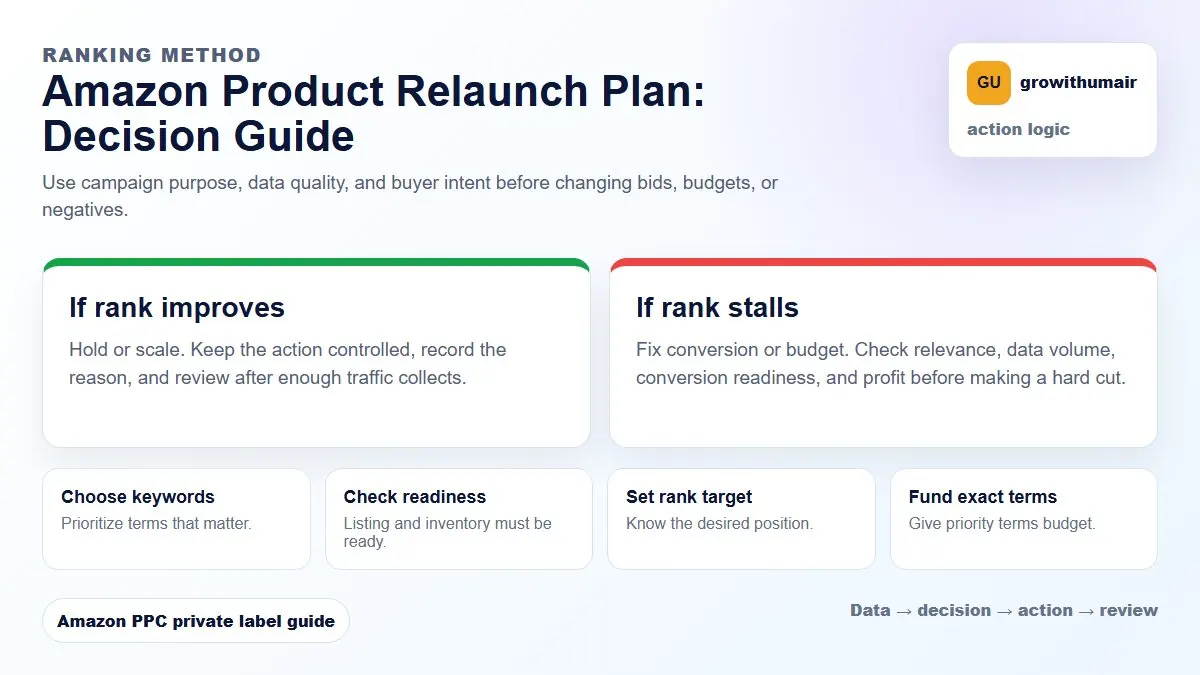
Do not treat one metric as the whole answer. For every change, read the metric beside campaign purpose, search intent, listing readiness, rank movement, and profit. This prevents cutting useful traffic just because one report looks uncomfortable.
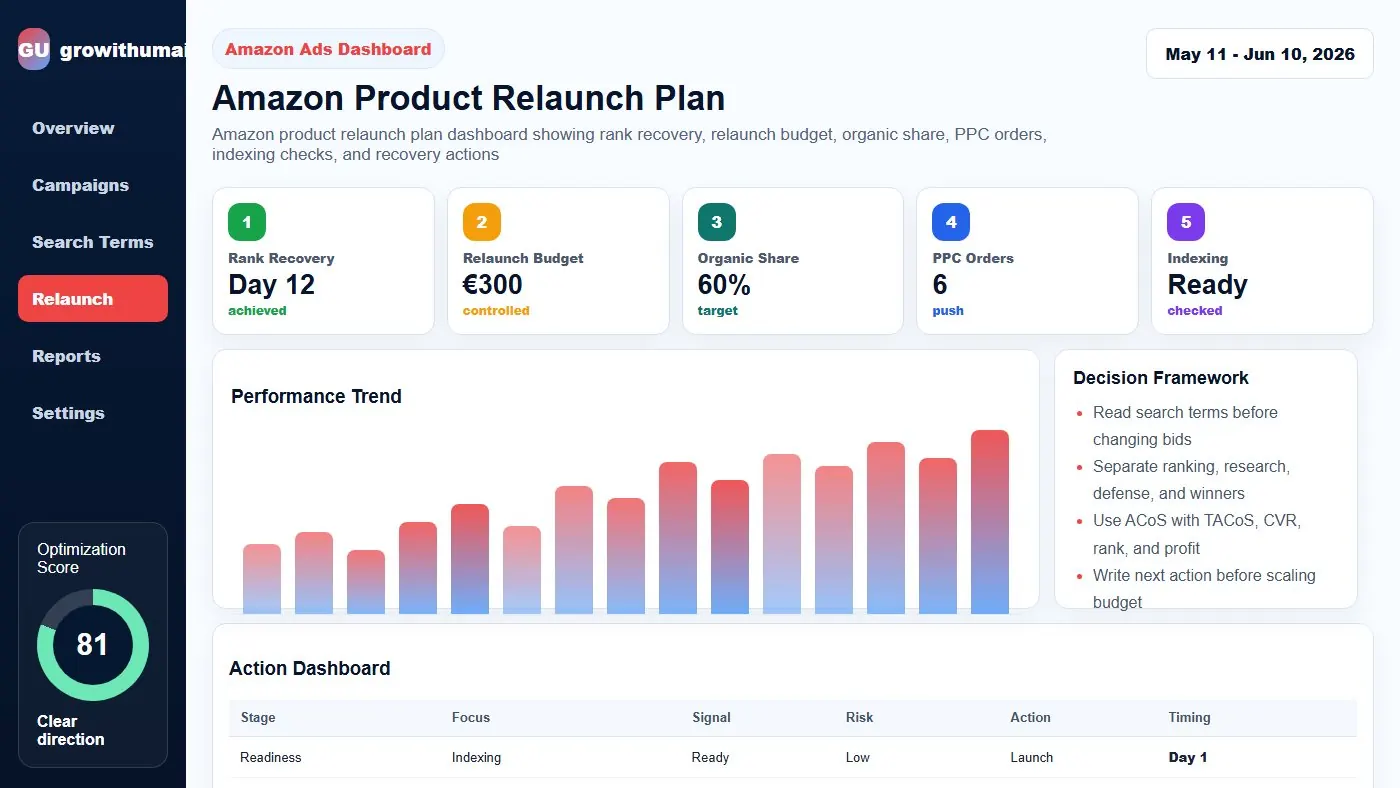
A relaunch needs readiness before traffic. Fix indexing, offer quality, price, inventory, and campaign structure first so the new traffic can actually convert.
Step 1: Diagnose why performance dropped
Ranking can fall because of suspension, listing changes, price movement, review issues, stockouts, weak conversion, competitor pressure, or PPC cuts. The relaunch plan should match the cause.
Step 2: Rebuild listing readiness
Check indexing, title, bullets, images, price, coupon, inventory, and offer quality before increasing traffic. A relaunch sends attention to the listing; the page must be ready to convert it.
Step 3: Map keywords by priority
Choose the keywords that matter for ranking and profit. Separate ranking keywords, conversion keywords, competitor targets, and research terms so budget has a purpose.
Step 4: Track daily rank movement
Daily sponsored and organic rank checks show whether spend is creating visibility or only buying temporary clicks. Relaunch decisions should be made with rank and sales velocity together.