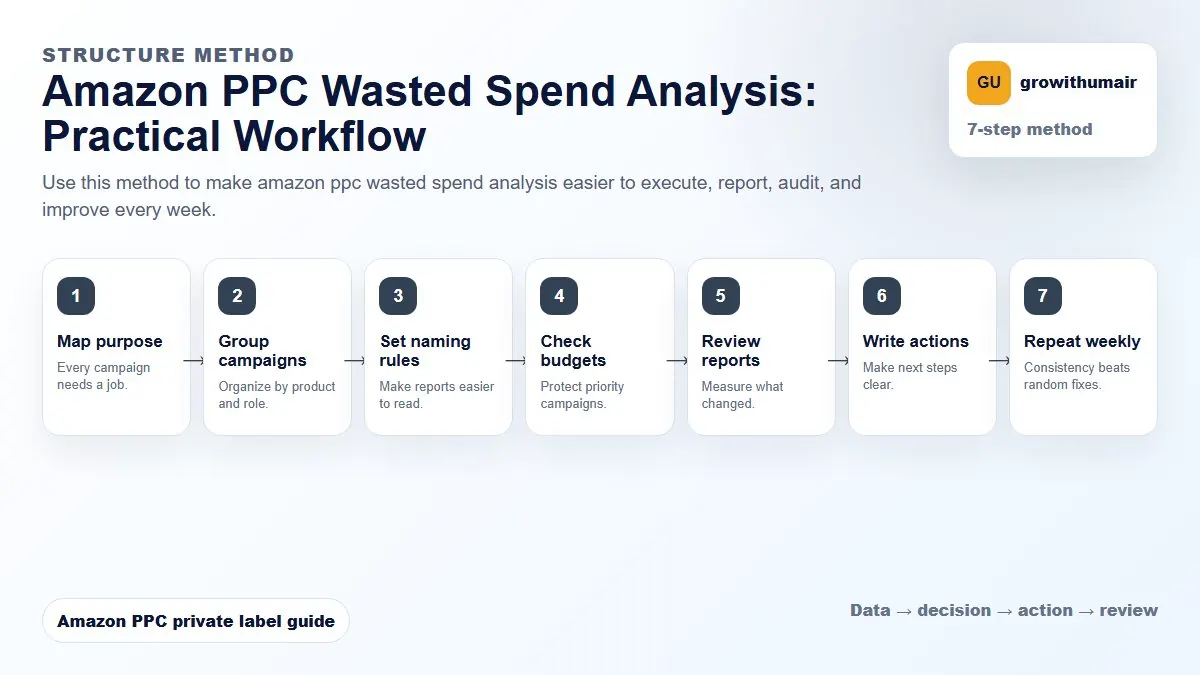
Amazon PPC Wasted Spend Analysis: step-by-step method
Use this method to make amazon ppc wasted spend analysis easier to execute, report, audit, and improve every week. The aim is to move from raw Amazon Ads data to a written action list: what to protect, what to reduce, what to test, and what to review again.
- 1. Map purpose: Every campaign needs a job.
- 2. Group campaigns: Organize by product and role.
- 3. Set naming rules: Make reports easier to read.
- 4. Check budgets: Protect priority campaigns.
- 5. Review reports: Measure what changed.
- 6. Write actions: Make next steps clear.
- 7. Repeat weekly: Consistency beats random fixes.
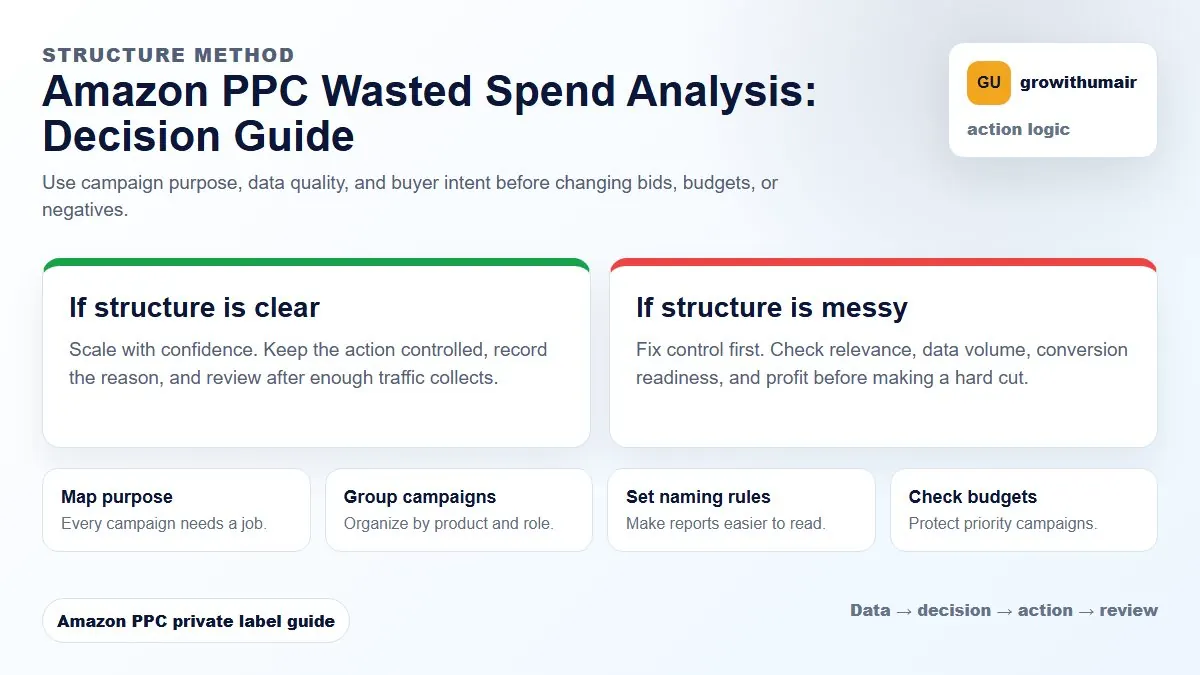
How to choose the next action
Do not treat one metric as the whole answer. For every change, read the metric beside campaign purpose, search intent, listing readiness, rank movement, and profit. This prevents cutting useful traffic just because one report looks uncomfortable.
If spend is rising but orders, conversion rate, and organic rank are flat, the account needs a wasted spend review before more budget is added.
Start with search terms, not campaigns
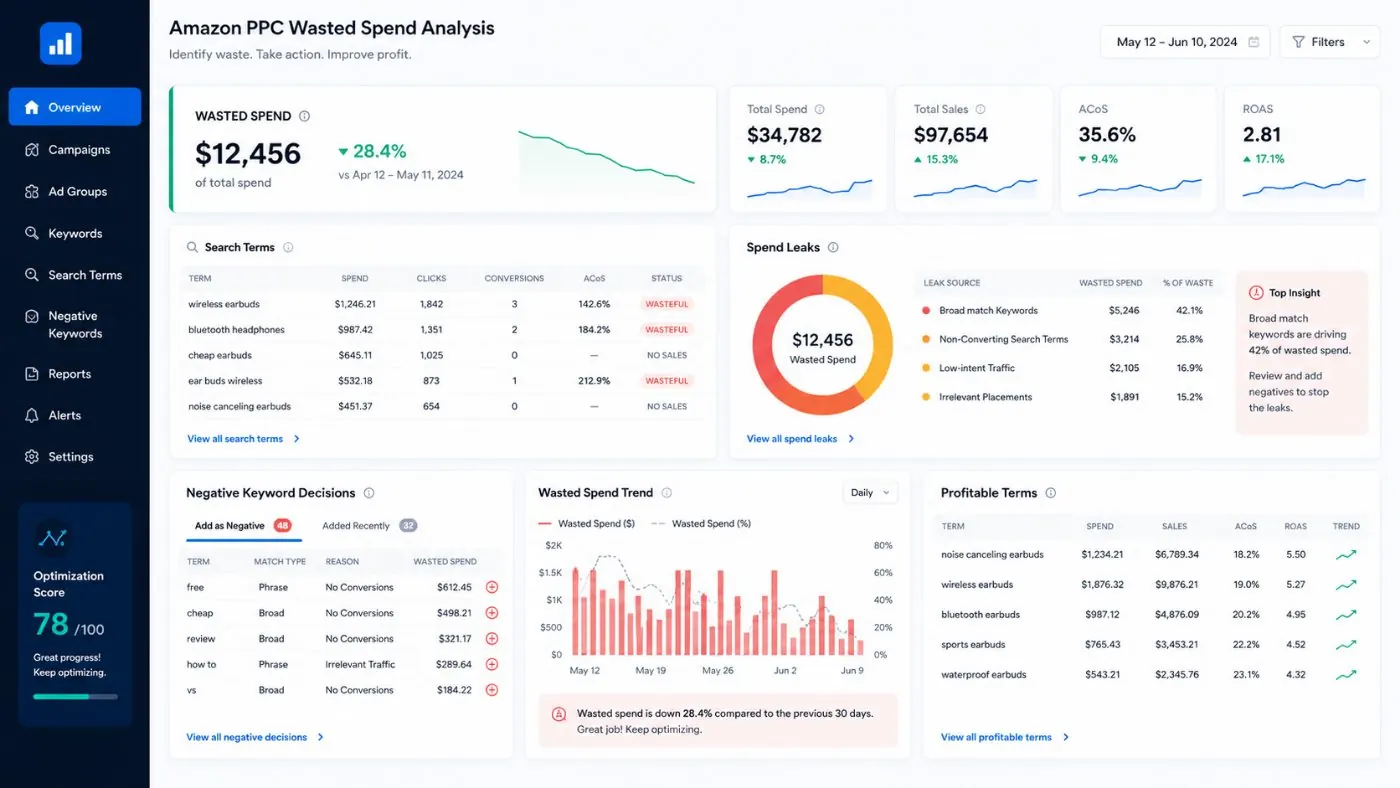
The campaign dashboard shows symptoms. The search term report shows the actual shopper language taking your money. Sort by spend and separate terms into four groups: profitable winners, relevant but not converting, irrelevant waste, and unclear terms that need more data.
A search term should not be negated only because it has high ACoS once. Check clicks, orders, relevance, ranking value, and whether the listing is ready to convert that term. A relevant launch keyword can look expensive before rank improves.
Find the main waste sources
| Waste source | What it looks like | Action |
|---|---|---|
| Irrelevant search terms | Spend on terms outside the buying intent | Add negative exact or phrase |
| Broad match overlap | Same query appears in multiple campaigns | Harvest winner and control it in exact |
| Weak placement | High spend on rest of search or product pages with low orders | Reduce placement exposure |
| Poor listing conversion | Relevant clicks but no orders | Fix title, image, price, coupon, reviews, bullets |
Do not cut blindly
The fastest way to lower ACoS is to reduce spend. The smarter way is to move spend from weak traffic into better traffic. If you cut every expensive term, you may reduce visibility on keywords that could drive ranking and future organic sales.
Use ACoS and TACoS together
ACoS tells you how ad sales behave. TACoS tells you whether total account health is improving. If ACoS is stable and TACoS is falling, PPC may be supporting organic growth. If both are rising while total sales are flat, waste is likely building.
Weekly wasted spend workflow
- Export the search term report for the last 7 to 30 days.
- Sort by spend and flag zero-order terms with enough clicks.
- Review relevance before adding negatives.
- Harvest converting search terms into exact campaigns.
- Check placement report for spend leaks.
- Review listing conversion before cutting relevant traffic.
- Move budget from weak research into exact winners and ranking priorities.
Send your search term report and campaign export. I will identify what to negate, what to harvest, and where budget should move first.
Book PPC audit