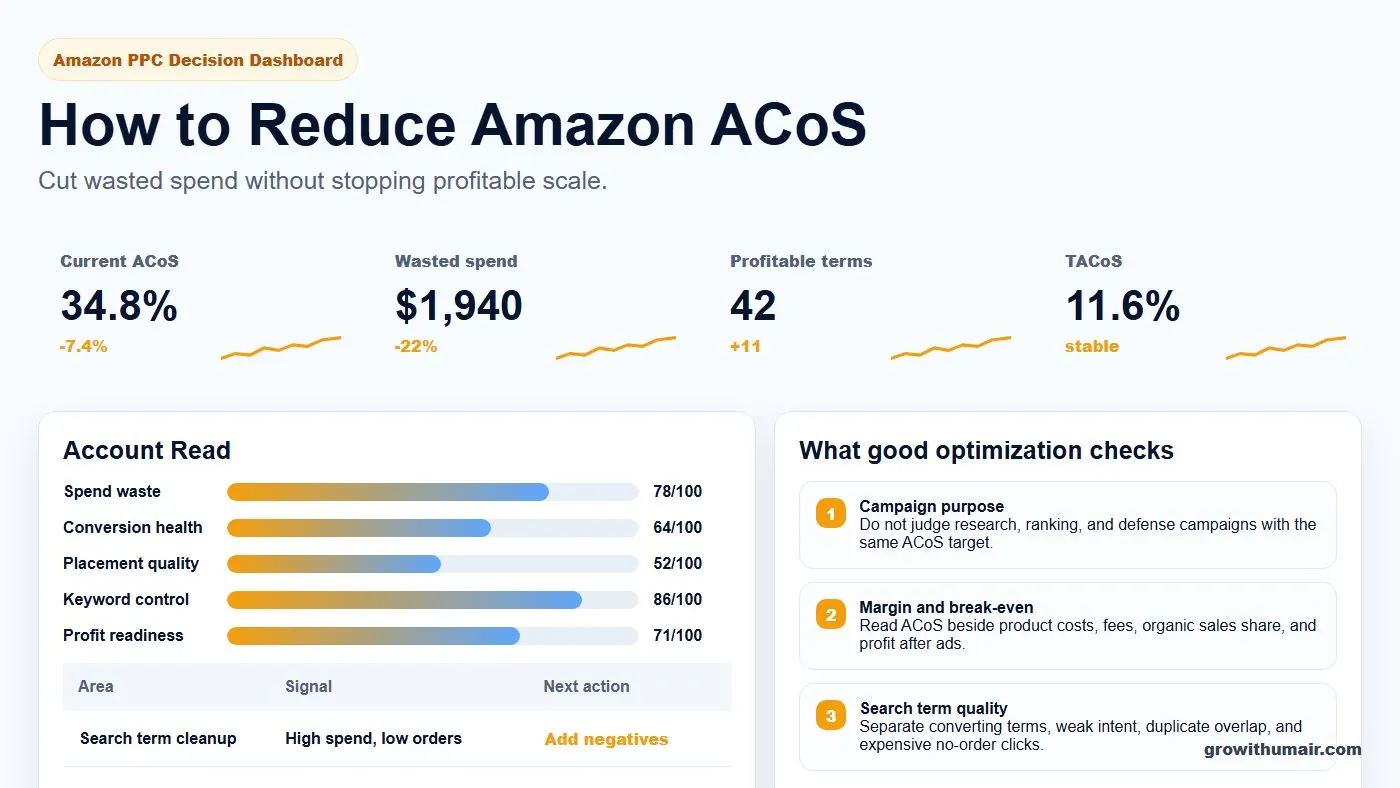
How to Reduce Amazon ACoS: step-by-step method
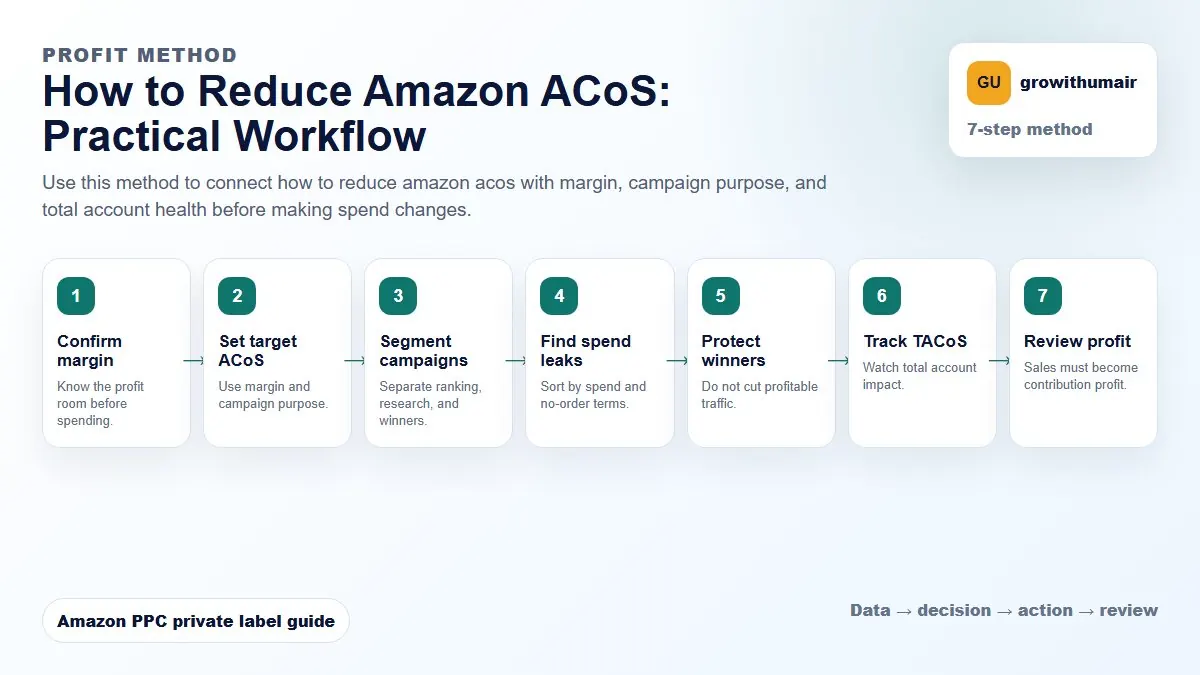
Use this method to connect how to reduce amazon acos with margin, campaign purpose, and total account health before making spend changes. The aim is to move from raw Amazon Ads data to a written action list: what to protect, what to reduce, what to test, and what to review again.
- 1. Confirm margin: Know the profit room before spending.
- 2. Set target ACoS: Use margin and campaign purpose.
- 3. Segment campaigns: Separate ranking, research, and winners.
- 4. Find spend leaks: Sort by spend and no-order terms.
- 5. Protect winners: Do not cut profitable traffic.
- 6. Track TACoS: Watch total account impact.
- 7. Review profit: Sales must become contribution profit.
How to choose the next action
Do not treat one metric as the whole answer. For every change, read the metric beside campaign purpose, search intent, listing readiness, rank movement, and profit. This prevents cutting useful traffic just because one report looks uncomfortable.
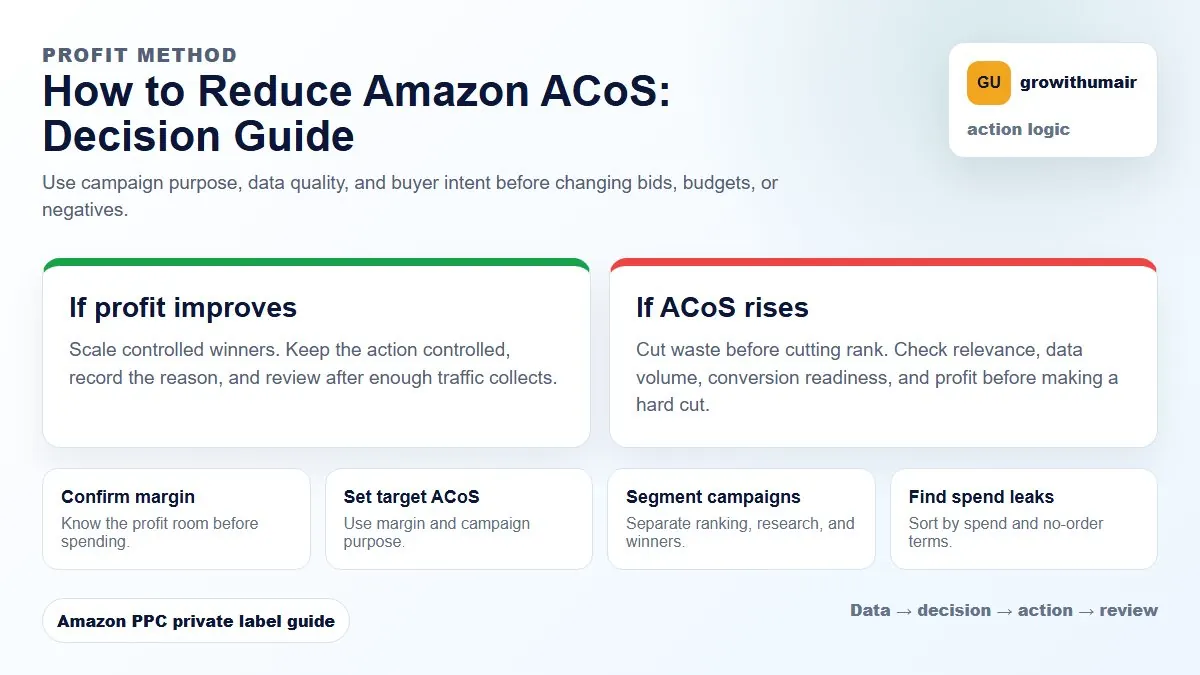
Reducing ACoS is not the same as improving profit. First remove waste, then protect campaigns that support ranking, conversion data, and organic sales growth.
Start with break-even ACoS
Before reducing spend, know the break-even number. A campaign at 35% ACoS can be fine for one product and dangerous for another depending on margin, price, refund rate, fees, and organic sales share.
Remove waste before reducing scale
Negative irrelevant terms, reduce bids on poor targets, isolate expensive placements, and separate research campaigns from exact match winners. This keeps useful traffic while removing low-quality spend.
Watch conversion rate
If conversion is weak, bid cuts are not enough. Review listing images, title, bullets, reviews, coupon, price, and competitor offers. PPC cannot permanently fix a product page that does not convert.
Use TACoS for context
ACoS shows ad efficiency. TACoS shows how ads affect total sales. If ACoS rises during a launch but TACoS and rank improve, the spend may be strategic rather than wasteful. For the full difference, read the TACoS vs ACoS guide.
Build a target before cutting bids
Use margin to calculate break-even ACoS, then decide your target by campaign purpose. The Amazon ACoS calculator guide explains the math, and the negative keyword guide shows how to cut waste without blocking useful traffic.
Step 1: find wasted spend in your Search Term Report
The fastest ACoS reduction usually comes from removing irrelevant search term spend. Download the Search Term Report, sort by spend, then review terms with meaningful clicks and zero orders. Do not judge only from one click. Look for patterns where the term is either clearly irrelevant or repeatedly failing to convert.
Example: if you sell a men's leather wallet and the term "women's purse" has 20 clicks and GBP 18 in spend, that term is not a bid problem. It is a negative keyword decision. Cutting every bid in the campaign would also reduce useful traffic, while adding a targeted negative protects the budget.
Step 2: separate campaigns by purpose
Mixing auto discovery, broad testing, exact scaling, product targeting, and brand defense inside the same budget makes ACoS hard to read. A research campaign is supposed to spend to find data. An exact winner campaign is supposed to protect profitable terms. If both are judged by the same target, you will either cut research too early or overfund weak traffic.
Step 3: check placement-level ACoS before touching bids
Average campaign ACoS can hide the real issue. Top of Search may be too expensive while Product Pages are profitable, or the opposite may be true. Review placement performance before applying a universal bid cut. If Top of Search is 60 percent ACoS and Product Pages are 18 percent, the fix is placement control, not panic bidding.
Step 4: check conversion before blaming PPC
High ACoS often comes from a listing that cannot convert the traffic it receives. Review main image, title relevance, price, reviews, coupon visibility, delivery promise, and competitor offer strength. If clicks are relevant but orders are weak, the PPC account may be exposing a listing problem rather than causing the problem.
Step 5: protect ranking keywords even when ACoS is high
Some keywords support organic rank and total sales. Cutting them blindly can reduce ad sales and organic visibility at the same time. Use TACoS, organic rank movement, and conversion rate to decide whether the high ACoS is strategic or wasteful.
How to reduce Amazon ACoS FAQ
How quickly can Amazon ACoS be reduced?
Removing proven wasted spend can show changes within 7 to 14 days. Structural fixes such as campaign separation, conversion work, and rank support usually need 30 to 60 days.
Will reducing ACoS hurt sales?
It can hurt sales if you simply cut bids on ranking keywords. A safer approach is to remove irrelevant spend first, then protect profitable and rank-supporting terms.
Should I lower bids or add negatives first?
Add negatives first when the search term is irrelevant or repeatedly spends without orders. Lower bids when the term is relevant but the CPC is too high for the conversion rate and margin.