Amazon PPC Negative Keywords Guide: step-by-step method
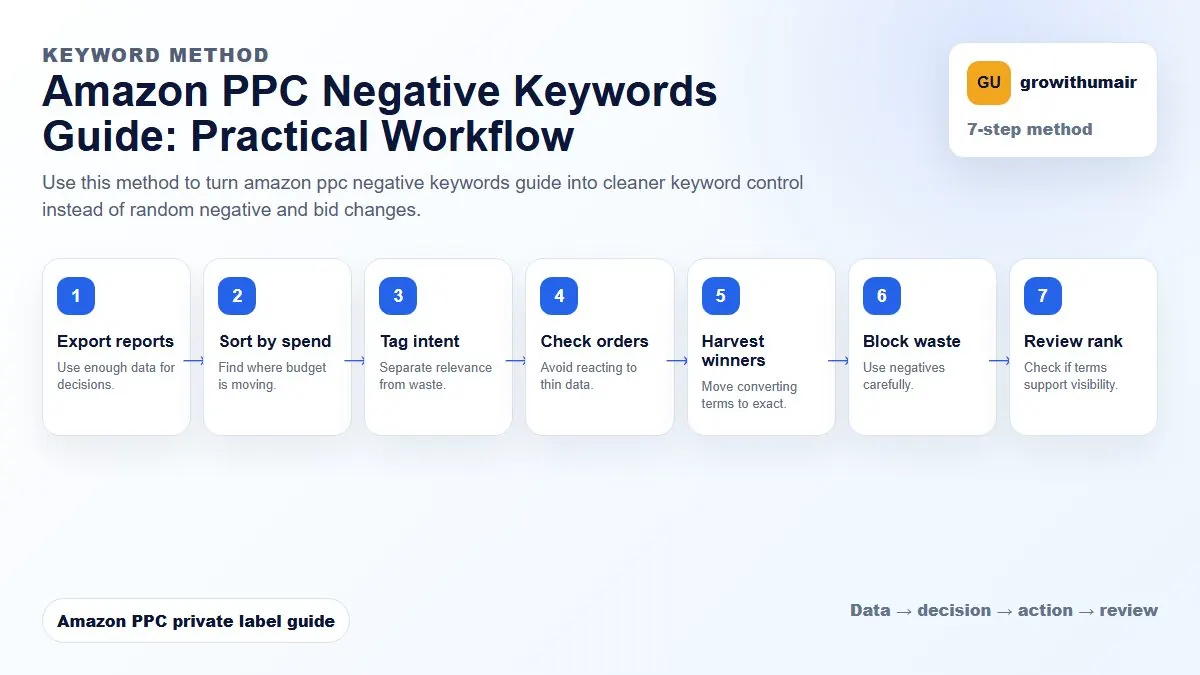
Use this method to turn amazon ppc negative keywords guide into cleaner keyword control instead of random negative and bid changes. The aim is to move from raw Amazon Ads data to a written action list: what to protect, what to reduce, what to test, and what to review again.
- 1. Export reports: Use enough data for decisions.
- 2. Sort by spend: Find where budget is moving.
- 3. Tag intent: Separate relevance from waste.
- 4. Check orders: Avoid reacting to thin data.
- 5. Harvest winners: Move converting terms to exact.
- 6. Block waste: Use negatives carefully.
- 7. Review rank: Check if terms support visibility.
How to choose the next action
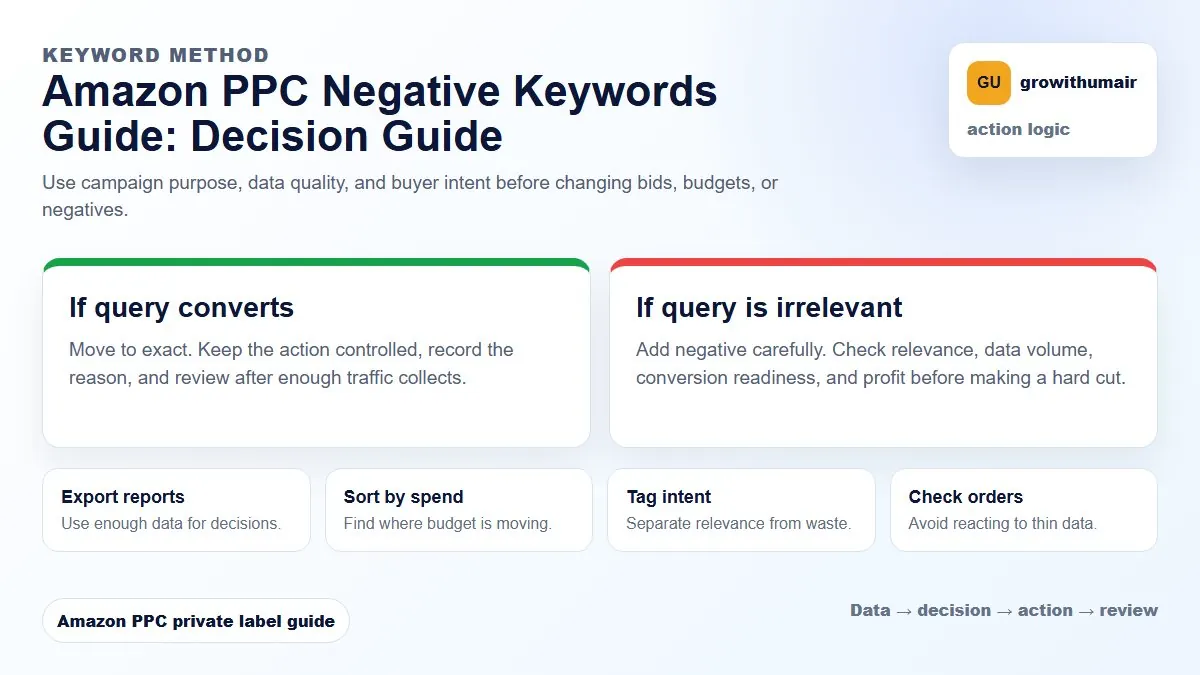
Do not treat one metric as the whole answer. For every change, read the metric beside campaign purpose, search intent, listing readiness, rank movement, and profit. This prevents cutting useful traffic just because one report looks uncomfortable.
Why negative keywords matter
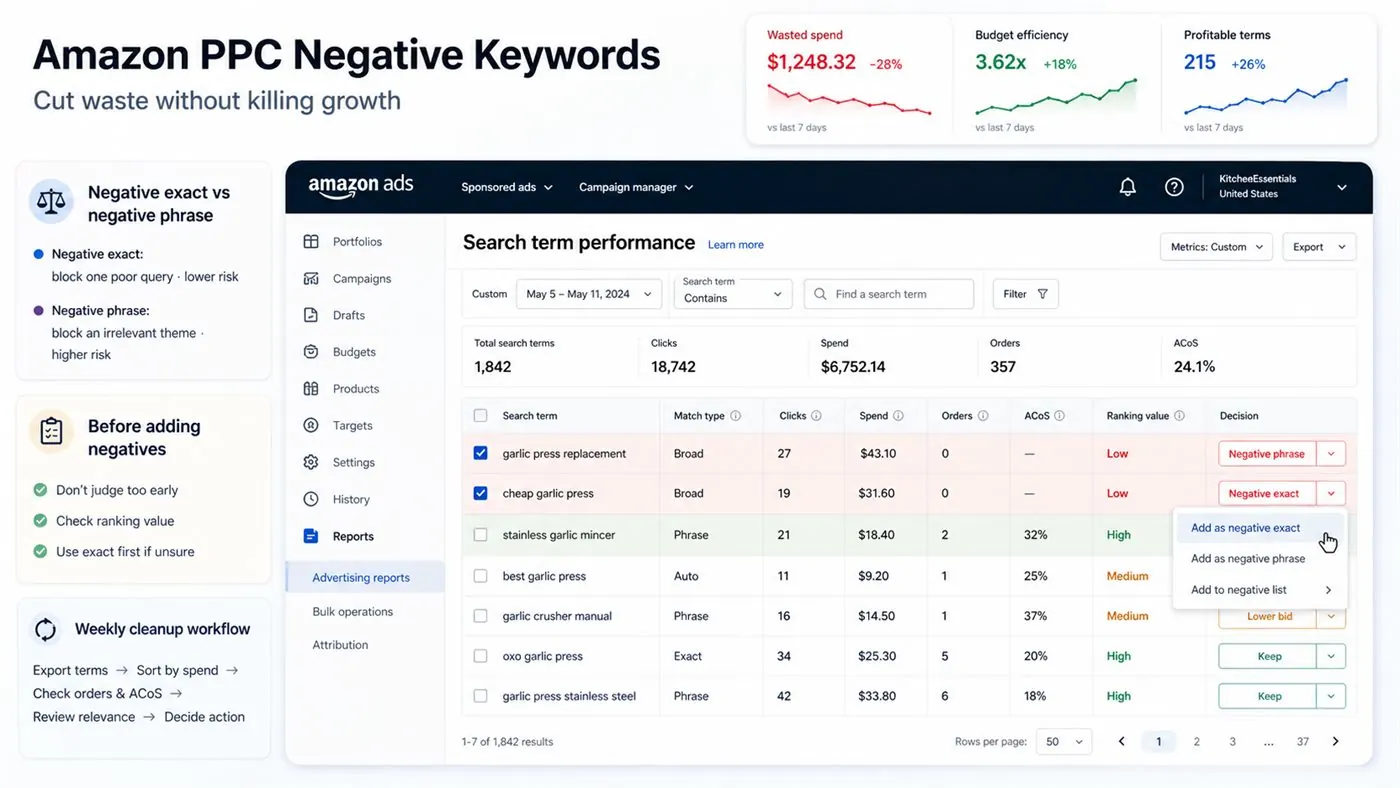
Amazon PPC can spend quickly on broad, auto, and phrase traffic. Some search terms are irrelevant, some are too expensive, and some attract shoppers with the wrong intent. Negative keywords help protect budget so profitable terms receive more room to perform.
Negative exact vs negative phrase
| Negative type | Use when | Risk |
|---|---|---|
| Negative exact | One specific query has poor results. | Low risk because only that exact query is blocked. |
| Negative phrase | A whole phrase theme is irrelevant. | Higher risk because it can block many future queries. |
Rules before adding negatives
- Do not judge a search term with too few clicks unless it is obviously irrelevant.
- Check if the query supports organic rank before blocking it.
- Use negative exact first when you are unsure.
- Do not block competitor terms automatically; some can convert if the product offer is strong.
If a search term spends repeatedly with no orders, weak CTR, and no ranking value, it belongs in the cleanup list. If it has orders but high ACoS, bid reduction may be better than a negative keyword.
Weekly search term cleanup workflow
Export search terms, sort by spend, check orders, calculate ACoS, review relevance, then decide: negative exact, negative phrase, lower bid, move to exact, or leave for more data. This is how negative keywords reduce ACoS without flattening useful traffic.