Amazon PPC Launch Budget Planning: step-by-step method
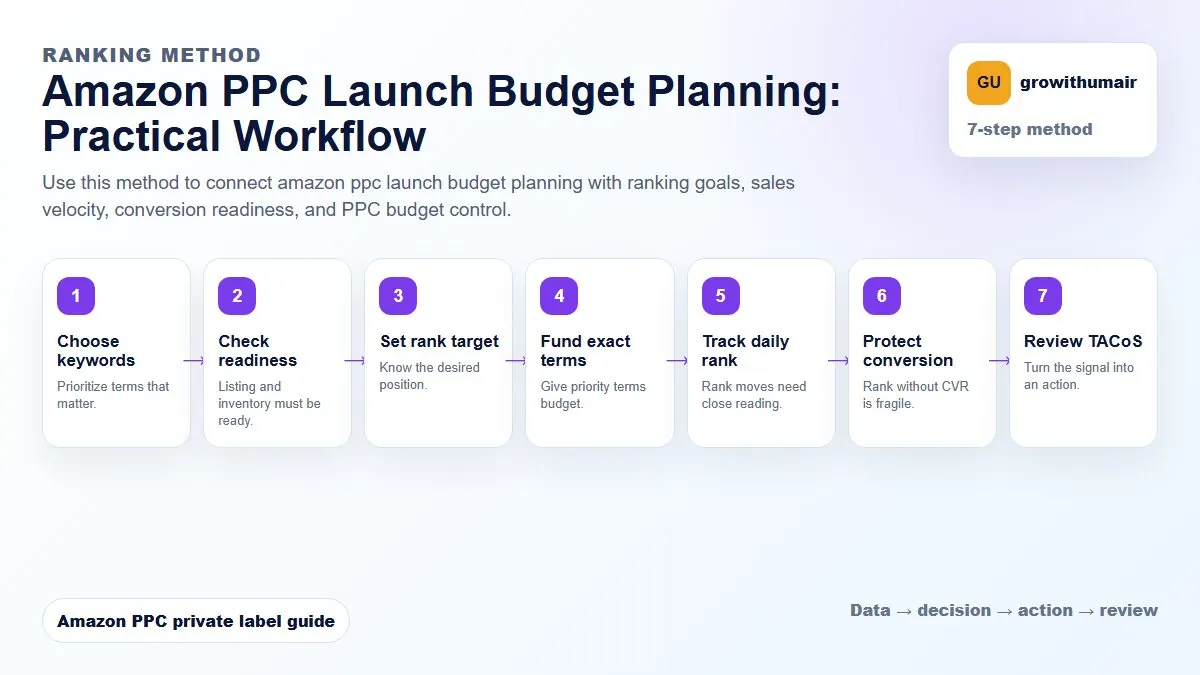
Use this method to connect amazon ppc launch budget planning with ranking goals, sales velocity, conversion readiness, and PPC budget control. The aim is to move from raw Amazon Ads data to a written action list: what to protect, what to reduce, what to test, and what to review again.
- 1. Choose keywords: Prioritize terms that matter.
- 2. Check readiness: Listing and inventory must be ready.
- 3. Set rank target: Know the desired position.
- 4. Fund exact terms: Give priority terms budget.
- 5. Track daily rank: Rank moves need close reading.
- 6. Protect conversion: Rank without CVR is fragile.
- 7. Review TACoS: Turn the signal into an action.
How to choose the next action
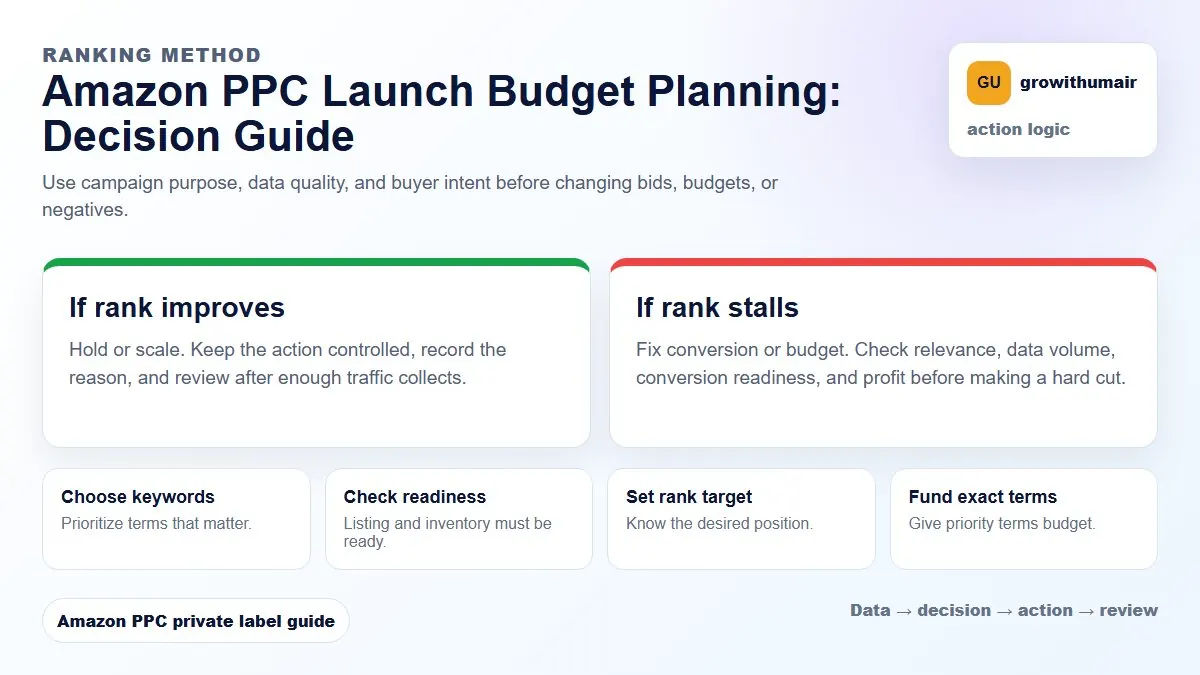
Do not treat one metric as the whole answer. For every change, read the metric beside campaign purpose, search intent, listing readiness, rank movement, and profit. This prevents cutting useful traffic just because one report looks uncomfortable.
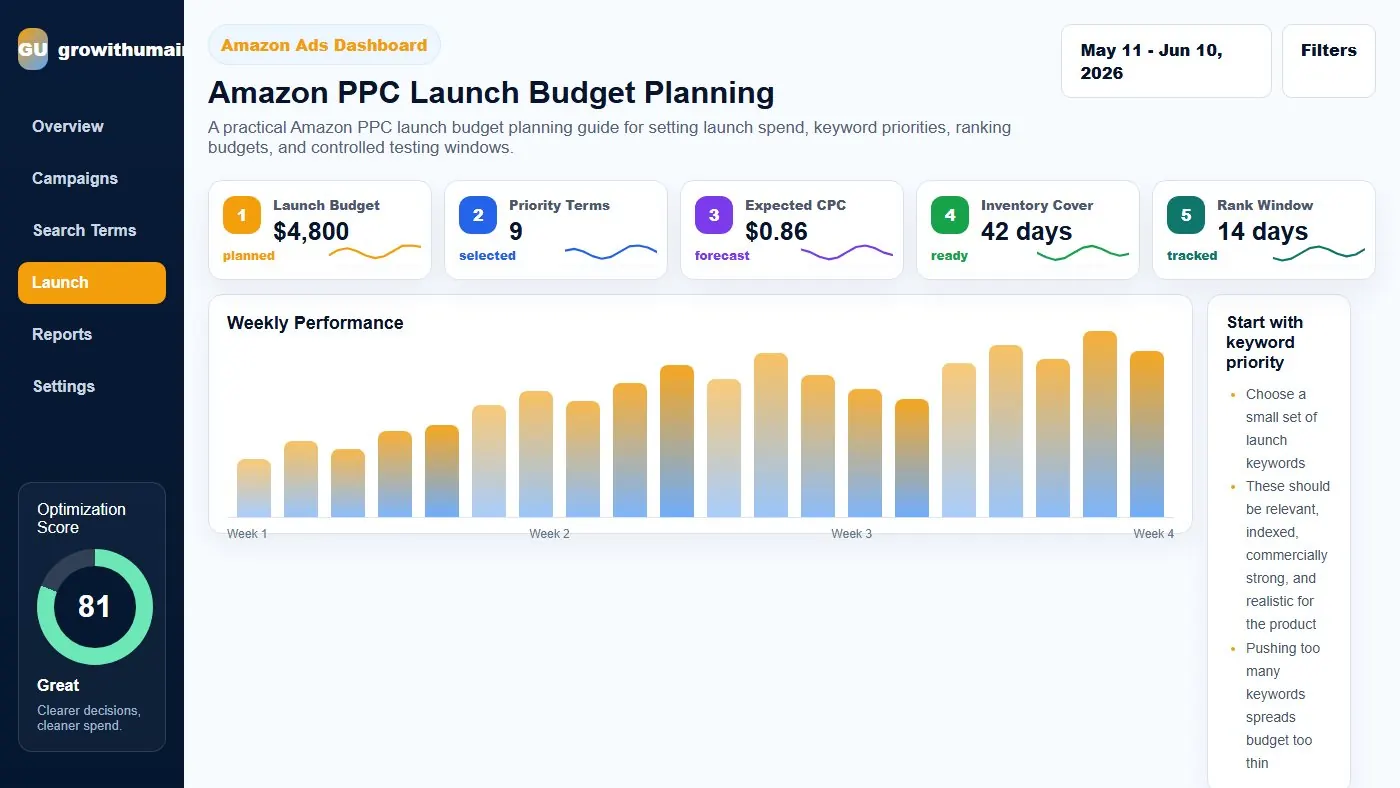
A practical Amazon PPC launch budget planning guide for setting launch spend, keyword priorities, ranking budgets, and controlled testing windows.
Start with keyword priority
Choose a small set of launch keywords. These should be relevant, indexed, commercially strong, and realistic for the product. Pushing too many keywords spreads budget too thin.
Group keywords into Tier 1, Tier 2, and testing terms.
Estimate clicks and conversion
If CPC is GBP 0.80 and you need 300 clicks across priority keywords, the click budget is around GBP 240 before considering additional discovery campaigns. Use expected conversion rate to estimate orders and sales velocity.
Protect inventory and pricing
Do not launch aggressively if inventory is too low or pricing is not stable. Running out of stock after a ranking push can damage momentum. Pricing changes during launch can also confuse conversion data.
Budget by campaign purpose
Exact ranking campaigns need consistent exposure. Auto and broad campaigns need controlled discovery budgets. Product targeting can test competitor and complementary placements. Brand defense may be small at first but should exist if branded search appears.
Launch review cadence
During launch, review daily. Track spend, orders, search terms, organic rank, sponsored rank, CVR, CTR, and stock. Weekly review is too slow during the first push.
Practical checklist
- Review the data by campaign purpose before making changes.
- Separate discovery, ranking, defense, and exact winner campaigns.
- Check search terms, placements, budgets, conversion rate, and rank movement together.
- Write the next action clearly so the account does not drift.
- Recheck results after enough clicks and orders have collected.
Decision table
| Budget area | Purpose | Review |
|---|---|---|
| Exact ranking | Push priority keywords | Daily |
| Auto discovery | Find new terms | Every 2-3 days |
| Broad/phrase | Test themes | Every 2-3 days |
| Product targeting | Competitor reach | Weekly |
| Brand defense | Protect brand queries | Weekly |
I can review the account, identify the first fixes, and turn the data into a clear PPC action plan.
Book PPC audit