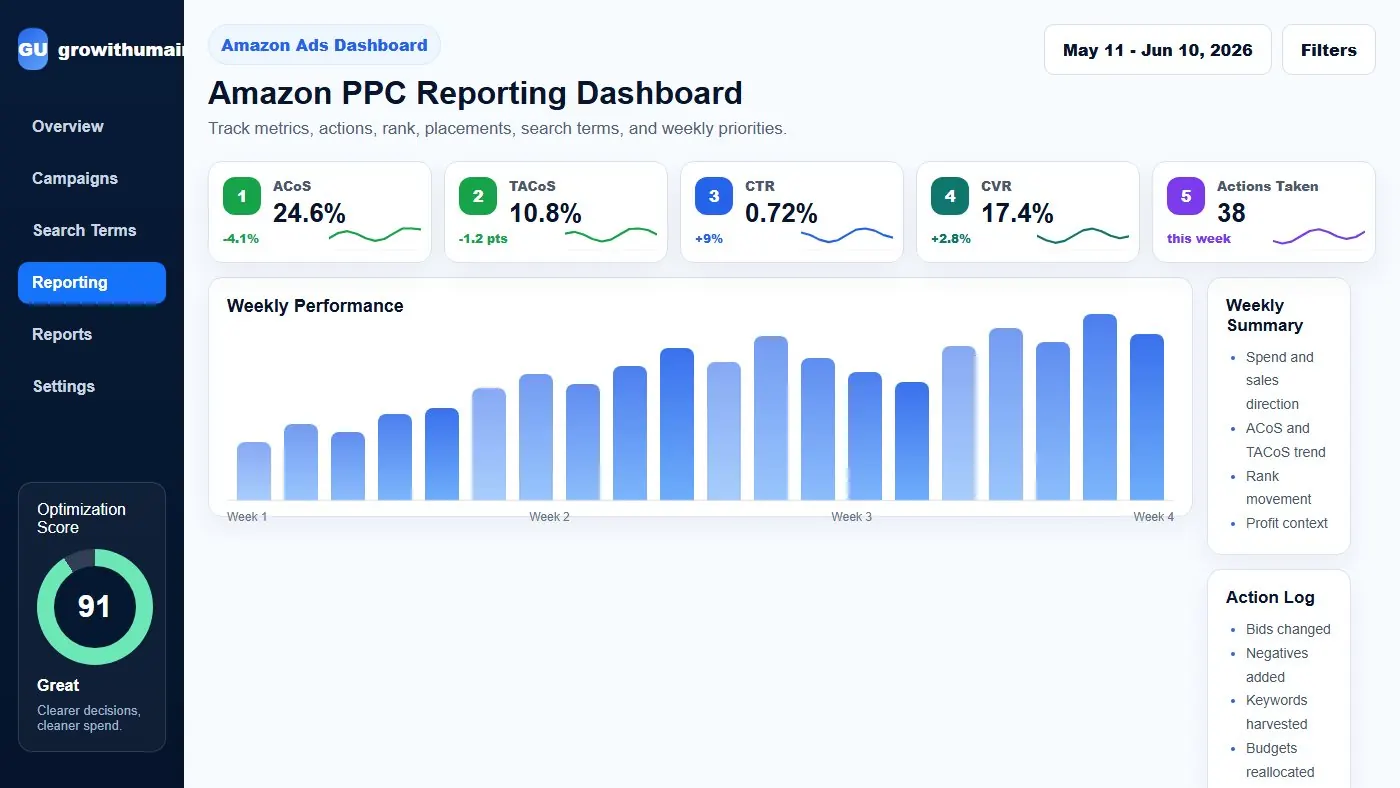
Amazon PPC Reporting Dashboard: step-by-step method
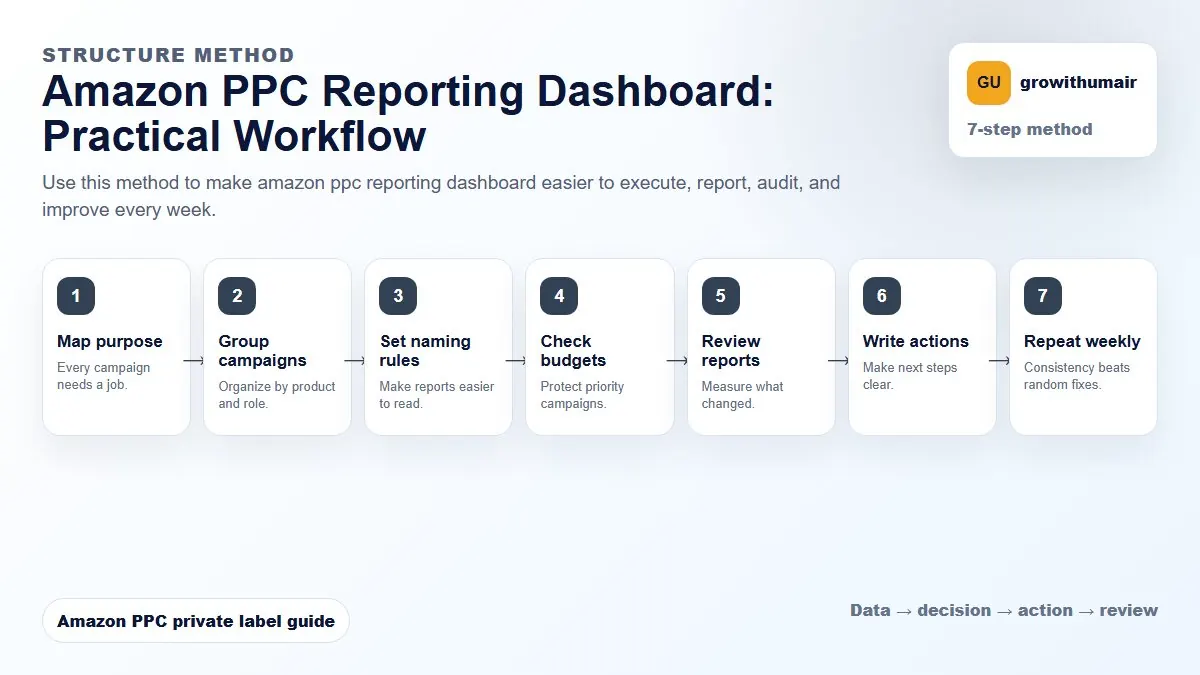
Use this method to make amazon ppc reporting dashboard easier to execute, report, audit, and improve every week. The aim is to move from raw Amazon Ads data to a written action list: what to protect, what to reduce, what to test, and what to review again.
- 1. Map purpose: Every campaign needs a job.
- 2. Group campaigns: Organize by product and role.
- 3. Set naming rules: Make reports easier to read.
- 4. Check budgets: Protect priority campaigns.
- 5. Review reports: Measure what changed.
- 6. Write actions: Make next steps clear.
- 7. Repeat weekly: Consistency beats random fixes.
How to choose the next action
Do not treat one metric as the whole answer. For every change, read the metric beside campaign purpose, search intent, listing readiness, rank movement, and profit. This prevents cutting useful traffic just because one report looks uncomfortable.
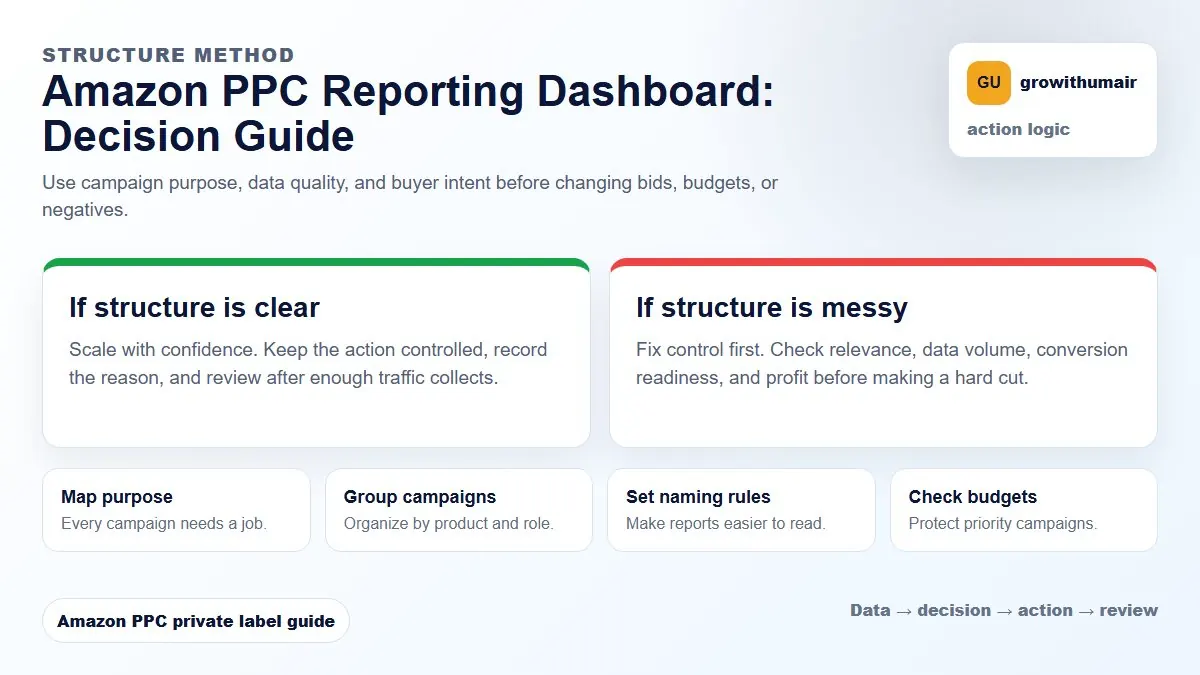
If a report does not lead to a decision, it is just a performance summary. A useful dashboard turns data into actions.
Start with account direction
Before reporting campaign details, show whether the account is moving in the right direction. Total sales, ad spend, ad sales, organic sales share, ACoS, TACoS, ROAS, conversion rate, and profit context should be read together.
Metrics every PPC dashboard should include
| Metric | Why it matters | Decision it supports |
|---|---|---|
| Spend | Shows where budget is going | Increase, cap, or redirect budget |
| ACoS | Shows ad efficiency | Adjust bids or cut waste |
| TACoS | Shows whole account dependency on ads | Judge organic growth impact |
| CTR | Shows ad relevance and listing appeal in search | Improve image, title, price, or targeting |
| CVR | Shows traffic quality and listing conversion | Fix listing or refine keywords |
| Rank | Shows visibility movement | Protect or reduce ranking spend |
Separate summary from action log
A summary shows what happened. An action log shows what was done. Include bid changes, negatives added, keywords harvested, budgets increased, placements adjusted, new campaigns launched, and anything paused or reduced.
This protects the account from random changes. When performance changes next week, you can connect the result to the actual work completed.
Report by campaign purpose
Do not group every campaign into one average. Brand defense, exact winners, ranking campaigns, research campaigns, auto campaigns, and product targeting campaigns have different targets. Reporting by purpose makes the account easier to manage.
Include search term and placement views
Most PPC waste is hidden inside search terms and placements. The dashboard should show top spend search terms, zero-order spend, profitable harvested terms, negative keyword candidates, and placement performance by Top of Search, Product Pages, and Rest of Search.
Weekly reporting workflow
- Review total sales, ad spend, ad sales, ACoS, TACoS, CTR, CVR, and profit context.
- Compare campaign performance by purpose.
- List actions taken during the week.
- Show search terms harvested and negatives added.
- Review placement performance and budget pacing.
- Track priority keyword rank movement.
- Write next week priorities in plain language.
The best PPC dashboard tells the seller what happened, what was changed, and what should happen next.
Improve PPC reporting