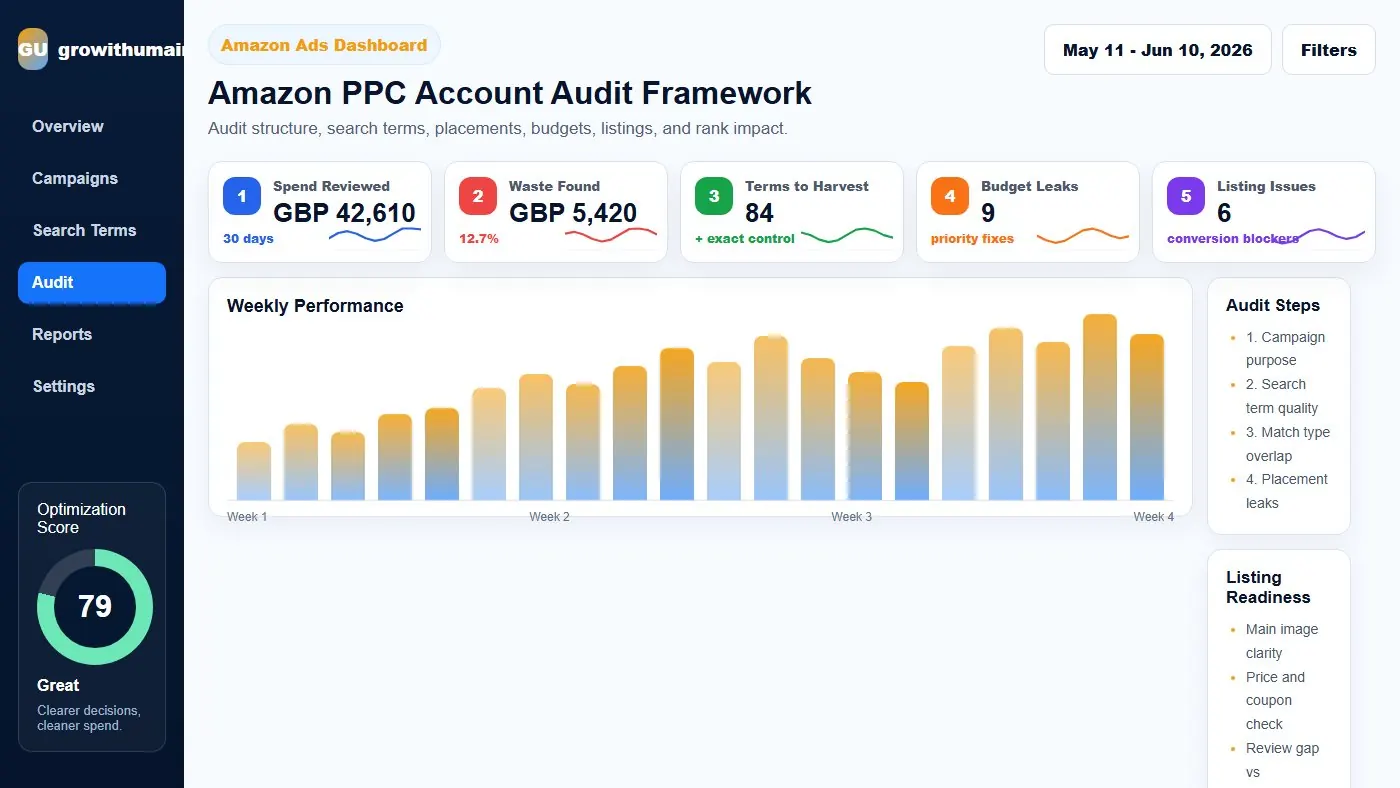
Amazon PPC Account Audit Framework: step-by-step method
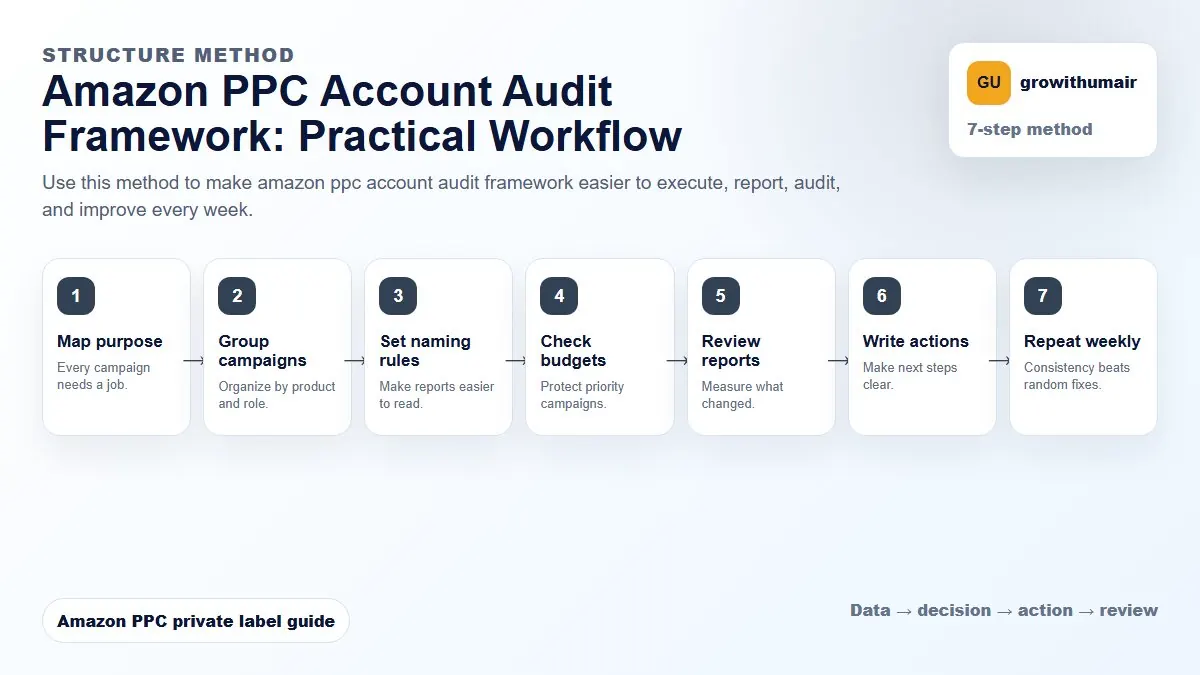
Use this method to make amazon ppc account audit framework easier to execute, report, audit, and improve every week. The aim is to move from raw Amazon Ads data to a written action list: what to protect, what to reduce, what to test, and what to review again.
- 1. Map purpose: Every campaign needs a job.
- 2. Group campaigns: Organize by product and role.
- 3. Set naming rules: Make reports easier to read.
- 4. Check budgets: Protect priority campaigns.
- 5. Review reports: Measure what changed.
- 6. Write actions: Make next steps clear.
- 7. Repeat weekly: Consistency beats random fixes.
How to choose the next action
Do not treat one metric as the whole answer. For every change, read the metric beside campaign purpose, search intent, listing readiness, rank movement, and profit. This prevents cutting useful traffic just because one report looks uncomfortable.
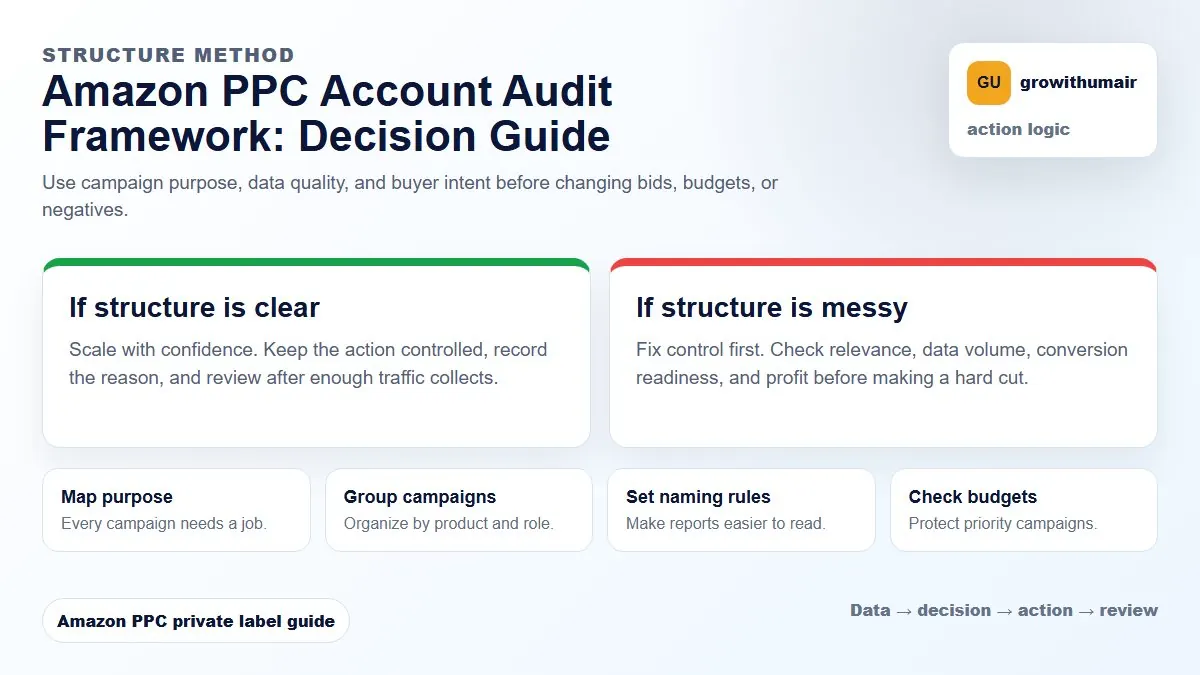
The goal is not only to lower spend. The goal is to know where profit is lost, where rank is being supported, and where the account needs a better structure.
1. Map campaign purpose first
Every campaign should have a job. Auto discovery, broad research, phrase refinement, exact scaling, product targeting, brand defense, and launch campaigns should not be judged by one blended ACoS target.
If campaign purpose is unclear, decisions become reactive. You lower bids because ACoS looks high, but the campaign may be collecting search terms or supporting rank. You increase budgets because orders look good, but the traffic may be branded and already easy to win.
2. Review search term quality
Sort search terms by spend, orders, ACoS, and relevance. Do not only look at zero-order terms. A converting term can still be a poor fit if it does not match the product positioning or if it attracts buyers who return the product later.
| Search term type | Audit decision | Common action |
|---|---|---|
| Profitable and relevant | Protect and scale | Move to exact, monitor rank |
| Relevant but expensive | Check listing and rank value | Adjust bid or improve conversion |
| Irrelevant with spend | Block waste | Add negative exact or phrase |
| Low data | Do not overreact | Let it collect enough clicks |
3. Check structure and overlap
Search term overlap happens when auto, broad, phrase, and exact campaigns all compete for the same query. This can hide where performance is coming from and make bid control harder.
A strong structure promotes winners into exact, keeps research campaigns controlled, and uses negatives to prevent the same traffic from spreading everywhere.
4. Audit bids, placements, and budgets together
A bid change without placement context can be misleading. A campaign may look expensive because Top of Search is too aggressive, Product Pages are weak, or Rest of Search is consuming spend without orders. Budget should also match purpose. Ranking and exact winner campaigns should not run out early if they are driving profitable visibility.
5. Check listing readiness
If PPC brings relevant traffic but the listing cannot convert, the account will keep blaming bids. Audit main image, title clarity, price, coupon, reviews, delivery promise, bullets, A+ content, and keyword relevance before cutting useful traffic.
Audit output should be a priority list
- What to stop immediately.
- What to protect because it drives profitable orders or rank.
- What to test with controlled budget.
- What listing issues must be fixed before more spend.
- What campaign structure should be rebuilt for cleaner management.
I review PPC structure, search terms, placements, budgets, listing readiness, and ranking context so the next actions are obvious.
Request PPC audit