Amazon Brand Analytics Guide for PPC and Ranking: step-by-step method
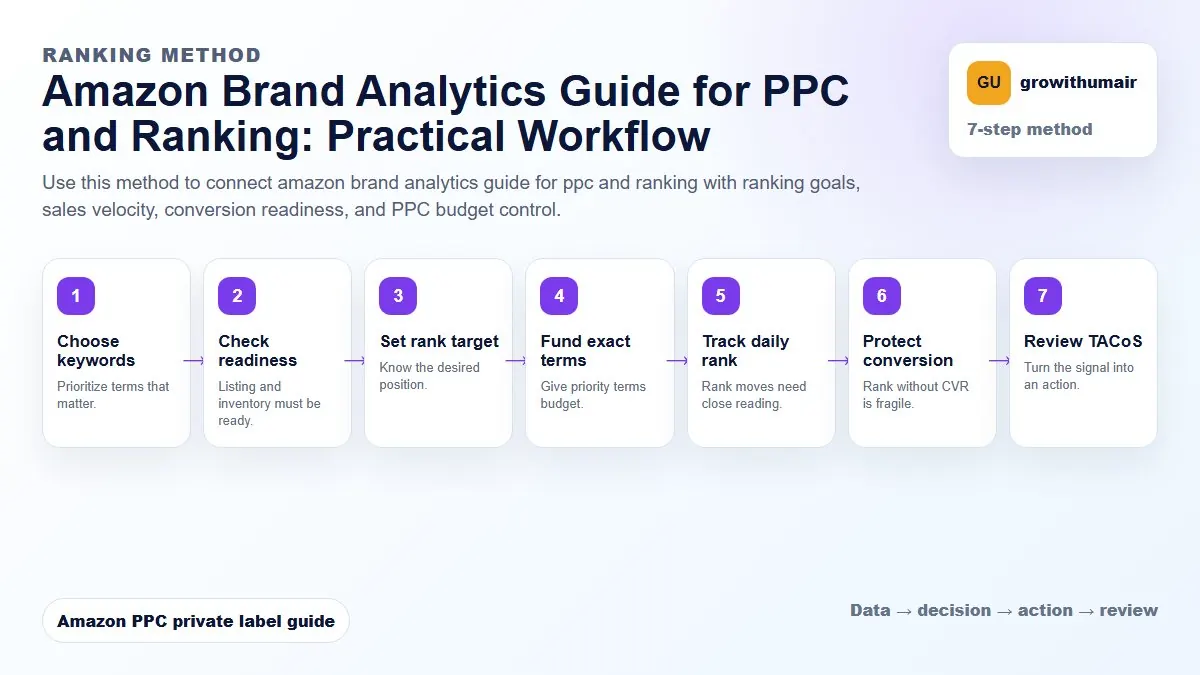
Use this method to connect amazon brand analytics guide for ppc and ranking with ranking goals, sales velocity, conversion readiness, and PPC budget control. The aim is to move from raw Amazon Ads data to a written action list: what to protect, what to reduce, what to test, and what to review again.
- 1. Choose keywords: Prioritize terms that matter.
- 2. Check readiness: Listing and inventory must be ready.
- 3. Set rank target: Know the desired position.
- 4. Fund exact terms: Give priority terms budget.
- 5. Track daily rank: Rank moves need close reading.
- 6. Protect conversion: Rank without CVR is fragile.
- 7. Review TACoS: Turn the signal into an action.
How to choose the next action
Do not treat one metric as the whole answer. For every change, read the metric beside campaign purpose, search intent, listing readiness, rank movement, and profit. This prevents cutting useful traffic just because one report looks uncomfortable.
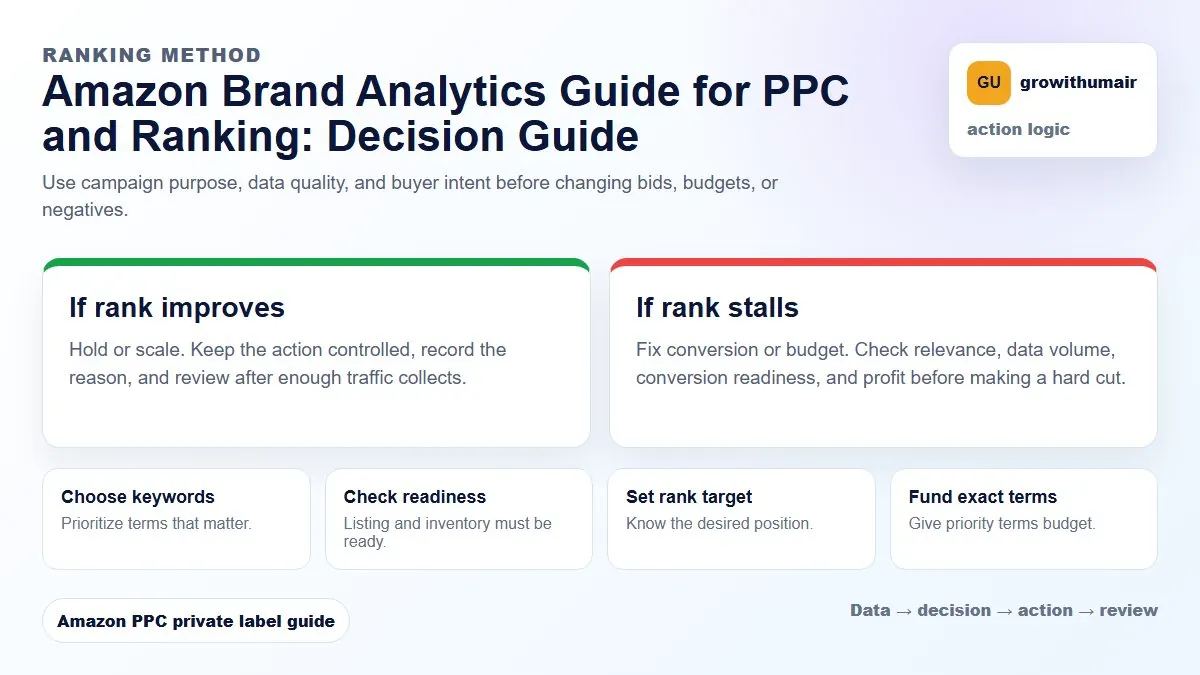
Use Brand Analytics to choose keyword priorities, understand search demand, compare market share, and decide which PPC terms deserve stronger bids or listing improvements.
What Brand Analytics adds to PPC
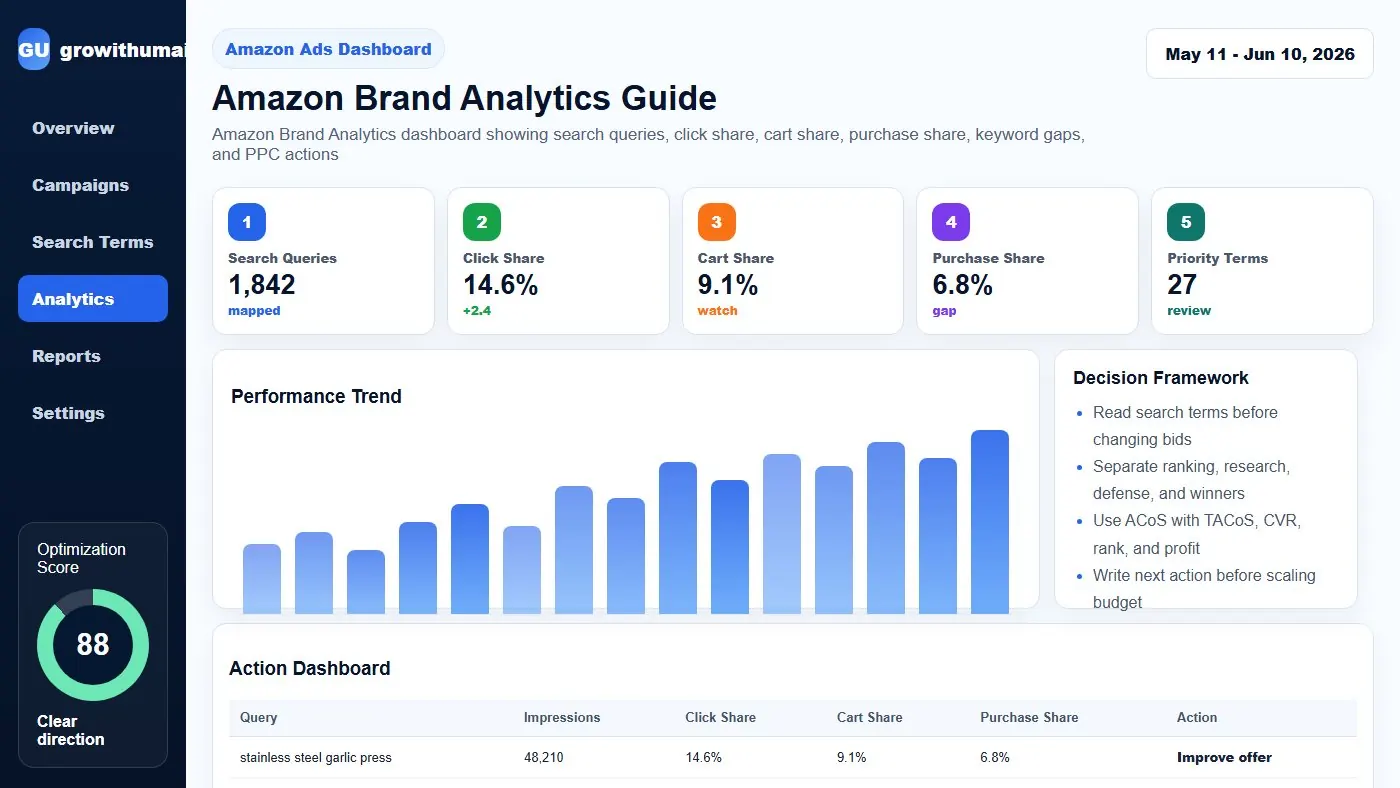
PPC search term reports show the queries that triggered your ads. Brand Analytics can show broader query-level behavior such as impressions, clicks, cart adds, purchases, click share, and purchase share. That extra context helps you decide whether a keyword is worth fighting for.
If a term has high search volume but your click share is low, you may need better placement, stronger main image, or improved price competitiveness. If click share is healthy but purchase share is low, conversion is the bottleneck.
Key metrics to understand
| Metric | Meaning | Decision |
|---|---|---|
| Query impressions | How often shoppers see results for a query | Keyword demand and priority |
| Click share | Your share of clicks for that query | CTR, image, title, price, visibility |
| Purchase share | Your share of purchases for that query | Conversion and offer strength |
| Cart add share | How often shoppers add after viewing | Intent and listing trust |
How to combine SQP with PPC search terms
Start by exporting your best and worst PPC search terms. Then compare them against Search Query Performance. A keyword that spends heavily in PPC but has low purchase share may need conversion work. A keyword with strong purchase share but low PPC exposure may deserve a dedicated exact campaign.
This is where Search Query Performance becomes powerful. It helps you see whether a paid keyword is only producing ads data or whether it is connected to total market behavior.
Keyword priority framework
Put keywords into four groups. First, defend keywords where your purchase share is already strong. Second, scale keywords where purchase share is good but impression or click share is low. Third, improve keywords where click share is good but purchase share is weak. Fourth, ignore or pause keywords where demand is low and PPC spend is unprofitable.
This prevents the common mistake of chasing every keyword. Amazon ranking work needs focus. You cannot scale all search terms at once, especially with limited budget.
Common mistakes
- Reading Brand Analytics without checking PPC cost.
- Scaling high-volume keywords before the listing can convert.
- Ignoring purchase share and only focusing on clicks.
- Mixing branded and non-branded queries in the same analysis.
- Using one week of data for major decisions in a low-volume niche.
Brand Analytics should support your keyword research, bid strategy, and rank tracking. It is not a replacement for campaign cleanup. It is the market lens that makes PPC decisions smarter.
Send your SQP export and PPC search term report. I can map the keywords into defend, scale, improve, and ignore groups.
Book an audit