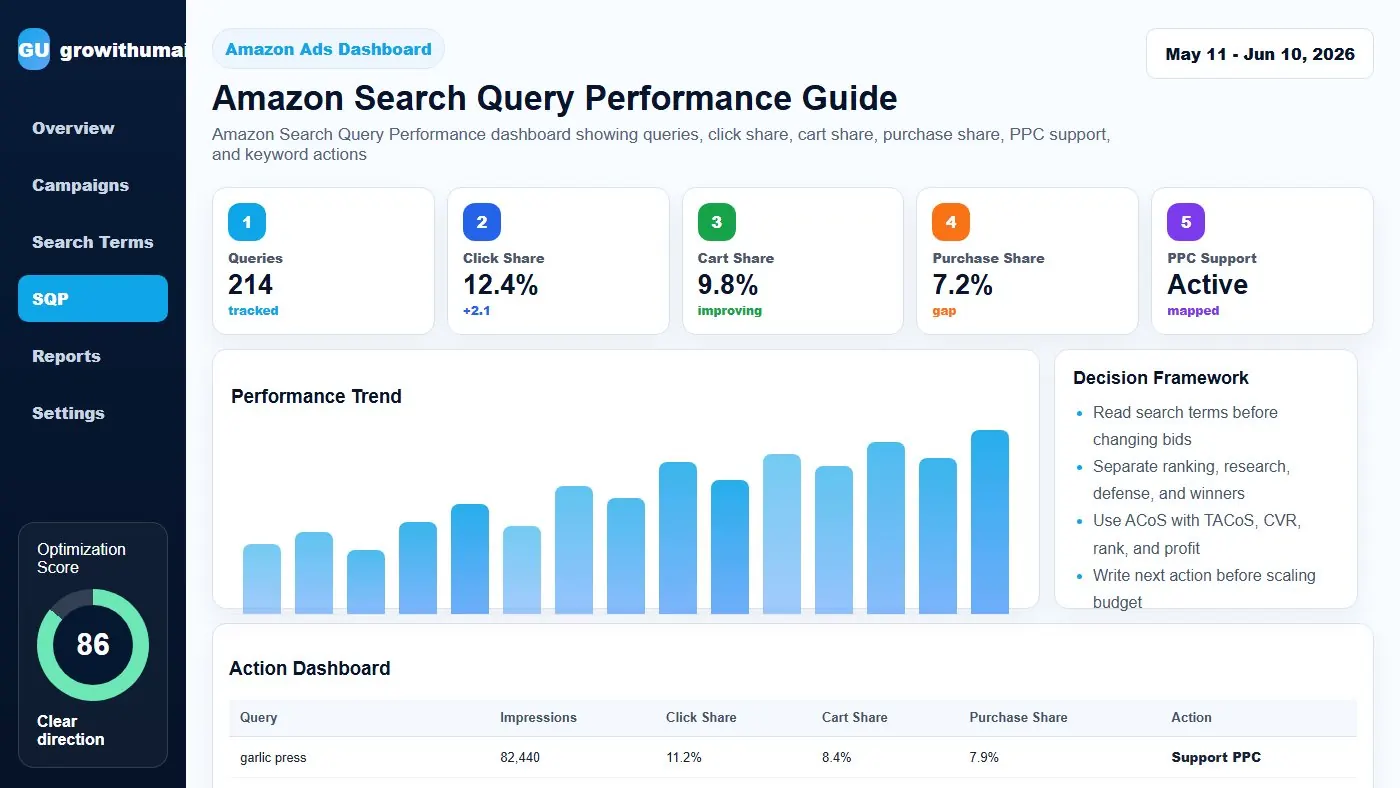
Amazon Search Query Performance Guide: step-by-step method
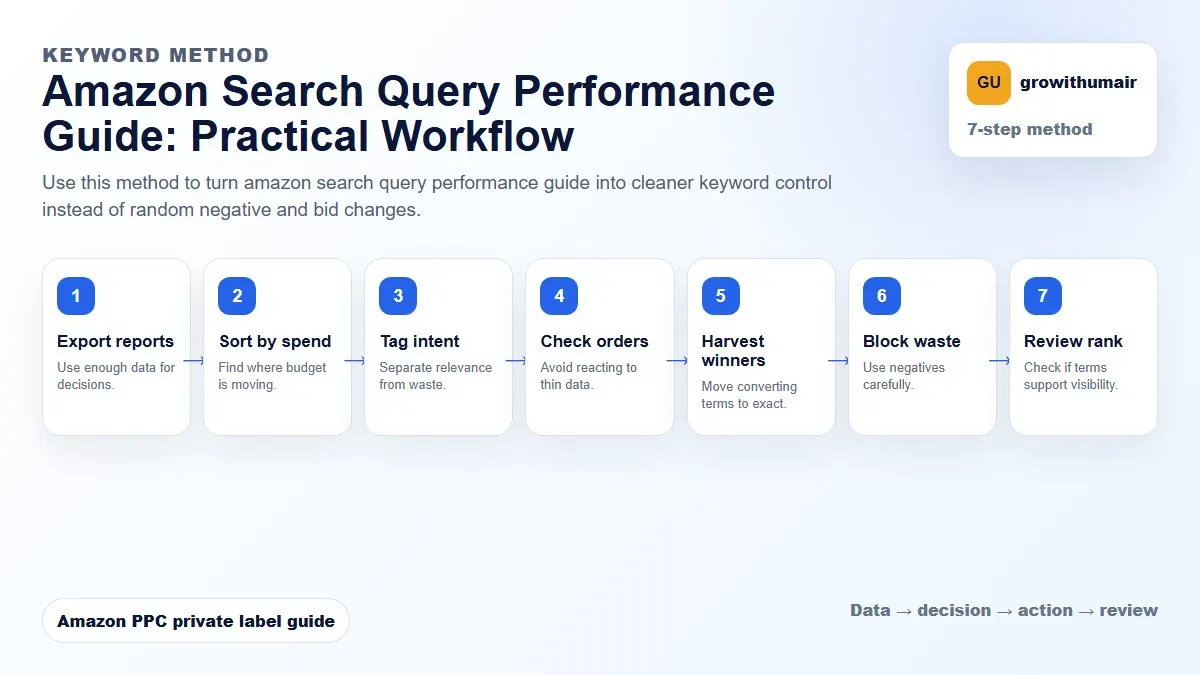
Use this method to turn amazon search query performance guide into cleaner keyword control instead of random negative and bid changes. The aim is to move from raw Amazon Ads data to a written action list: what to protect, what to reduce, what to test, and what to review again.
- 1. Export reports: Use enough data for decisions.
- 2. Sort by spend: Find where budget is moving.
- 3. Tag intent: Separate relevance from waste.
- 4. Check orders: Avoid reacting to thin data.
- 5. Harvest winners: Move converting terms to exact.
- 6. Block waste: Use negatives carefully.
- 7. Review rank: Check if terms support visibility.
How to choose the next action
Do not treat one metric as the whole answer. For every change, read the metric beside campaign purpose, search intent, listing readiness, rank movement, and profit. This prevents cutting useful traffic just because one report looks uncomfortable.
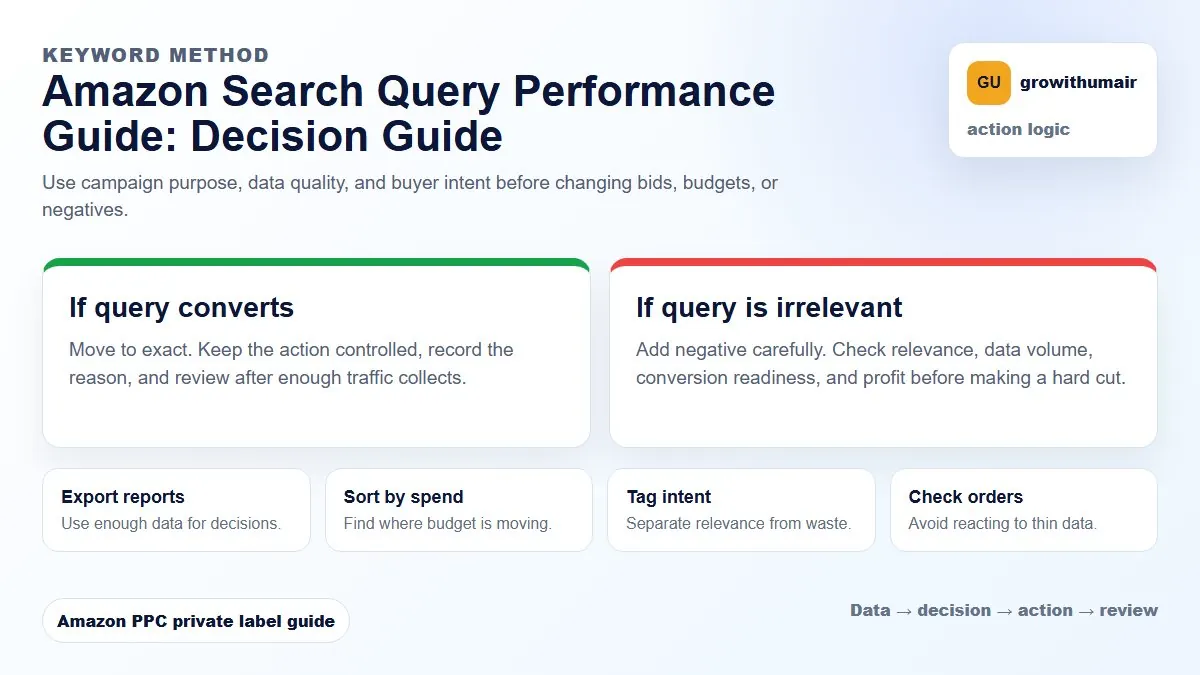
The PPC Search Term Report shows ad-attributed query performance. Search Query Performance shows broader query funnel behavior including share of impressions, clicks, cart adds, and purchases.
What Search Query Performance tells you
SQP helps you understand whether a product is visible for a query, whether shoppers click it, whether they add it to cart, and whether they purchase. This is useful because PPC ACoS alone cannot explain every ranking issue.
The funnel to review
| SQP metric | Meaning | Optimization signal |
|---|---|---|
| Impressions | How often the query shows your product | Visibility and relevance |
| Clicks | How often shoppers click | Main image, title, price, reviews |
| Cart adds | Purchase intent before checkout | Offer quality and product fit |
| Purchases | Completed sales | Conversion strength |
| Share | Your portion of query activity | Competitive strength |
How to combine SQP with PPC reports
If the PPC search term report shows clicks but no orders, SQP can show whether the issue is broader. If SQP also shows weak cart adds or purchases, the listing or offer may be the problem. If SQP looks strong but PPC ACoS is high, campaign structure, bid, or placement may be the issue.
Ranking use case
Choose target queries where SQP shows demand and the product has a realistic chance to convert. Then use PPC to build controlled visibility and monitor organic rank. Avoid chasing terms with huge volume but poor fit. They can create spend without ranking movement.
Weekly SQP action plan
- Export priority query data.
- Compare impression share against target rank.
- Check click share and purchase share.
- Match weak clicks to image, price, or title problems.
- Match weak purchases to reviews, offer, or relevance problems.
- Use PPC only where the query has a believable conversion path.
Use this together with the Amazon Search Term Report guide and Search Term Optimization guide.