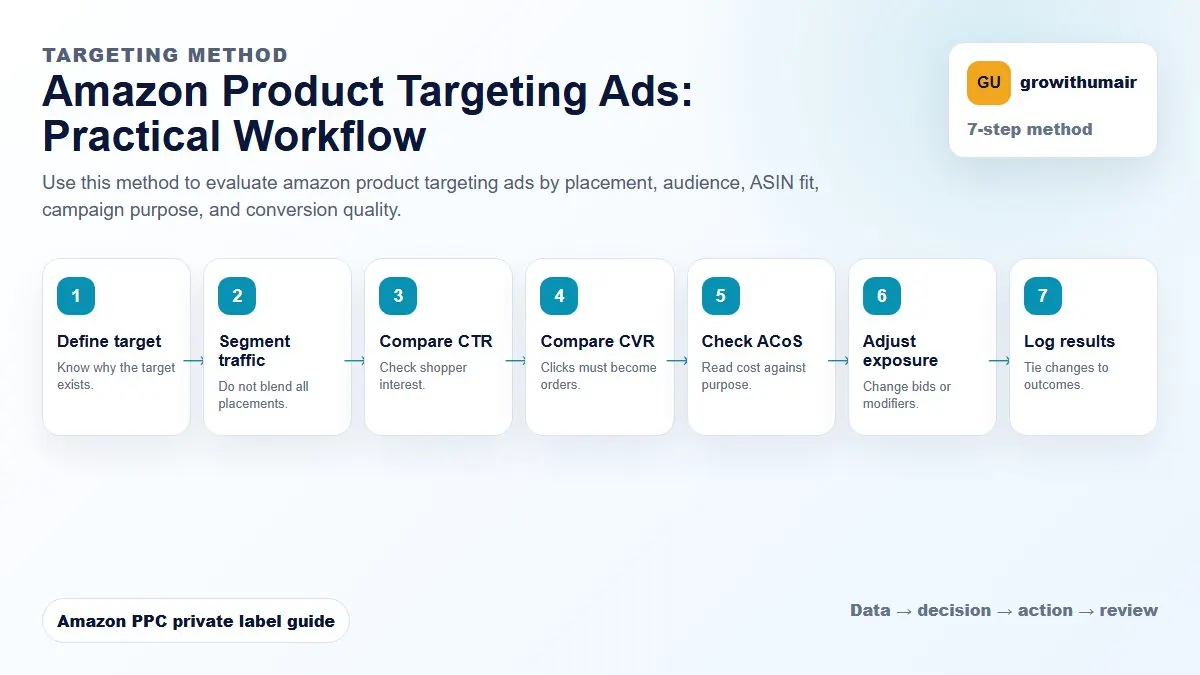
Amazon Product Targeting Ads: step-by-step method
Use this method to evaluate amazon product targeting ads by placement, audience, ASIN fit, campaign purpose, and conversion quality. The aim is to move from raw Amazon Ads data to a written action list: what to protect, what to reduce, what to test, and what to review again.
- 1. Define target: Know why the target exists.
- 2. Segment traffic: Do not blend all placements.
- 3. Compare CTR: Check shopper interest.
- 4. Compare CVR: Clicks must become orders.
- 5. Check ACoS: Read cost against purpose.
- 6. Adjust exposure: Change bids or modifiers.
- 7. Log results: Tie changes to outcomes.
How to choose the next action
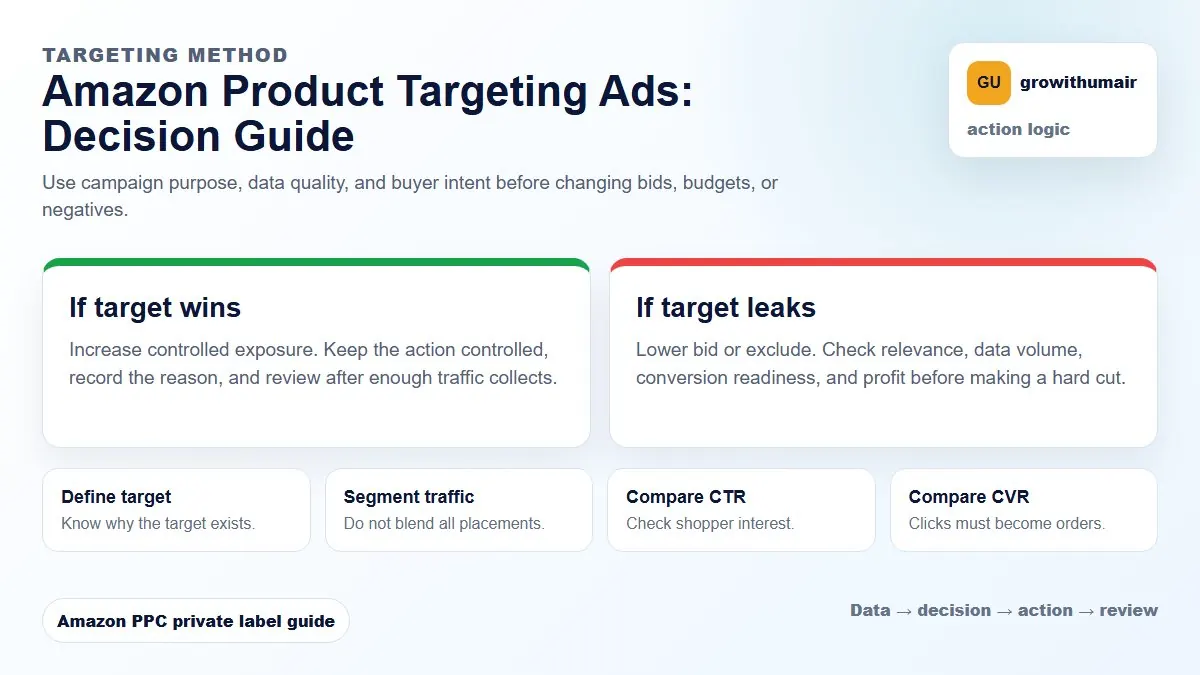
Do not treat one metric as the whole answer. For every change, read the metric beside campaign purpose, search intent, listing readiness, rank movement, and profit. This prevents cutting useful traffic just because one report looks uncomfortable.
ASIN targeting places your ad on specific product pages. Category targeting places your ad across a broader category. Each serves a different strategy.
ASIN targeting: picking specific competitor pages
ASIN targeting allows you to choose individual product pages where your ad will appear. The shopper is already browsing that product when your ad shows, which means they are in buying mode but considering an alternative. For this to convert, your product needs a clear advantage on price, reviews, delivery speed, or differentiation that is visible at a glance.
The most productive ASIN targets are competitor products that are weaker than yours on at least one visible dimension. If a competitor has 50 reviews and yours has 200 with a lower price, their page is a strong target. If a competitor has 2,000 reviews and charges less than you, their page will produce clicks but weak conversion. Choose targets where the comparison works in your favour.
Category targeting: broader placement with filterable controls
Category targeting places your ad across a product category rather than on a single ASIN page. Amazon allows you to refine category targeting by star rating, price range, Prime eligibility, and brand. These filters make category targeting more precise than it sounds at first.
A useful approach is to target your category filtered to lower-rated products (2 to 3.5 stars) and a price range slightly above yours. This puts your ad in front of shoppers who are dissatisfied with cheaper, lower-quality alternatives and may be ready to pay a bit more for a better product.
Defensive ASIN targeting: protecting your own pages
If you are not running product targeting ads on your own ASIN pages, competitors may be. Defensive ASIN targeting places your own ads on your own product pages to reduce the likelihood of a competitor ad converting a shopper who was already viewing your listing. The bid can be low because competition for your own ASIN is minimal, but the placement protects your conversion rate.
How to evaluate product targeting performance
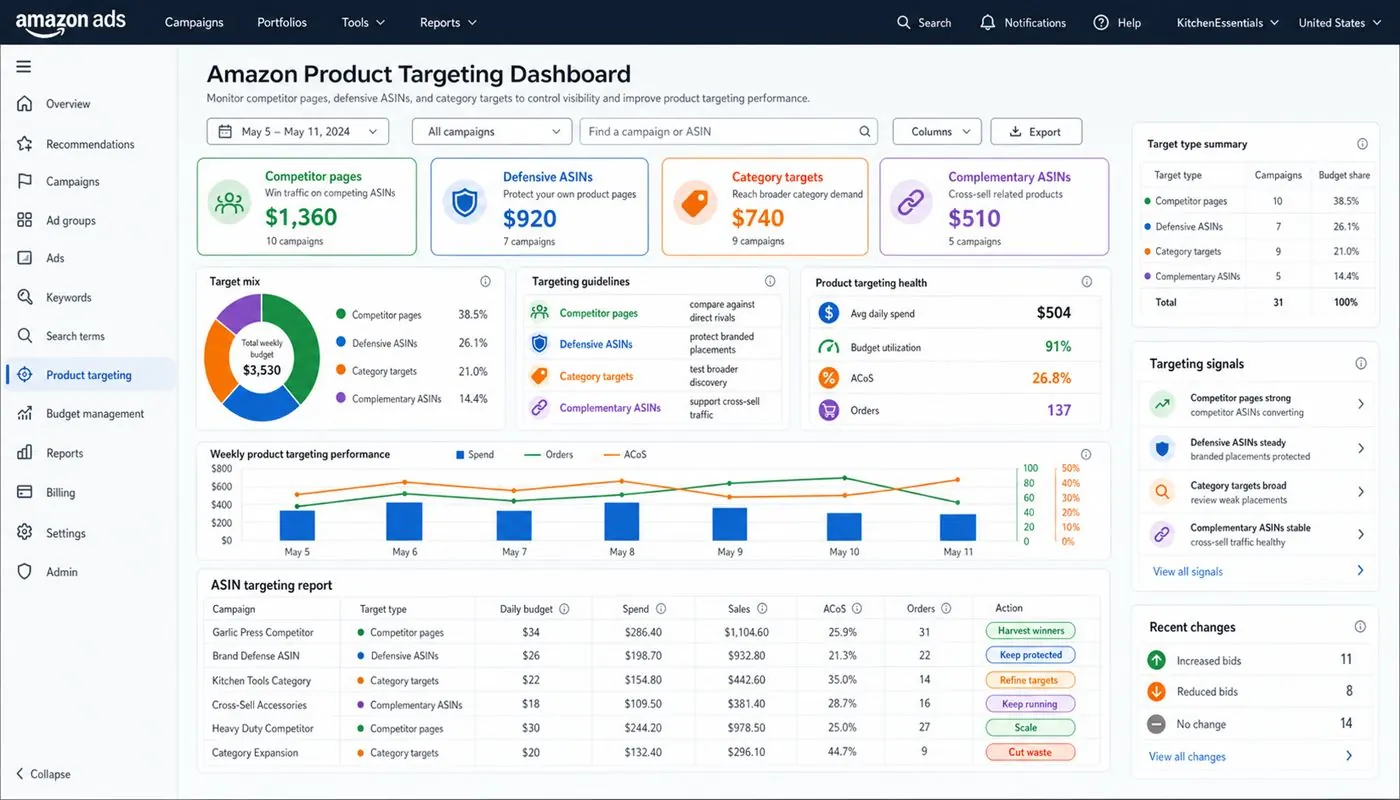
Product targeting campaigns should be evaluated differently from keyword campaigns. The key metrics are ACoS, conversion rate, and whether the targeted ASIN or category is actually sending relevant traffic. A campaign targeting competitor ASINs may show a higher ACoS than your exact keyword campaigns — this is often acceptable if it is taking market share from specific competitors or introducing your product to shoppers who would not have found it otherwise.
Review conversion rate by targeted ASIN. If a specific ASIN is generating clicks but no orders, check whether your price, images, and reviews are competitive enough to convert against that particular listing. If not, remove that ASIN from the target list.
Separating product targeting from keyword campaigns
Keep product targeting campaigns in separate ad groups or campaigns from keyword targeting. The optimisation logic, bid levels, and performance interpretation are different enough that mixing them makes reporting harder and decisions less precise. This is a core principle of clean campaign structure.
When reviewing product targeting alongside your other campaigns, use the PPC audit checklist to evaluate placements and check whether product page spend is proportional to the conversion it is delivering. Also monitor TACoS across all campaign types to see whether product targeting is contributing to overall account health or just adding spend without organic benefit.
When to prioritise product targeting
Product targeting becomes especially valuable in three situations: when your product has strong reviews and a competitive price compared with specific rivals; when a new product needs visibility beyond keyword-based discovery; and when you want to defend your own listing pages against competitor ads. Outside of these scenarios, keyword campaigns should take budget priority because they reach shoppers who are actively searching for a solution, not just browsing a category.
Share your ASIN, marketplace, competitor ASINs, and current placement data. A review will identify the strongest targeting opportunities for your product.
Book an audit