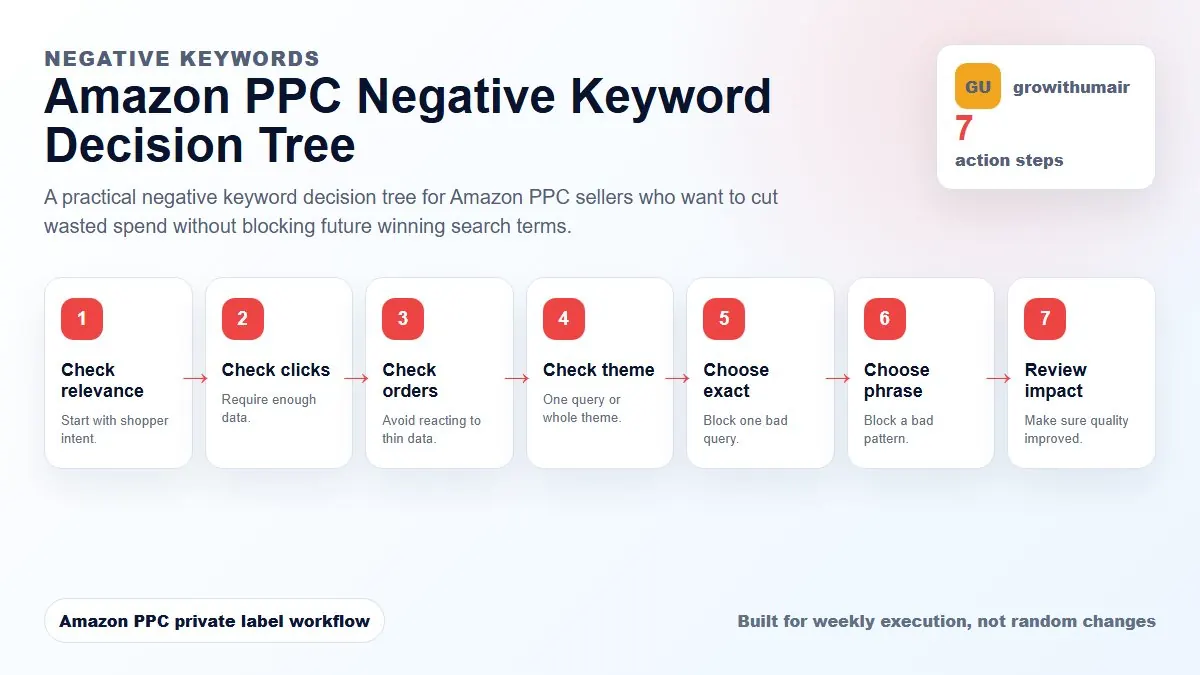
This guide is built as a repeatable workflow. Follow the steps in order, write down the reason for each change, and review the result after enough clicks and orders have collected.
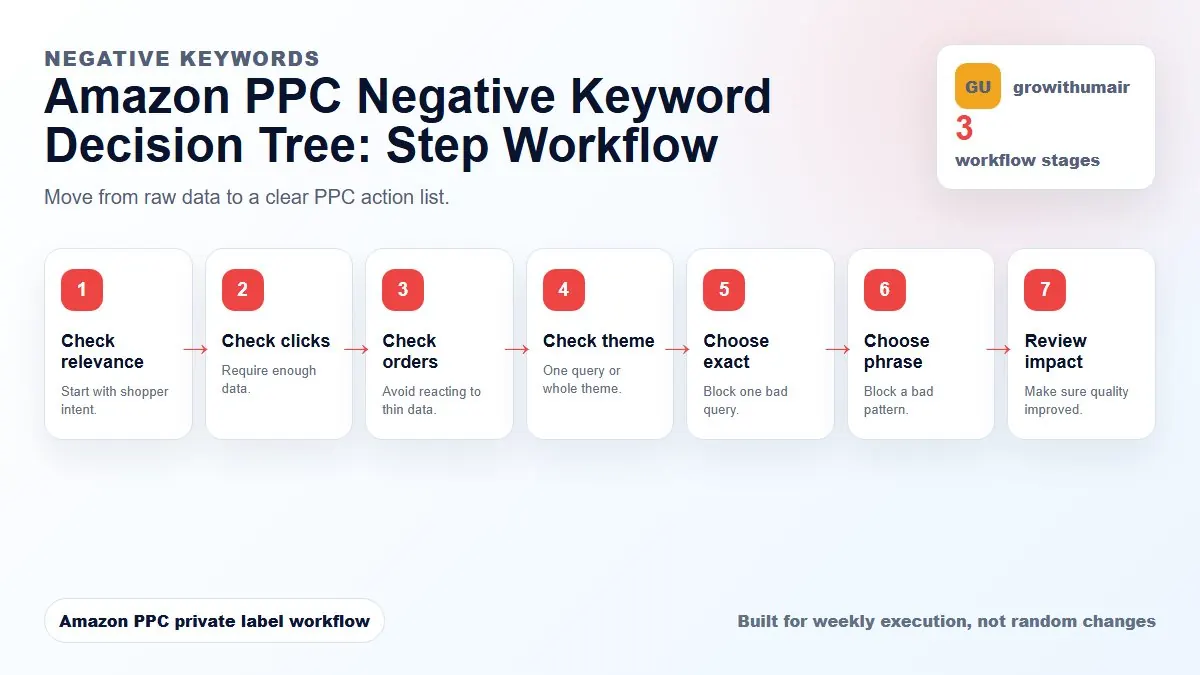
The amazon ppc negative keyword decision tree steps
- 1. Check relevance
- 2. Check clicks
- 3. Check orders
- 4. Check theme
- 5. Choose exact
- 6. Choose phrase
- 7. Review impact
Step 1: Ask if the query is relevant
If the search term is clearly unrelated to your product, it is a negative candidate. If it is relevant but not converting, do not rush. Relevant traffic may need a bid change, listing fix, or more data instead of a negative.
Step 2: Check whether there is enough data
A term with two clicks and no order is not proof. A term with enough clicks to reasonably expect a sale deserves action. Use your normal conversion rate and product price to decide the click threshold.
Step 3: Decide if the problem is one query or a theme
Negative exact blocks one query. Negative phrase blocks a phrase pattern. If only one query is wasteful, use exact. If a whole theme is irrelevant, use phrase. Phrase negatives should be used carefully because they can block useful long-tail searches.
Step 4: Do not negate winners from discovery campaigns
When auto, broad, or phrase campaigns find a converting search term, harvest the winner into exact. You may later negative exact it in the discovery campaign to avoid overlap, but only after the exact version is active.
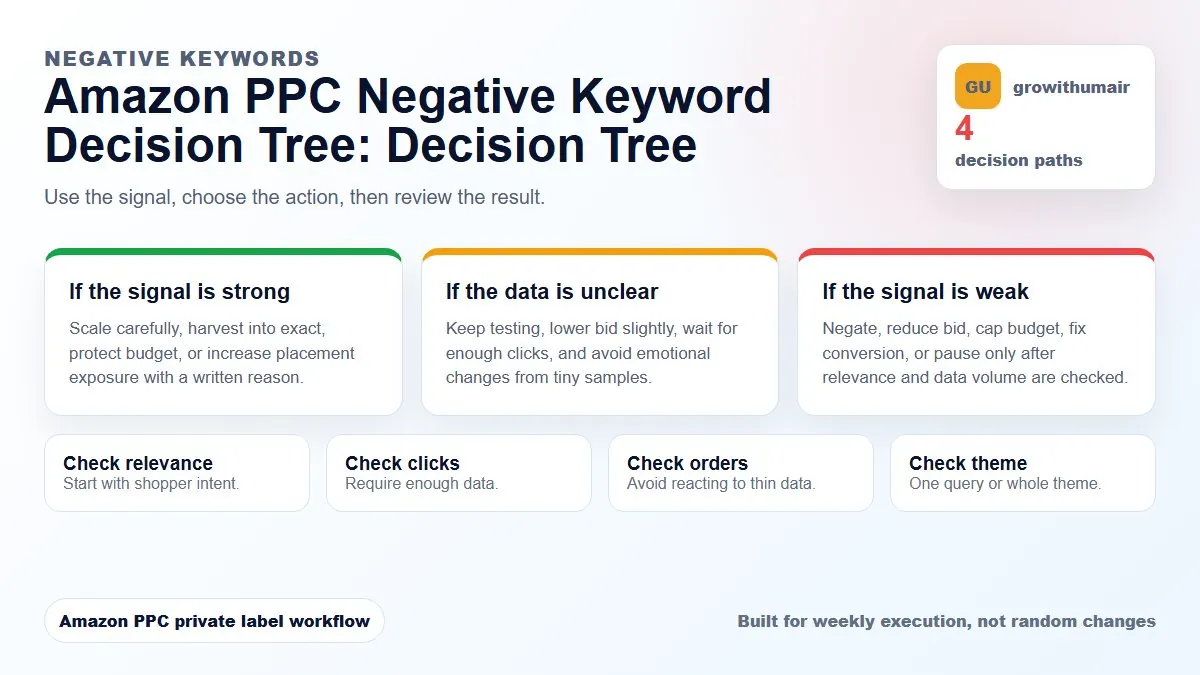
Step 5: Use bid reduction when the term is relevant but weak
A relevant term with high ACoS may need a lower bid rather than a negative. This keeps learning alive while reducing budget pressure.
Step 6: Recheck after adding negatives
Negatives change where spend flows. After cleanup, check whether budget moved to better search terms or whether total sales dropped. Good cleanup should improve quality, not simply reduce traffic.
Step 7: Maintain a negative keyword log
Track what was added, why, and where. This prevents accidental blocking of launch keywords, ranking terms, or terms that were only temporarily weak because the listing was not ready.
Decision table
| Question | If yes | If no |
|---|---|---|
| Is it irrelevant? | Negative exact/phrase | Review conversion |
| Enough clicks? | Take action | Wait |
| Whole bad theme? | Negative phrase | Negative exact |
| Relevant but costly? | Lower bid | Keep or harvest |
If your Amazon PPC account has unclear campaign purpose, wasted spend, unstable TACoS, or weak ranking movement, start with the first step and do not skip the diagnosis. The best PPC accounts are controlled by written rules, not random bid changes.
Book PPC audit