Amazon PPC High Clicks No Sales: step-by-step method
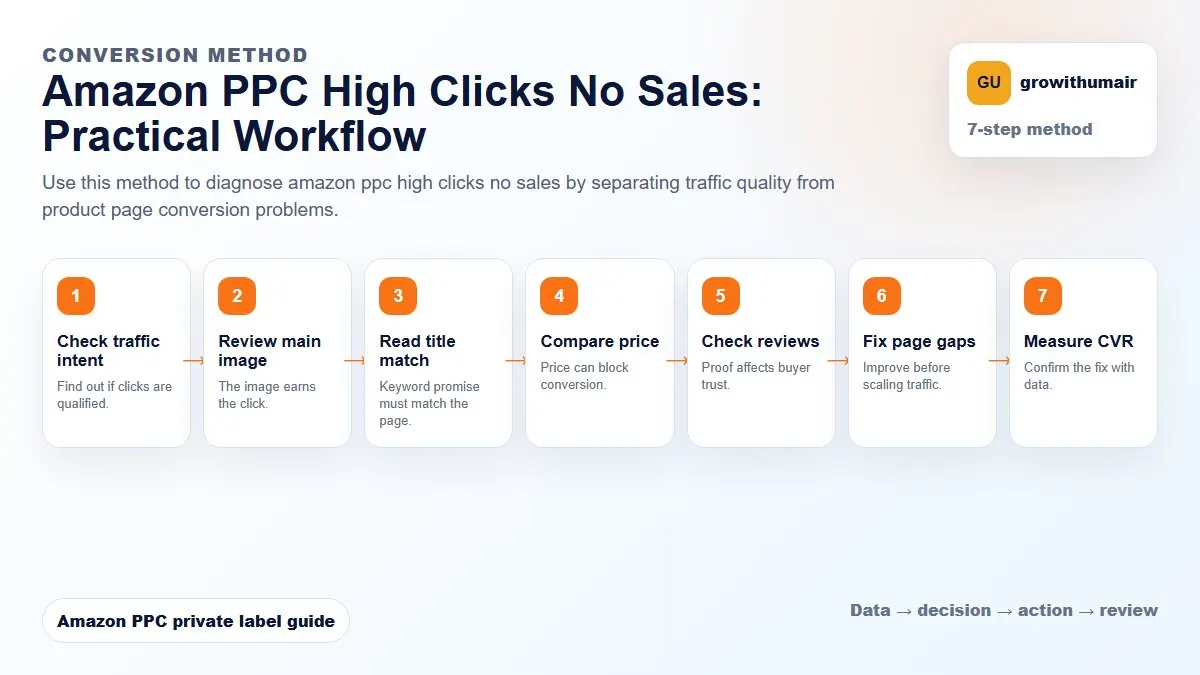
Use this method to diagnose amazon ppc high clicks no sales by separating traffic quality from product page conversion problems. The aim is to move from raw Amazon Ads data to a written action list: what to protect, what to reduce, what to test, and what to review again.
- 1. Check traffic intent: Find out if clicks are qualified.
- 2. Review main image: The image earns the click.
- 3. Read title match: Keyword promise must match the page.
- 4. Compare price: Price can block conversion.
- 5. Check reviews: Proof affects buyer trust.
- 6. Fix page gaps: Improve before scaling traffic.
- 7. Measure CVR: Confirm the fix with data.
How to choose the next action
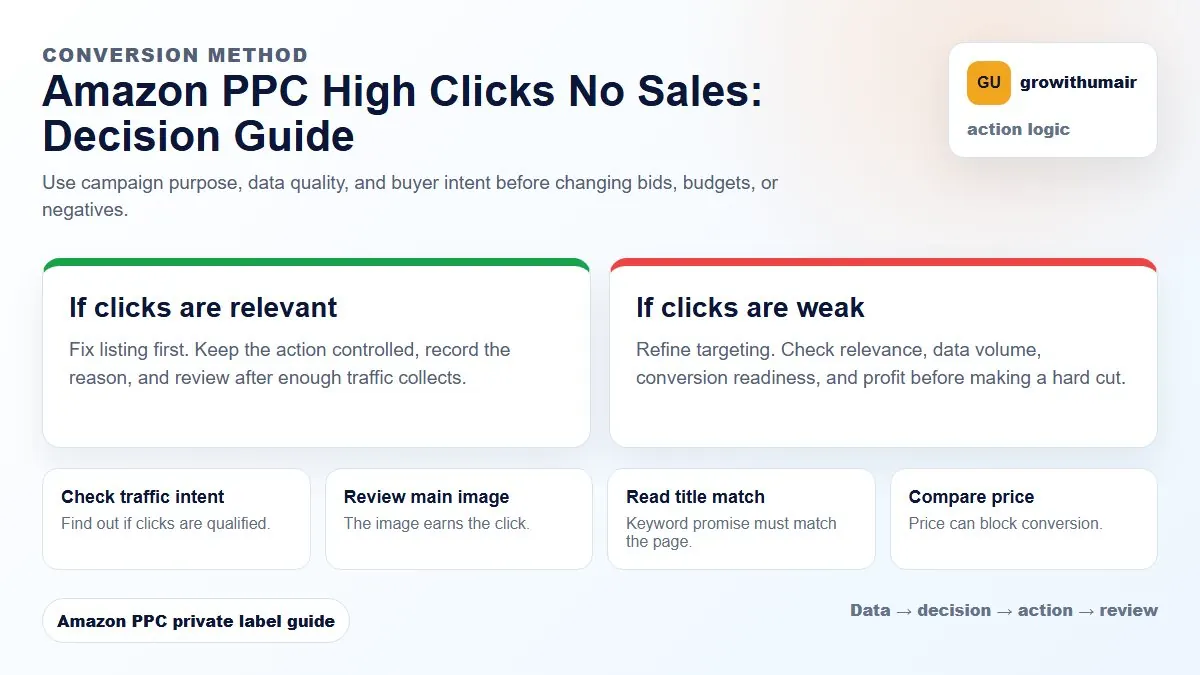
Do not treat one metric as the whole answer. For every change, read the metric beside campaign purpose, search intent, listing readiness, rank movement, and profit. This prevents cutting useful traffic just because one report looks uncomfortable.
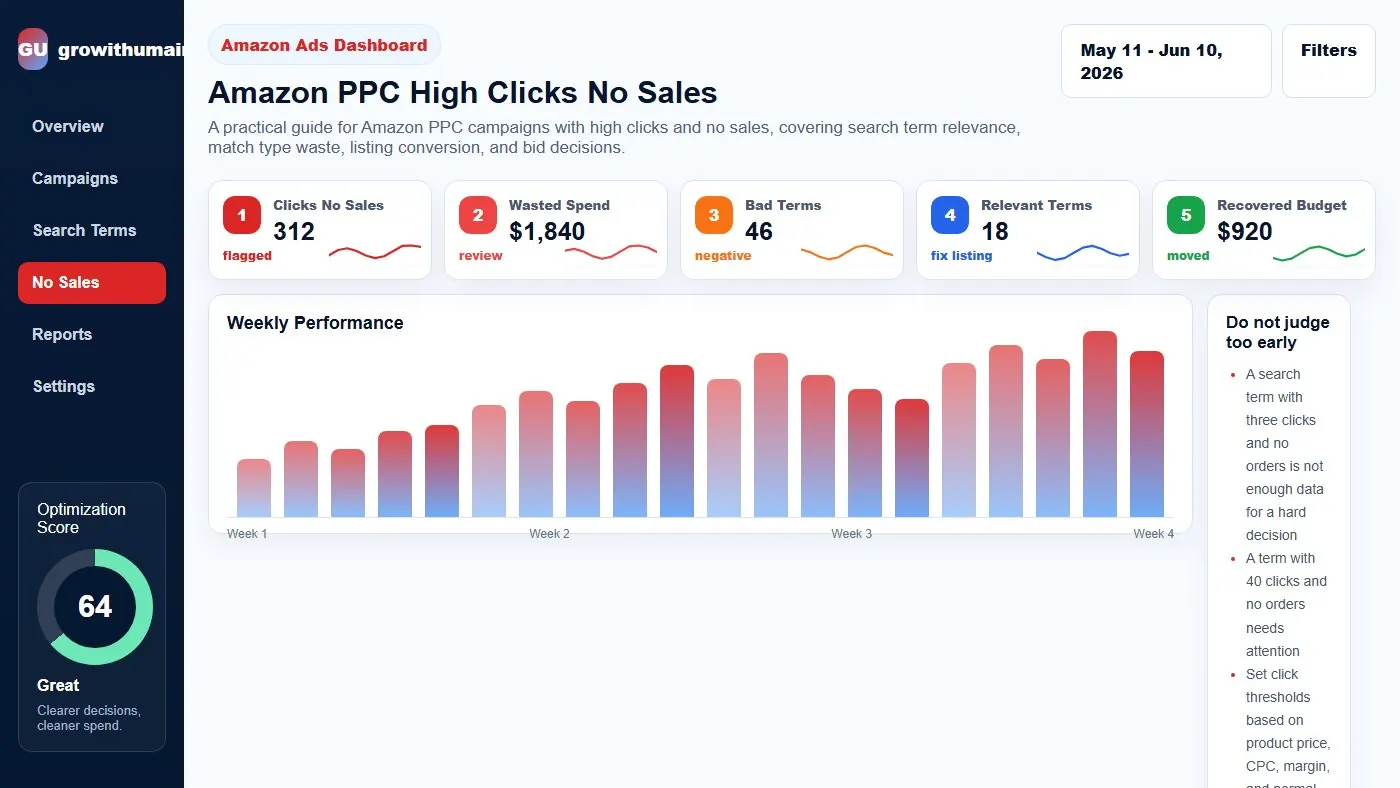
A practical guide for Amazon PPC campaigns with high clicks and no sales, covering search term relevance, match type waste, listing conversion, and bid decisions.
Do not judge too early
A search term with three clicks and no orders is not enough data for a hard decision. A term with 40 clicks and no orders needs attention. Set click thresholds based on product price, CPC, margin, and normal conversion rate.
Higher priced products may need more clicks before conversion, but waste still needs limits.
Check relevance first
If the search term is irrelevant, add a negative. If the term is relevant but broad, consider lowering bid or moving it into a better match type. If it is highly relevant and important, inspect the listing before cutting.
Common reasons for no sales
Poor product-market fit, weak main image, price above competitors, low reviews, missing coupon, long delivery time, unclear listing copy, or targeting a keyword with different buyer intent can all create clicks without sales.
Negative exact or negative phrase
Use negative exact when only one query is bad. Use negative phrase when a whole theme is irrelevant. If you add phrase negatives too aggressively, you can block future winners.
Recovery workflow
Sort search terms by spend and clicks. Mark each as irrelevant, relevant but weak, or relevant and strategic. Add negatives for irrelevant terms. Fix listing or lower bids for relevant terms. Harvest winners separately.
Practical checklist
- Review the data by campaign purpose before making changes.
- Separate discovery, ranking, defense, and exact winner campaigns.
- Check search terms, placements, budgets, conversion rate, and rank movement together.
- Write the next action clearly so the account does not drift.
- Recheck results after enough clicks and orders have collected.
Decision table
| Term type | Signal | Action |
|---|---|---|
| Irrelevant | Clicks no orders | Negative exact/phrase |
| Relevant but broad | High spend low CVR | Lower bid |
| Relevant strategic | Rank potential | Fix listing first |
| Competitor term | Poor comparison | Reduce or pause |
| Low data | Few clicks | Wait |
I can review the account, identify the first fixes, and turn the data into a clear PPC action plan.
Book PPC audit