Amazon PPC Low Conversion Rate: step-by-step method
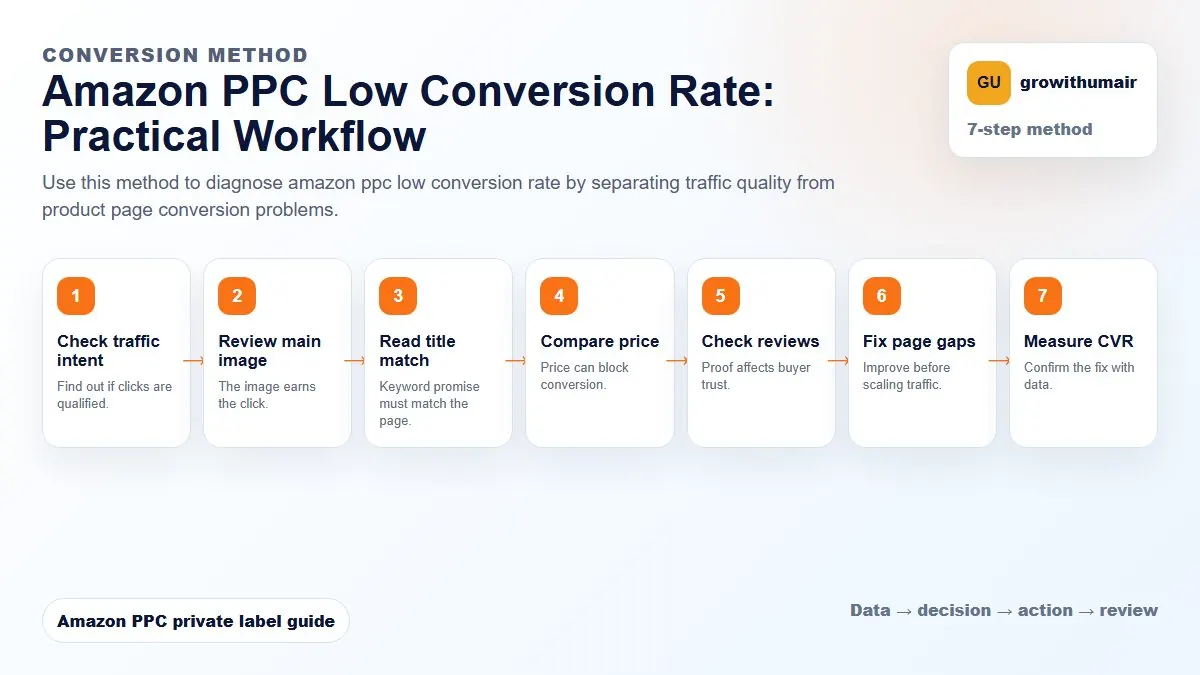
Use this method to diagnose amazon ppc low conversion rate by separating traffic quality from product page conversion problems. The aim is to move from raw Amazon Ads data to a written action list: what to protect, what to reduce, what to test, and what to review again.
- 1. Check traffic intent: Find out if clicks are qualified.
- 2. Review main image: The image earns the click.
- 3. Read title match: Keyword promise must match the page.
- 4. Compare price: Price can block conversion.
- 5. Check reviews: Proof affects buyer trust.
- 6. Fix page gaps: Improve before scaling traffic.
- 7. Measure CVR: Confirm the fix with data.
How to choose the next action
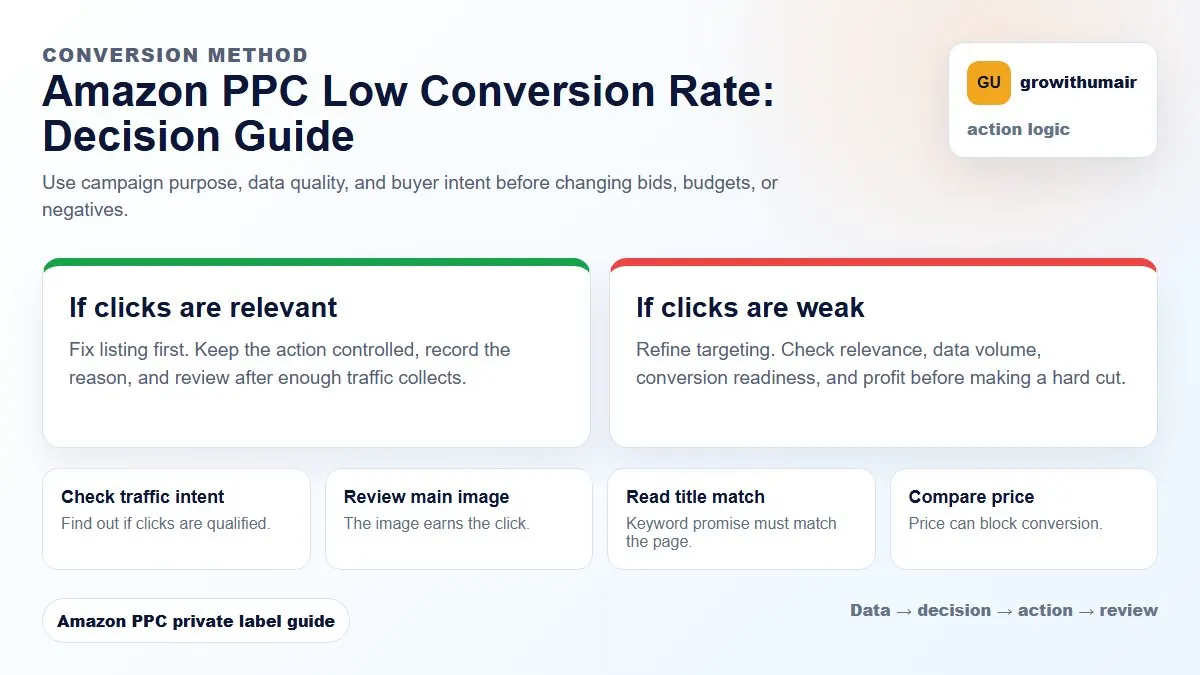
Do not treat one metric as the whole answer. For every change, read the metric beside campaign purpose, search intent, listing readiness, rank movement, and profit. This prevents cutting useful traffic just because one report looks uncomfortable.
A detailed guide for diagnosing low Amazon PPC conversion rate and fixing listing, targeting, price, review, and offer problems before scaling ads.
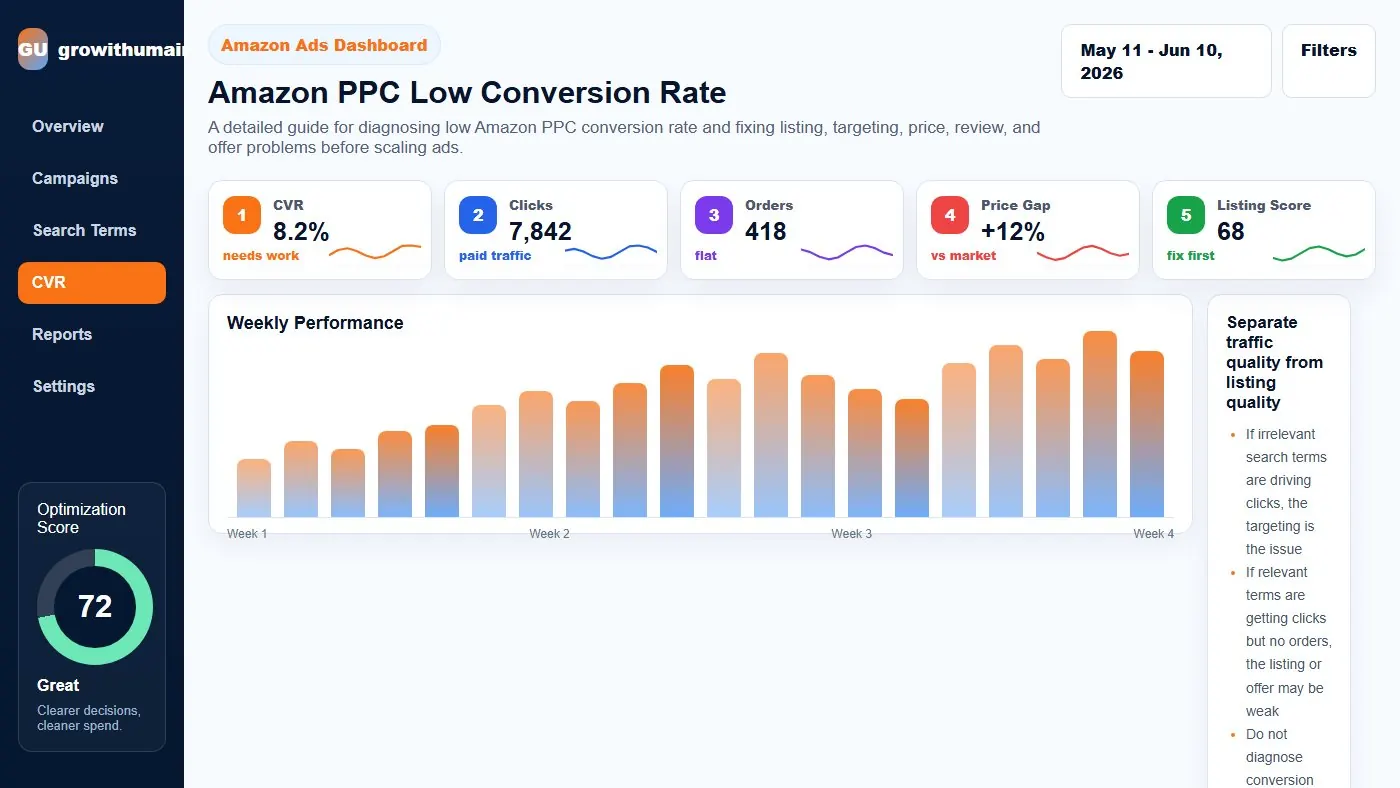
Separate traffic quality from listing quality
If irrelevant search terms are driving clicks, the targeting is the issue. If relevant terms are getting clicks but no orders, the listing or offer may be weak. Do not diagnose conversion rate from campaign totals alone.
Review conversion by search term, campaign purpose, placement, and product readiness.
Common conversion blockers
The most common blockers are weak main image, unclear title, uncompetitive price, low reviews, missing coupon, poor delivery promise, thin bullets, weak A+ content, and mismatch between keyword intent and product offer.
A listing can be indexed for a keyword and still fail to convert for that keyword.
Read CTR and CVR together
High CTR with low CVR means shoppers are interested enough to click but something on the product page stops them. Low CTR and low CVR means targeting, image, title, or price may be weak before the shopper even reaches the page.
Strong PPC decisions read both metrics together.
Before cutting spend
If clicks are relevant and the keyword matters for ranking, fix conversion before cutting aggressively. If clicks are irrelevant, add negatives or reduce bids. If the keyword is too broad, move budget to higher intent terms.
Conversion improvement workflow
Check search terms, then product page quality, then price, then reviews, then placement. Improve the biggest blocker first. After changes, watch CVR, CTR, orders, ACoS, and rank movement.
Practical checklist
- Review the data by campaign purpose before making changes.
- Separate discovery, ranking, defense, and exact winner campaigns.
- Check search terms, placements, budgets, conversion rate, and rank movement together.
- Write the next action clearly so the account does not drift.
- Recheck results after enough clicks and orders have collected.
Decision table
| Symptom | Likely cause | Fix |
|---|---|---|
| High clicks no orders | Listing or price issue | Improve offer |
| Low CTR | Image/title mismatch | Fix search appeal |
| High ACoS relevant term | Weak conversion | Review PDP |
| Good CVR low volume | Budget or rank limit | Scale carefully |
| Product pages weak | Poor comparison | Reduce placement |
I can review the account, identify the first fixes, and turn the data into a clear PPC action plan.
Book PPC audit