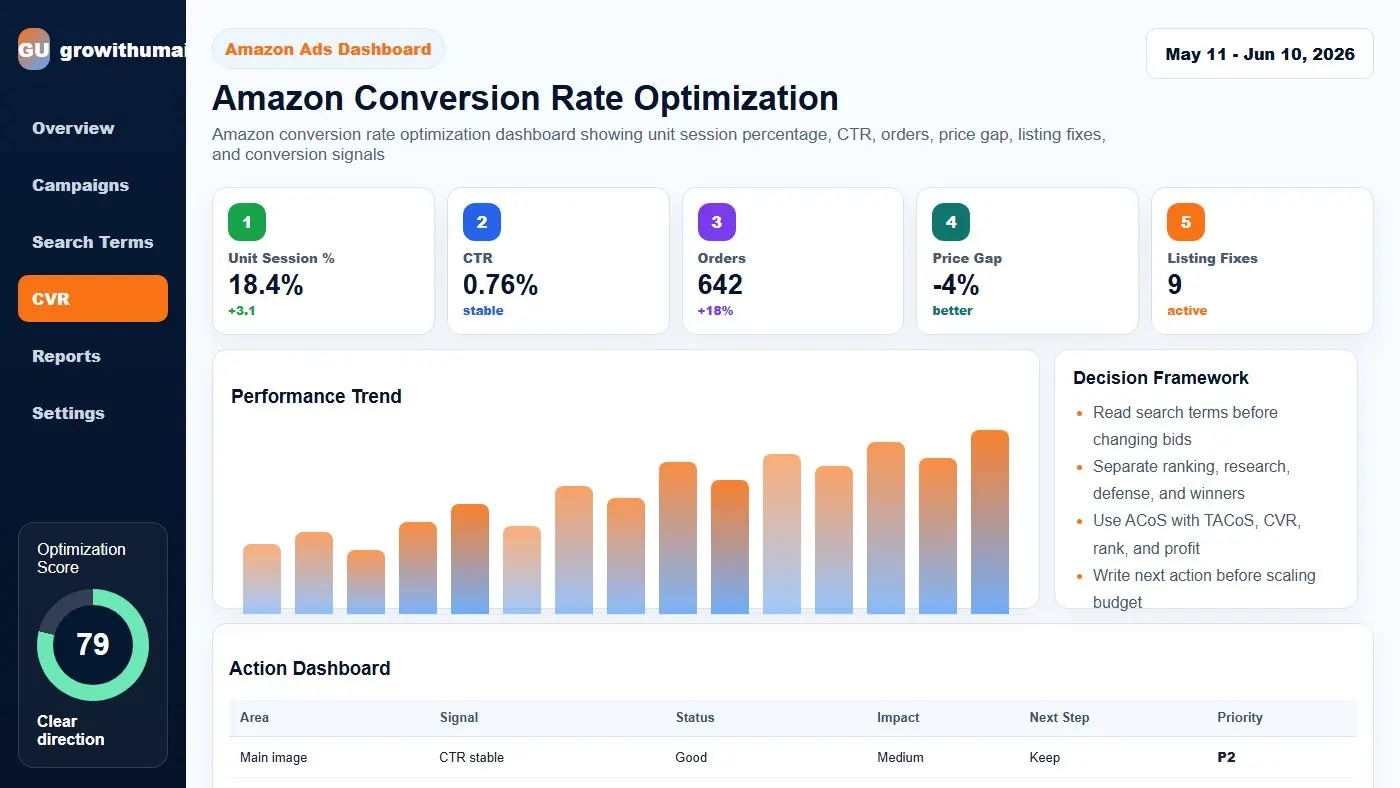
Amazon Conversion Rate Optimization Guide: step-by-step method
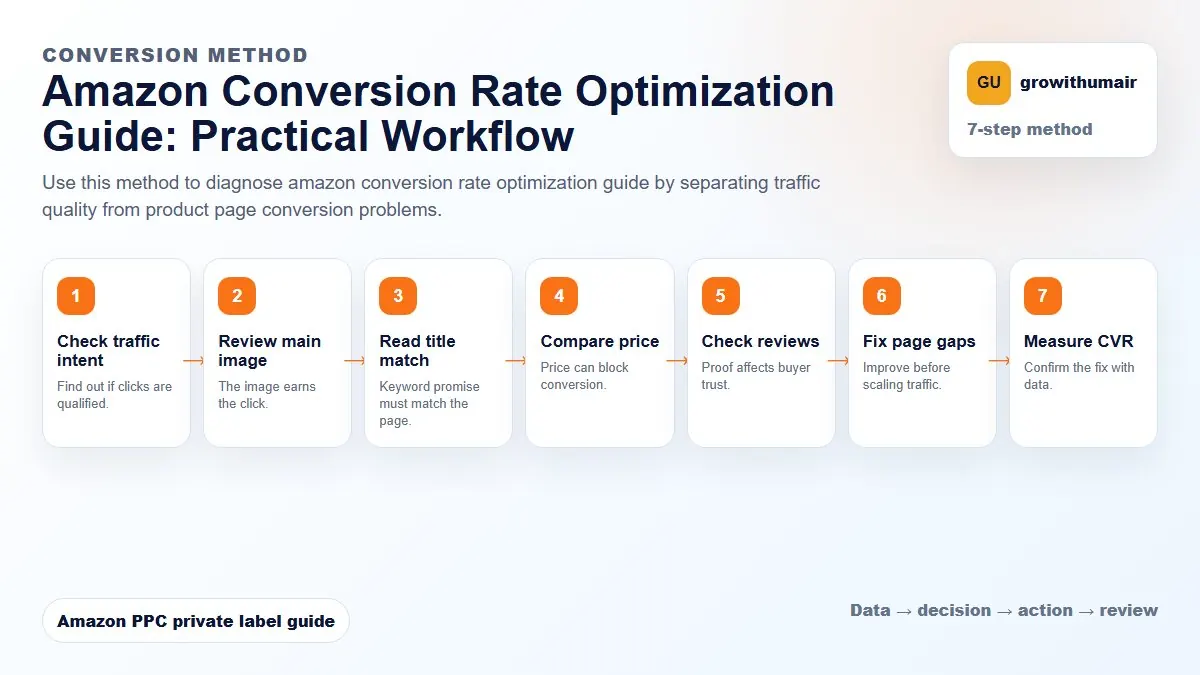
Use this method to diagnose amazon conversion rate optimization guide by separating traffic quality from product page conversion problems. The aim is to move from raw Amazon Ads data to a written action list: what to protect, what to reduce, what to test, and what to review again.
- 1. Check traffic intent: Find out if clicks are qualified.
- 2. Review main image: The image earns the click.
- 3. Read title match: Keyword promise must match the page.
- 4. Compare price: Price can block conversion.
- 5. Check reviews: Proof affects buyer trust.
- 6. Fix page gaps: Improve before scaling traffic.
- 7. Measure CVR: Confirm the fix with data.
How to choose the next action
Do not treat one metric as the whole answer. For every change, read the metric beside campaign purpose, search intent, listing readiness, rank movement, and profit. This prevents cutting useful traffic just because one report looks uncomfortable.
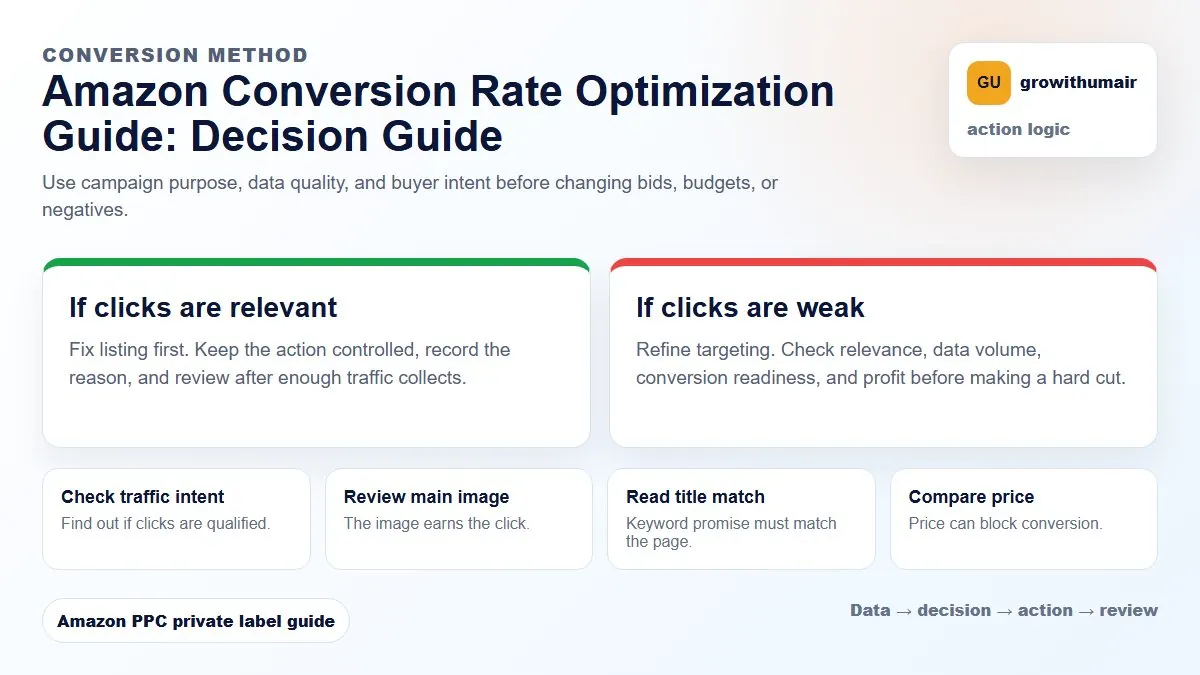
If a listing cannot convert warm PPC traffic, increasing budget usually increases losses. Fix conversion signals before pushing aggressive spend.
What conversion rate means on Amazon
Amazon sellers often use Unit Session Percentage as the listing conversion metric. It shows how many sessions turn into units ordered. PPC conversion rate is similar but measured inside ads. Both numbers help explain whether traffic is becoming sales.
Low conversion can come from poor targeting, weak listing quality, bad pricing, low reviews, slow delivery, inventory issues, or a mismatch between the search term and the offer. You need to diagnose the source before changing bids.
Conversion signals to review first
| Area | What to inspect | Why it matters |
|---|---|---|
| Image stack | Main image, benefits, use case, scale, comparison | Images answer buyer questions quickly |
| Title and bullets | Keyword clarity, benefits, objections | Copy confirms relevance and value |
| Price | Compared with top competitors | Price can block orders even with good traffic |
| Reviews | Rating, count, review themes | Trust affects both CTR and conversion |
| Offer | Coupon, delivery, variation, bundle | Small offer changes can lift buyer confidence |
Separate traffic problems from listing problems
If conversion is poor only in broad or auto campaigns, targeting may be the issue. If conversion is poor across exact campaigns, branded traffic, and organic sessions, the listing or offer probably needs work. This is why the search term report and Business Reports should be reviewed together.
A good workflow is simple: identify whether the search terms are relevant, compare conversion rate by campaign type, then review listing signals. If relevant exact terms get clicks but few orders, the listing is not doing enough work.
How conversion affects ACoS and rank
ACoS is ad spend divided by ad sales. Better conversion usually means more orders from the same clicks, which lowers ACoS without cutting traffic. Better conversion can also help ranking because sales velocity improves for the keywords you are targeting.
Do not reduce bids blindly when ACoS is high. If conversion rate is the true problem, bid cuts may reduce data and slow rank while leaving the listing weakness untouched. Use the ACoS calculator to understand the profit math before making aggressive changes.
14-day conversion review plan
- Record current sessions, unit session percentage, PPC clicks, orders, ACoS, and TACoS.
- Fix one major listing issue at a time, such as main image, title, bullets, price, or coupon.
- Run campaigns with enough budget to keep traffic stable.
- Review conversion and ACoS after 7 and 14 days.
- Keep changes that improve both conversion and profitability.
Conversion optimization is not decoration. It is account economics. A better listing lets PPC work harder because every click has a better chance of turning into revenue.
Share the ASIN, marketplace, current unit session percentage, and PPC ACoS. I will show the most likely conversion blockers.
Book an audit