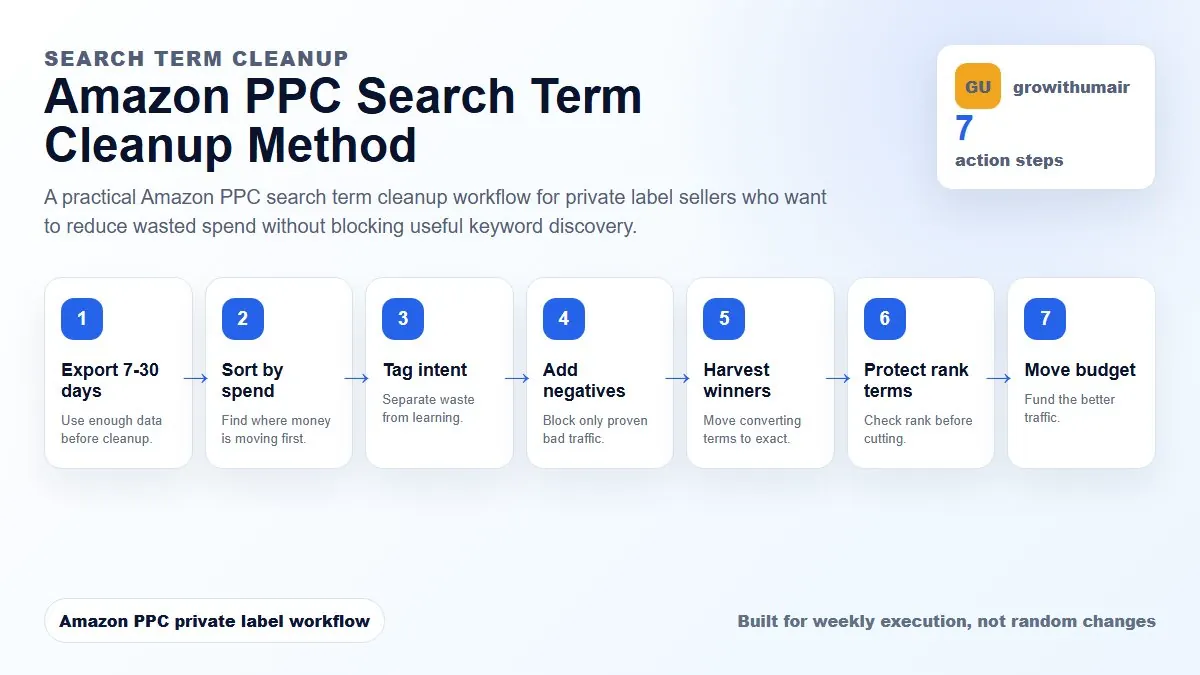
This guide is built as a repeatable workflow. Follow the steps in order, write down the reason for each change, and review the result after enough clicks and orders have collected.
The amazon ppc search term cleanup method steps
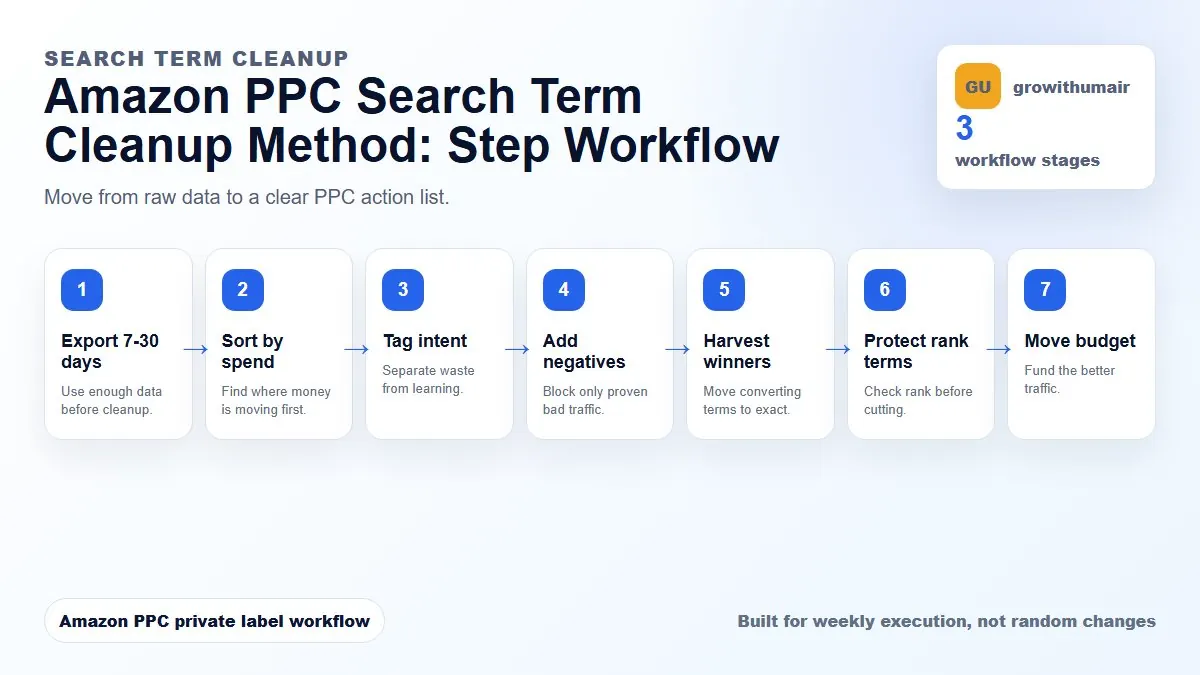
- 1. Export 7-30 days
- 2. Sort by spend
- 3. Tag intent
- 4. Add negatives
- 5. Harvest winners
- 6. Protect rank terms
- 7. Move budget
Step 1: Export the right date range
Use 7 days for weekly maintenance and 30 days for slower categories or higher-priced products. Do not clean from one or two days of data unless spend is clearly irrelevant. A short window can make good keywords look bad before they have enough clicks to convert.
Step 2: Sort by spend first
Sort the search term report by spend, not by ACoS. Spend shows where the budget is actually leaking. A high ACoS term with one click is not as urgent as a zero-order term that has spent the equivalent of your target cost per acquisition.
Step 3: Tag each term by intent
Use four tags: irrelevant, relevant research, exact winner, and rank support. Irrelevant terms should be negated. Relevant research may need lower bids. Exact winners should be harvested. Rank support terms should be judged with organic visibility, not only one-week ACoS.
Step 4: Choose negative exact or negative phrase
Use negative exact when one query is bad. Use negative phrase when a whole theme is wrong for the product. For example, if you sell a premium stainless steel garlic press, negative exact may block one bad query, while negative phrase may block a whole cheap or replacement-parts theme.
Step 5: Harvest winners into controlled campaigns
A search term with orders, acceptable ACoS, and strong relevance should not stay buried inside auto or broad forever. Move it into exact match so you can control bid, budget, placement, and ranking support more clearly.
Step 6: Protect keywords that support rank
Some keywords are expensive but strategically important. Before cutting them, check organic rank, sponsored rank, conversion rate, listing readiness, and whether the keyword is part of a launch push. The goal is to cut waste, not visibility.
Step 7: Reallocate budget after cleanup
After negatives and harvesting, move budget away from weak discovery into exact winners, ranking priorities, and campaigns with clear conversion signals. Cleanup without budget reallocation leaves money stuck in the same structure.
Decision table
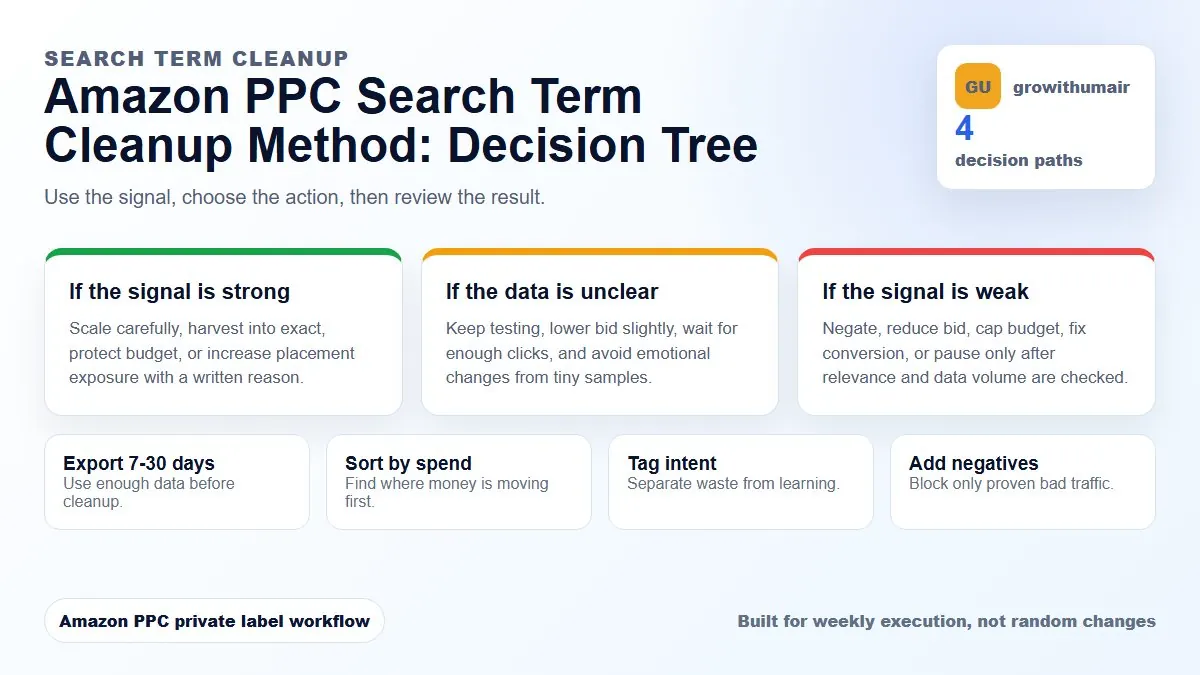
| Term tag | Signal | Decision |
|---|---|---|
| Irrelevant | Wrong product or intent | Add negative exact or phrase |
| Relevant research | Some fit but weak data | Lower bid or keep testing |
| Exact winner | Orders and clear relevance | Harvest into exact |
| Rank support | Important keyword with visibility goal | Judge with rank and TACoS |
If your Amazon PPC account has unclear campaign purpose, wasted spend, unstable TACoS, or weak ranking movement, start with the first step and do not skip the diagnosis. The best PPC accounts are controlled by written rules, not random bid changes.
Book PPC audit