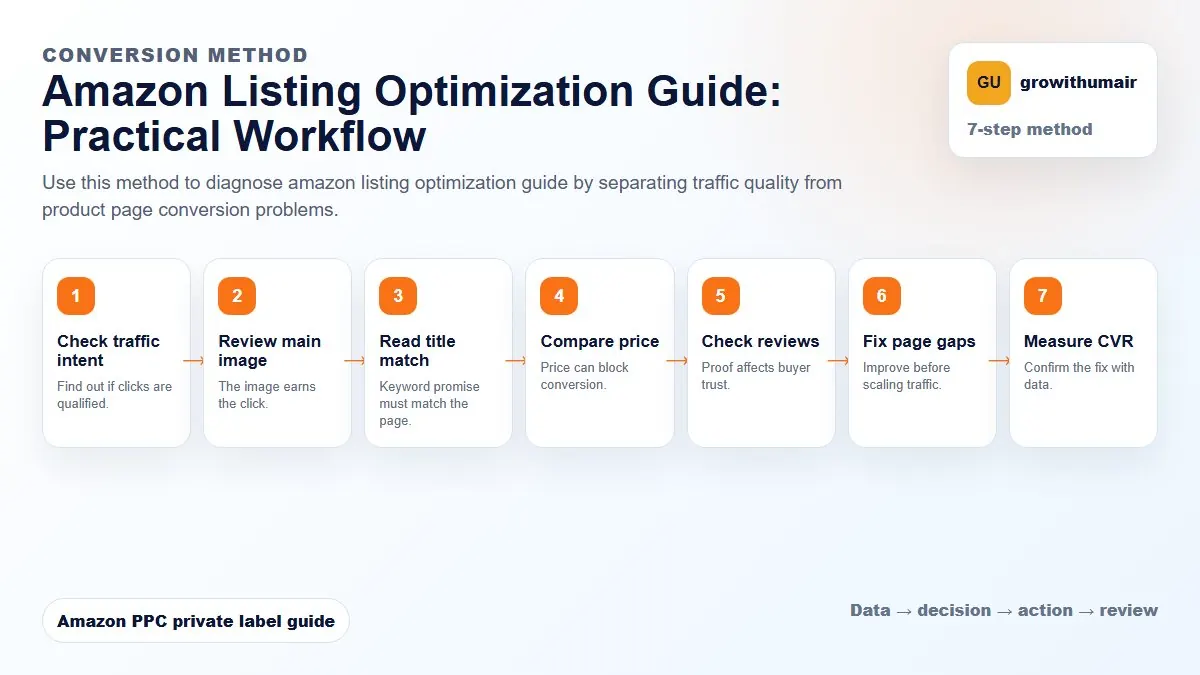
Amazon Listing Optimization Guide: step-by-step method
Use this method to diagnose amazon listing optimization guide by separating traffic quality from product page conversion problems. The aim is to move from raw Amazon Ads data to a written action list: what to protect, what to reduce, what to test, and what to review again.
- 1. Check traffic intent: Find out if clicks are qualified.
- 2. Review main image: The image earns the click.
- 3. Read title match: Keyword promise must match the page.
- 4. Compare price: Price can block conversion.
- 5. Check reviews: Proof affects buyer trust.
- 6. Fix page gaps: Improve before scaling traffic.
- 7. Measure CVR: Confirm the fix with data.
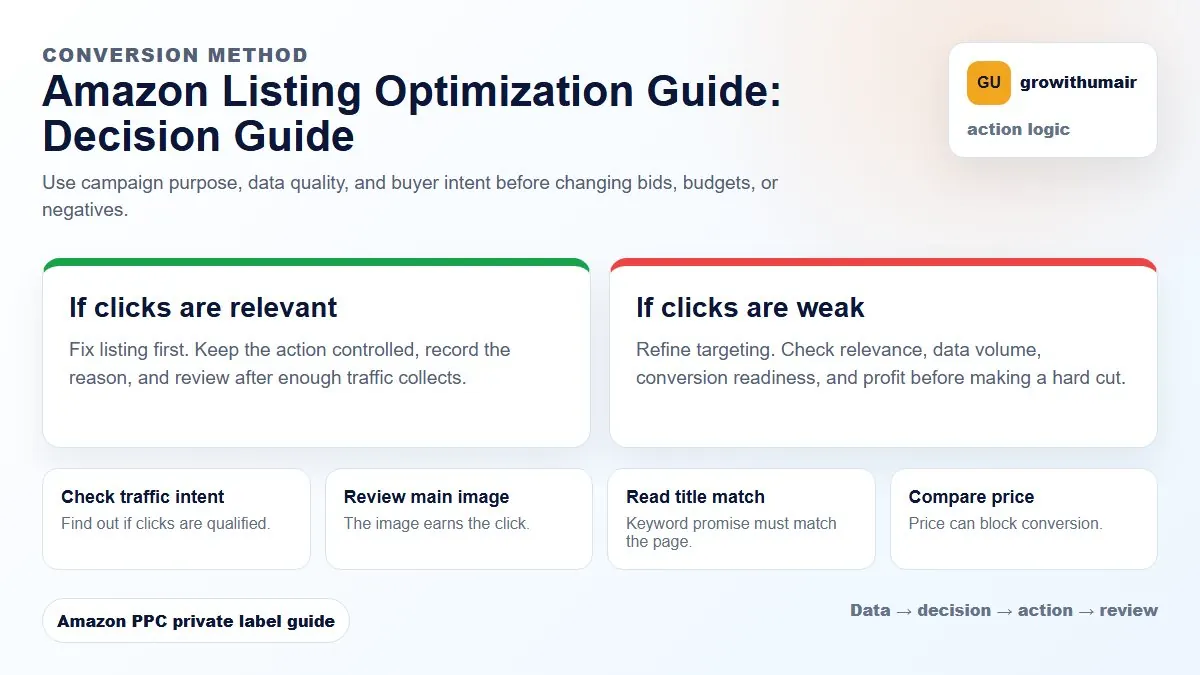
How to choose the next action
Do not treat one metric as the whole answer. For every change, read the metric beside campaign purpose, search intent, listing readiness, rank movement, and profit. This prevents cutting useful traffic just because one report looks uncomfortable.
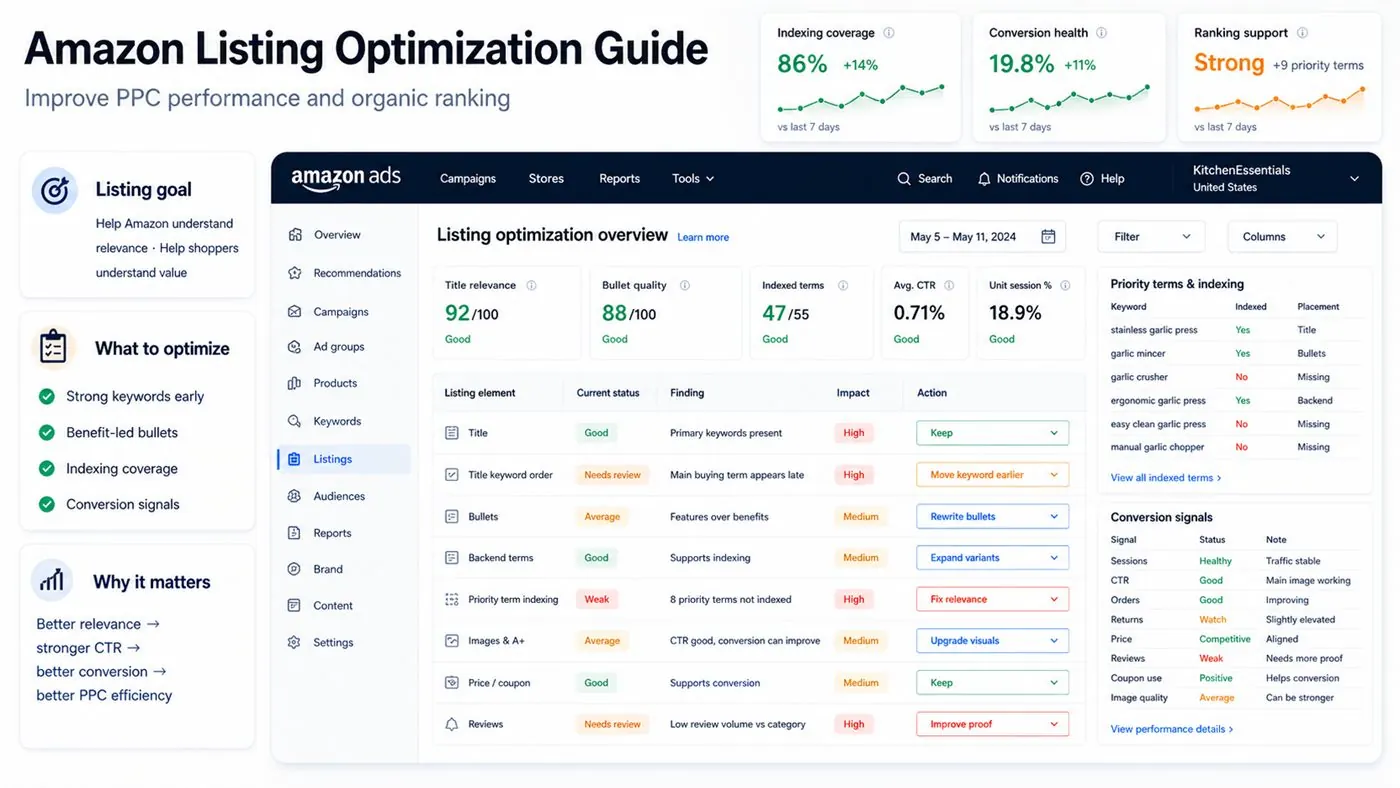
A listing should help Amazon understand relevance and help shoppers understand value. PPC works better when keyword placement and conversion signals support each other.
Put the strongest keywords early
Titles should place important keywords early while still reading naturally. The title must clarify product type, main feature, size or quantity, and the buying reason.
Use bullets to answer objections
Good bullets do not only repeat features. They explain why the product matters, who it is for, what problem it solves, and what makes it different from similar listings.
Check indexing
If a product is not indexed for priority terms, PPC and ranking work become harder. Backend terms, title, bullets, and listing relevance should support the keywords the product is trying to win.
Review conversion signals
Sessions, unit session percentage, click-through rate, orders, returns, price, reviews, coupon use, and image quality all help explain whether listing changes are working.