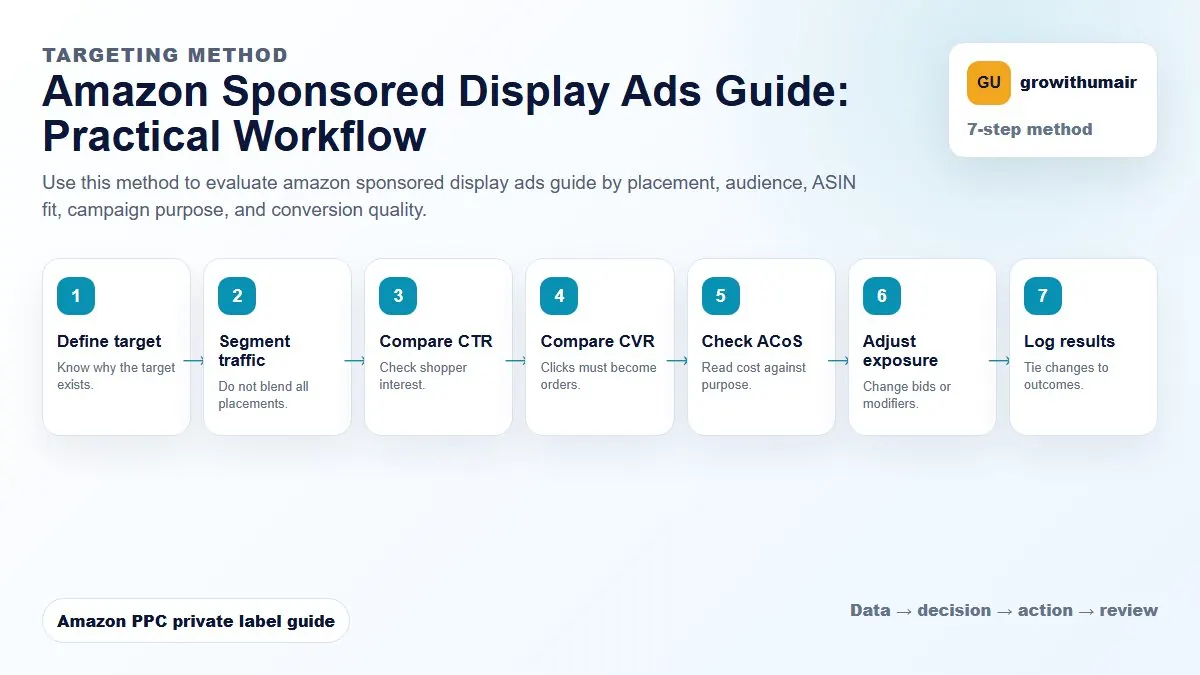
Amazon Sponsored Display Ads Guide: step-by-step method
Use this method to evaluate amazon sponsored display ads guide by placement, audience, ASIN fit, campaign purpose, and conversion quality. The aim is to move from raw Amazon Ads data to a written action list: what to protect, what to reduce, what to test, and what to review again.
- 1. Define target: Know why the target exists.
- 2. Segment traffic: Do not blend all placements.
- 3. Compare CTR: Check shopper interest.
- 4. Compare CVR: Clicks must become orders.
- 5. Check ACoS: Read cost against purpose.
- 6. Adjust exposure: Change bids or modifiers.
- 7. Log results: Tie changes to outcomes.
How to choose the next action
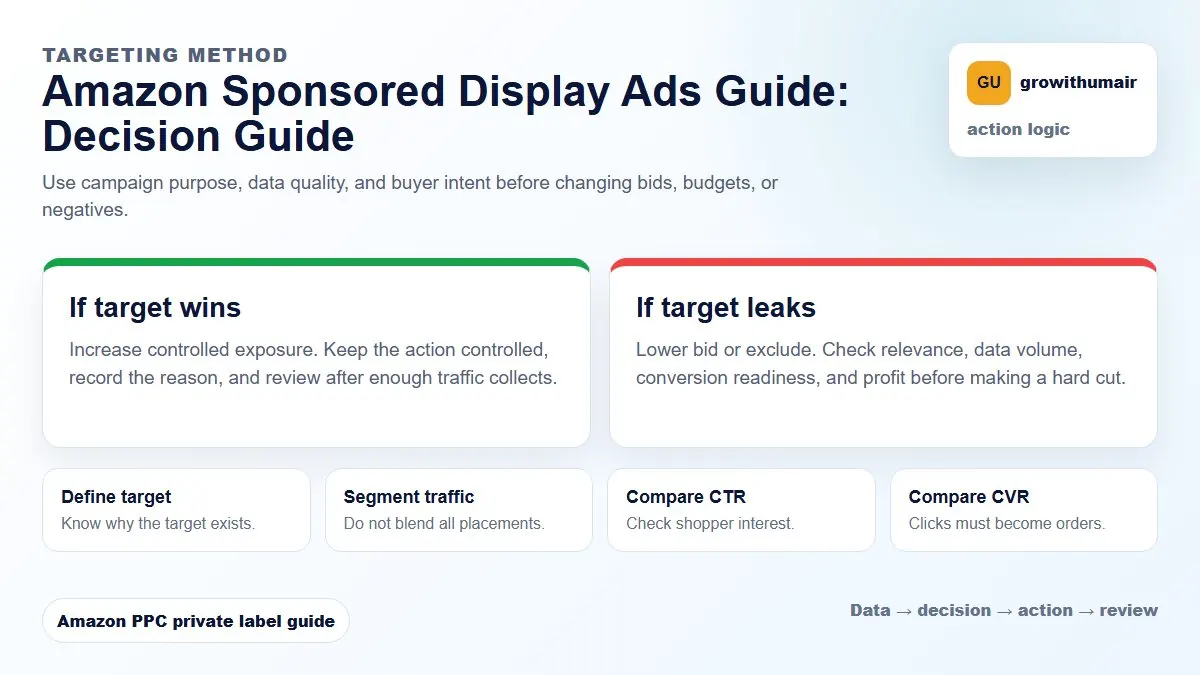
Do not treat one metric as the whole answer. For every change, read the metric beside campaign purpose, search intent, listing readiness, rank movement, and profit. This prevents cutting useful traffic just because one report looks uncomfortable.
What Sponsored Display is useful for
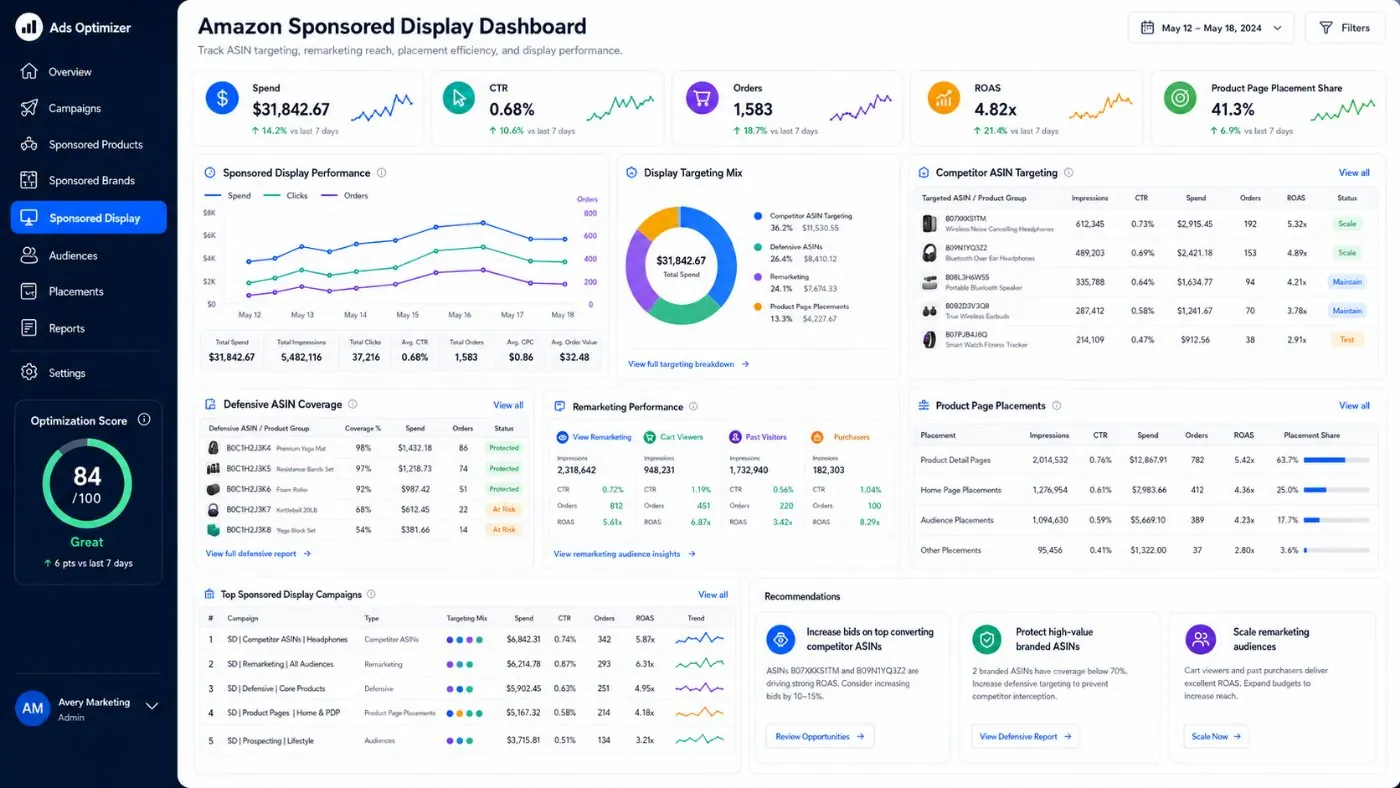
Sponsored Display is strongest when you know where your product should appear. It can defend your own ASIN pages, target competitor ASINs, support category visibility, and bring shoppers back after they viewed similar products.
Do not start too broad
Display traffic can become expensive if targeting is loose. Start with clear ASIN lists, defensive targets, complementary products, and small budgets. Review orders, ACoS, CPC, CTR, and detail page view behavior before expanding.
| Targeting angle | Use case | Watch out for |
|---|---|---|
| Competitor ASINs | Win shoppers from weak competitor pages | High CPC with low conversion |
| Defensive ASINs | Protect your own product pages | Overpaying for sales you may already own |
| Complementary products | Cross-sell related demand | Low intent if products are not close enough |
| Category targets | Broader discovery | Budget spread too thin |
How to choose ASIN targets
Look for competitors with weaker reviews, higher price, poor images, or less complete listings. Your product page must clearly beat the target on value. If the competitor has stronger proof, Sponsored Display may generate clicks without orders.
Budget and bid control
Sponsored Display should not take budget away from proven Sponsored Products campaigns unless it is producing clear value. Use small test budgets first, then expand targets that convert. Keep remarketing and competitor targeting separate so results stay readable.
Weekly review checklist
- Review spend by target type.
- Pause ASINs with repeated spend and no sales.
- Keep defensive targets if they protect profitable sales.
- Move budget toward competitor pages where your listing has a real advantage.
- Compare Sponsored Display performance with product targeting campaigns.
- Check total account TACoS before scaling display spend.
If your main image, price, reviews, or offer are weak, display traffic will expose the weakness faster.