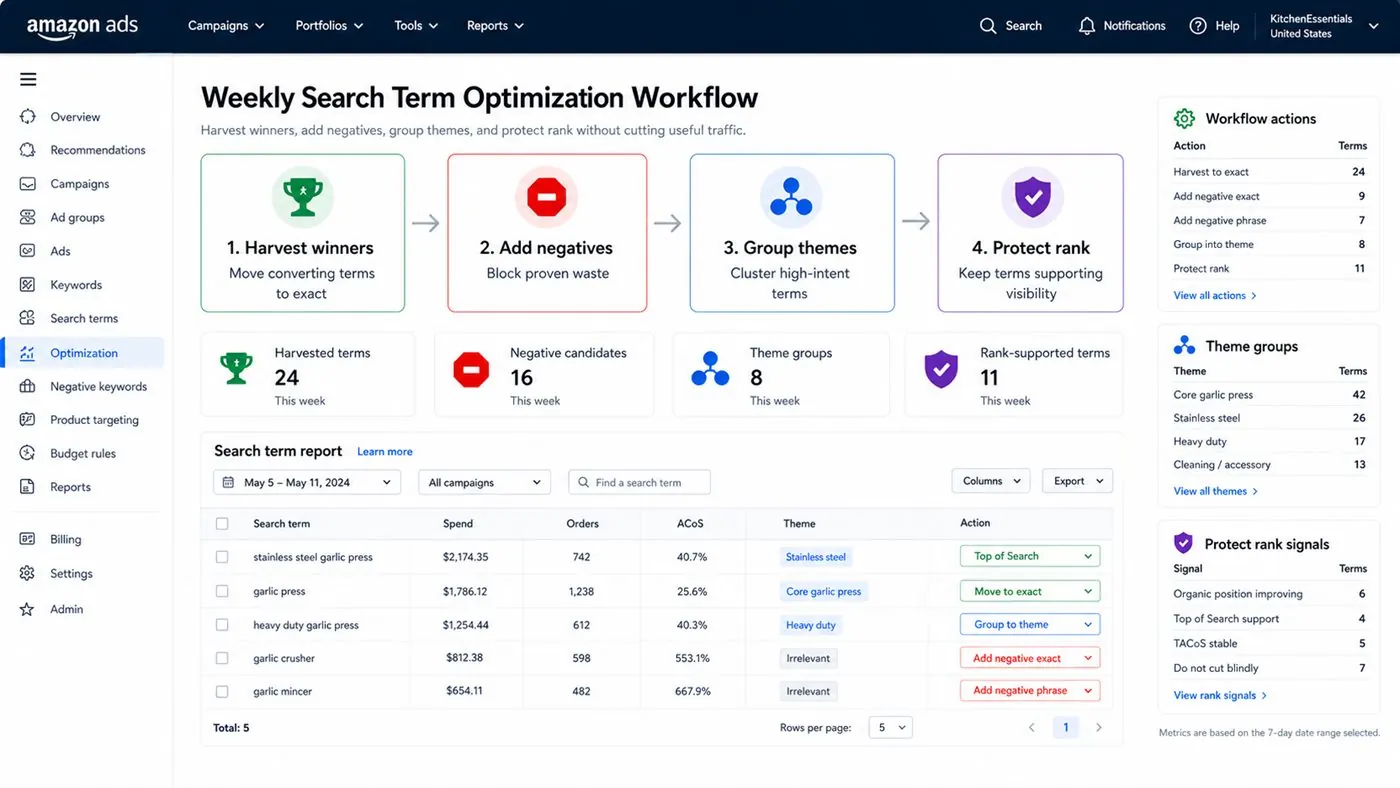
Amazon Search Term Optimization: step-by-step method
Use this method to turn amazon search term optimization into cleaner keyword control instead of random negative and bid changes. The aim is to move from raw Amazon Ads data to a written action list: what to protect, what to reduce, what to test, and what to review again.
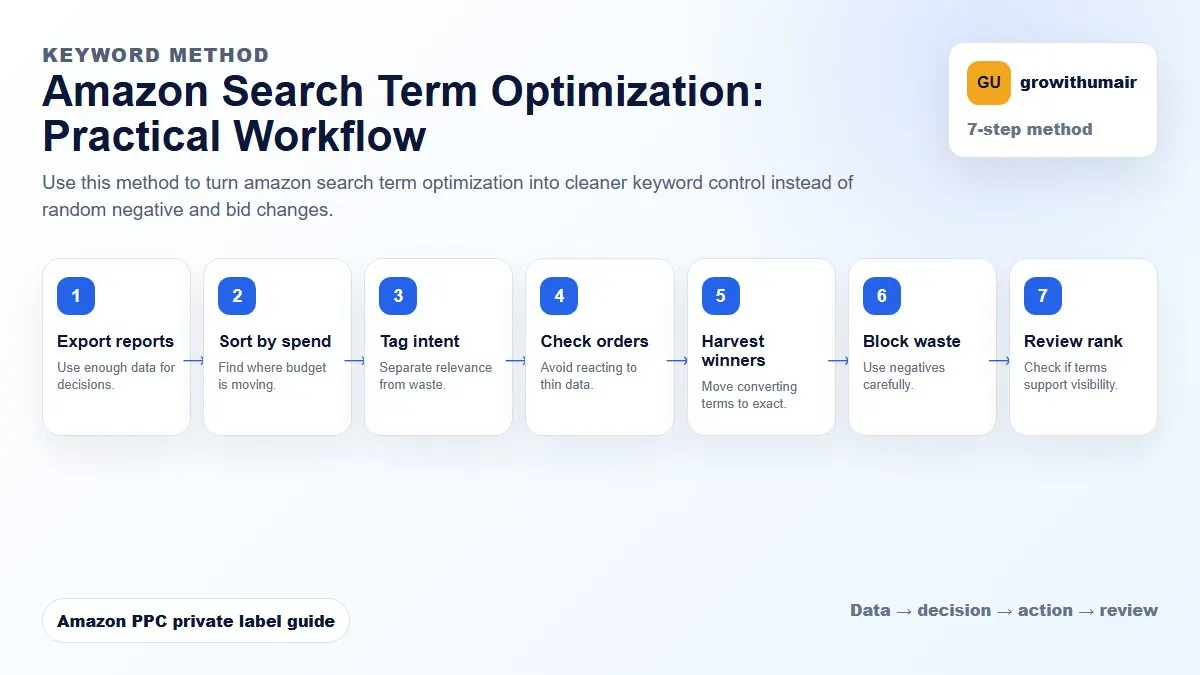
- 1. Export reports: Use enough data for decisions.
- 2. Sort by spend: Find where budget is moving.
- 3. Tag intent: Separate relevance from waste.
- 4. Check orders: Avoid reacting to thin data.
- 5. Harvest winners: Move converting terms to exact.
- 6. Block waste: Use negatives carefully.
- 7. Review rank: Check if terms support visibility.
How to choose the next action
Do not treat one metric as the whole answer. For every change, read the metric beside campaign purpose, search intent, listing readiness, rank movement, and profit. This prevents cutting useful traffic just because one report looks uncomfortable.
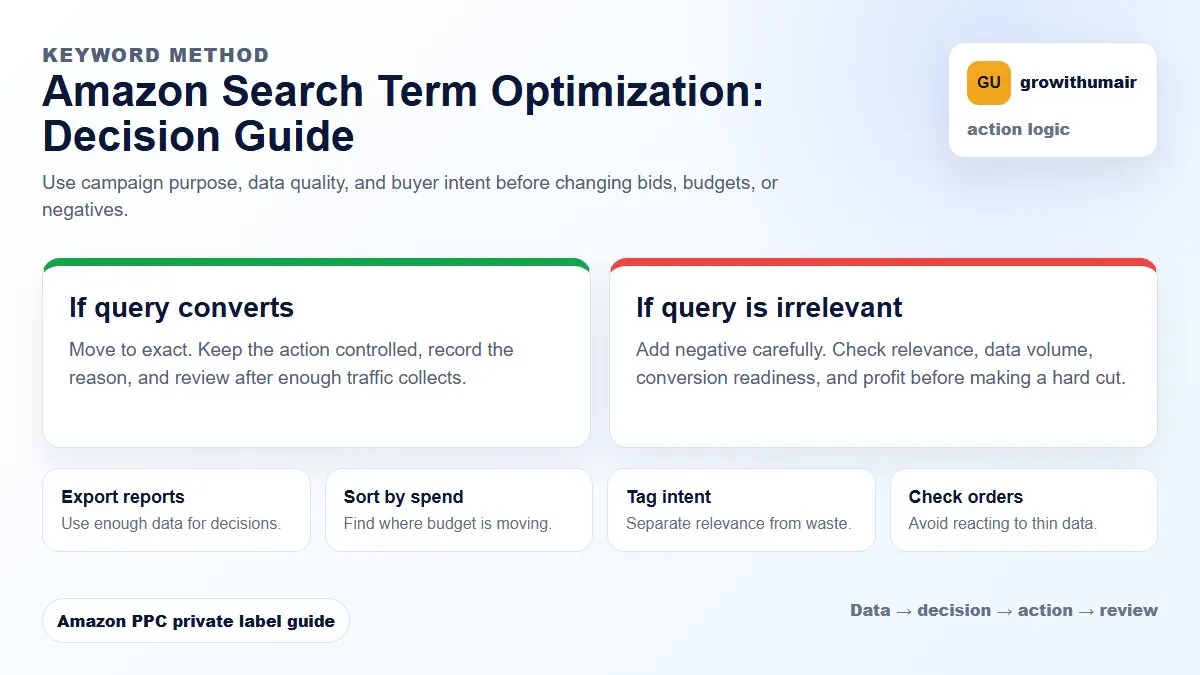
Sort by spend, mark irrelevant terms, harvest converting terms, group repeating themes, then update campaigns before changing bids.
Step 1: Sort by spend
Start with search terms spending the most. These rows have the biggest profit impact. A low-spend irrelevant term can wait. A high-spend irrelevant term needs action immediately.
Step 2: Separate waste from research
A zero-order term is not always waste. If it has only two clicks, it may need more data. If it has 20 clicks, no orders, and poor relevance, it is a negative candidate. Use the negative keyword guide before blocking aggressively.
Step 3: Harvest winners
Search terms with orders and acceptable ACoS should move into exact campaigns. Keep the original research campaign running, but prevent it from owning all the budget. Exact campaigns let you control bid, placement, and budget for the winners.
Step 4: Group search term themes
Do not optimize row by row forever. Look for repeated words. If many poor terms contain "replacement", "used", "cheap", or the wrong size, one phrase negative may save more money than 20 exact negatives.
Step 5: Connect search terms to rank
Search terms that convert can become ranking targets. But only choose terms that match product relevance and margin. If a term produces sales but weak profit, it may be useful for launch and dangerous for long-term scaling.
| Search term result | Action |
|---|---|
| Orders, good ACoS, relevant | Harvest to exact campaign |
| Clicks, no orders, irrelevant | Add negative |
| High impressions, no clicks | Check relevance, bid, image, price |
| Orders but weak margin | Use only if ranking goal justifies it |
For the full report workflow, read How to Read the Amazon Search Term Report.