Amazon PPC Bulk Operations Guide: step-by-step method
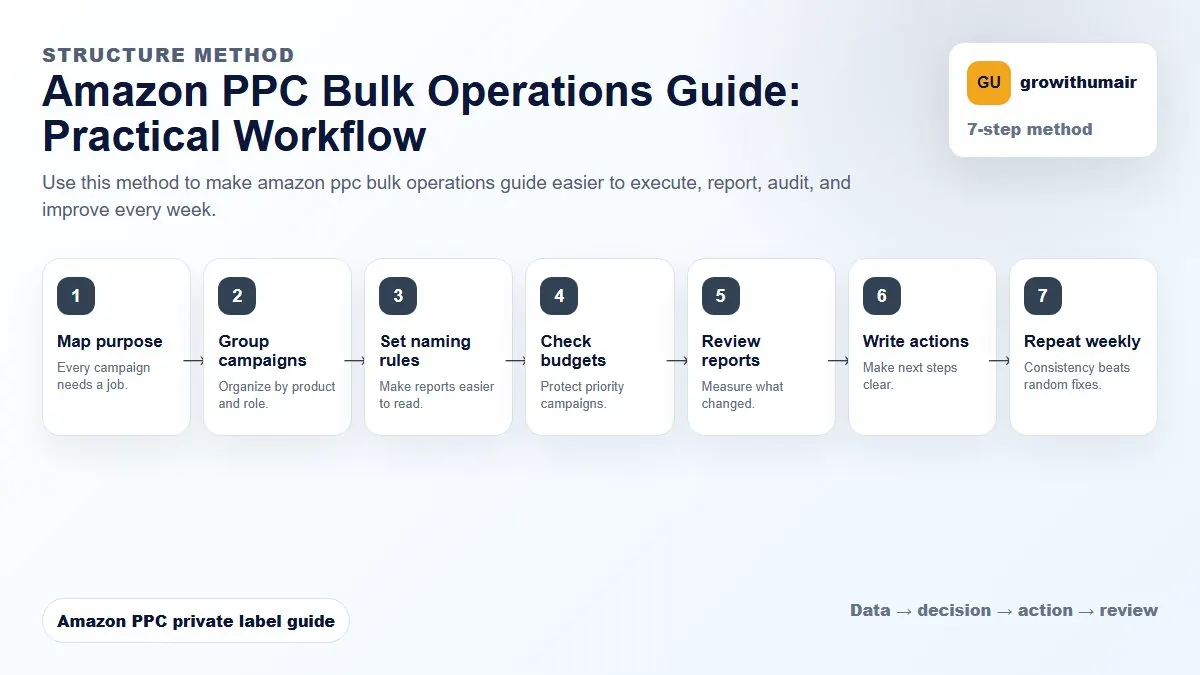
Use this method to make amazon ppc bulk operations guide easier to execute, report, audit, and improve every week. The aim is to move from raw Amazon Ads data to a written action list: what to protect, what to reduce, what to test, and what to review again.
- 1. Map purpose: Every campaign needs a job.
- 2. Group campaigns: Organize by product and role.
- 3. Set naming rules: Make reports easier to read.
- 4. Check budgets: Protect priority campaigns.
- 5. Review reports: Measure what changed.
- 6. Write actions: Make next steps clear.
- 7. Repeat weekly: Consistency beats random fixes.
How to choose the next action
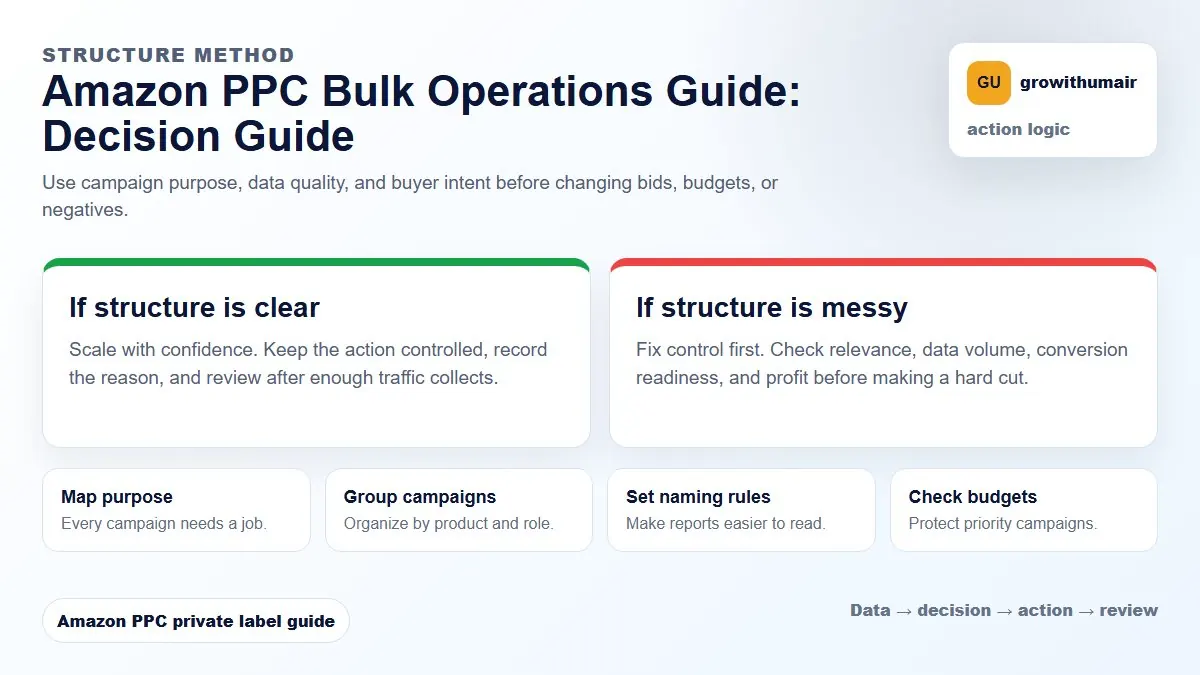
Do not treat one metric as the whole answer. For every change, read the metric beside campaign purpose, search intent, listing readiness, rank movement, and profit. This prevents cutting useful traffic just because one report looks uncomfortable.
What bulk operations are for
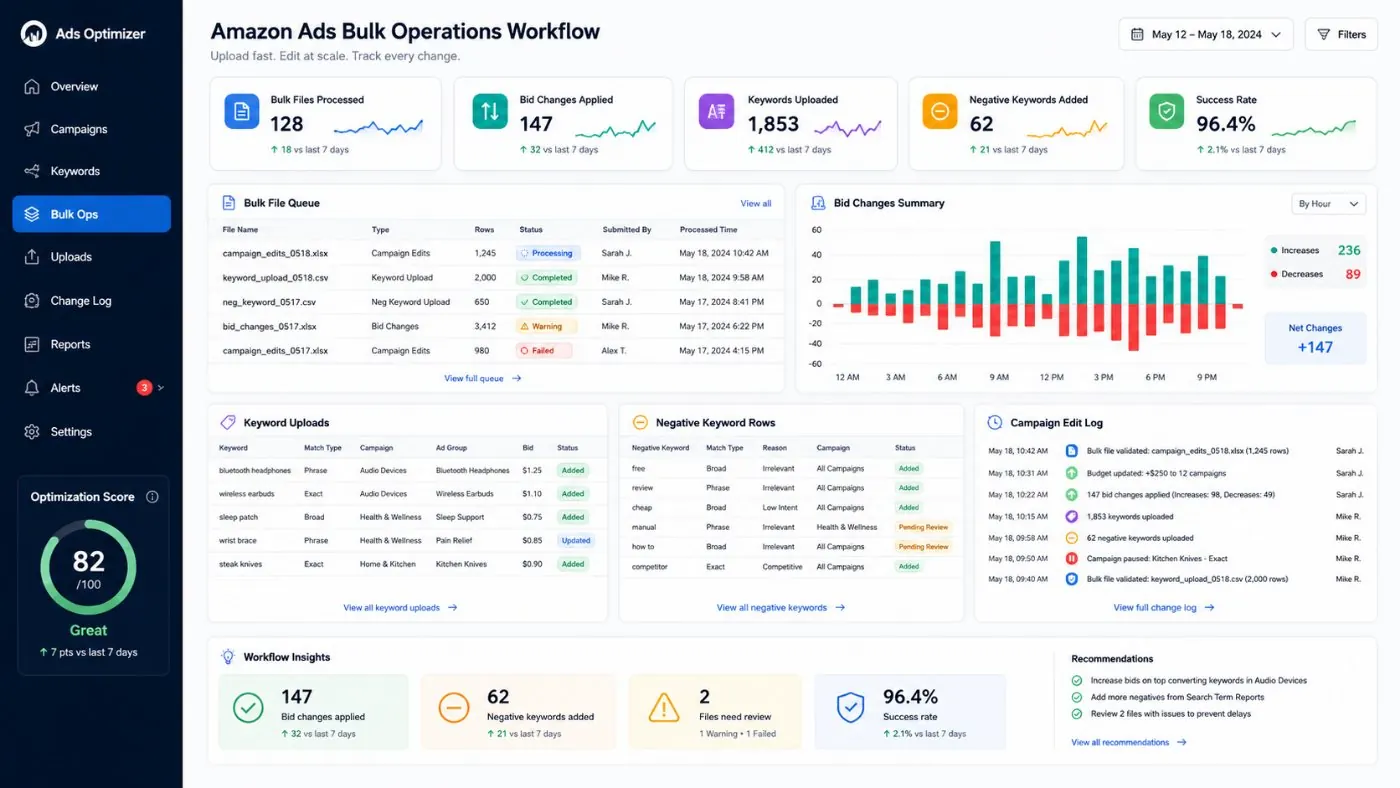
Bulk operations help manage larger Amazon Ads accounts without clicking through every campaign manually. You can adjust bids, budgets, keywords, negatives, campaign names, targeting status, and structure faster. The goal is speed with control, not speed for its own sake.
Before you upload anything
Download the existing bulk file and keep it as a backup. Filter only the rows you plan to change. Write down the exact purpose of the upload: bid reductions, exact keyword harvest, negative cleanup, budget changes, or naming cleanup. If you cannot explain the purpose in one sentence, the upload is not ready.
| Bulk task | Best use | Risk |
|---|---|---|
| Bid changes | Adjust many winners or losers | Changing bids without enough data |
| Negative keywords | Block repeated waste | Blocking relevant rank terms |
| Keyword harvest | Move converting terms to exact | Duplicating targets across campaigns |
| Budget changes | Move spend toward priorities | Overfunding weak campaigns |
Use naming conventions
Bulk operations become easier when campaign names are consistent. A good name includes product, match type, campaign purpose, marketplace, and sometimes launch or rank priority. Clear naming makes filtering and reporting faster.
Safe bulk upload workflow
- Download the current bulk file.
- Save an untouched backup.
- Filter to the campaigns or ad groups being changed.
- Make one type of change per upload when possible.
- Check match type, campaign name, ad group name, and status columns.
- Upload during a time when you can monitor results.
- Review change history and performance after the upload.
Common bulk mistakes
The most common mistake is editing too much at once. If bids, budgets, negatives, and naming all change in one upload, it becomes hard to know what helped or hurt performance. Another mistake is adding negatives from high ACoS rows without checking relevance and conversion context.
If the change requires judgment on each row, slow down. Bulk operations work best when the rules are clear.