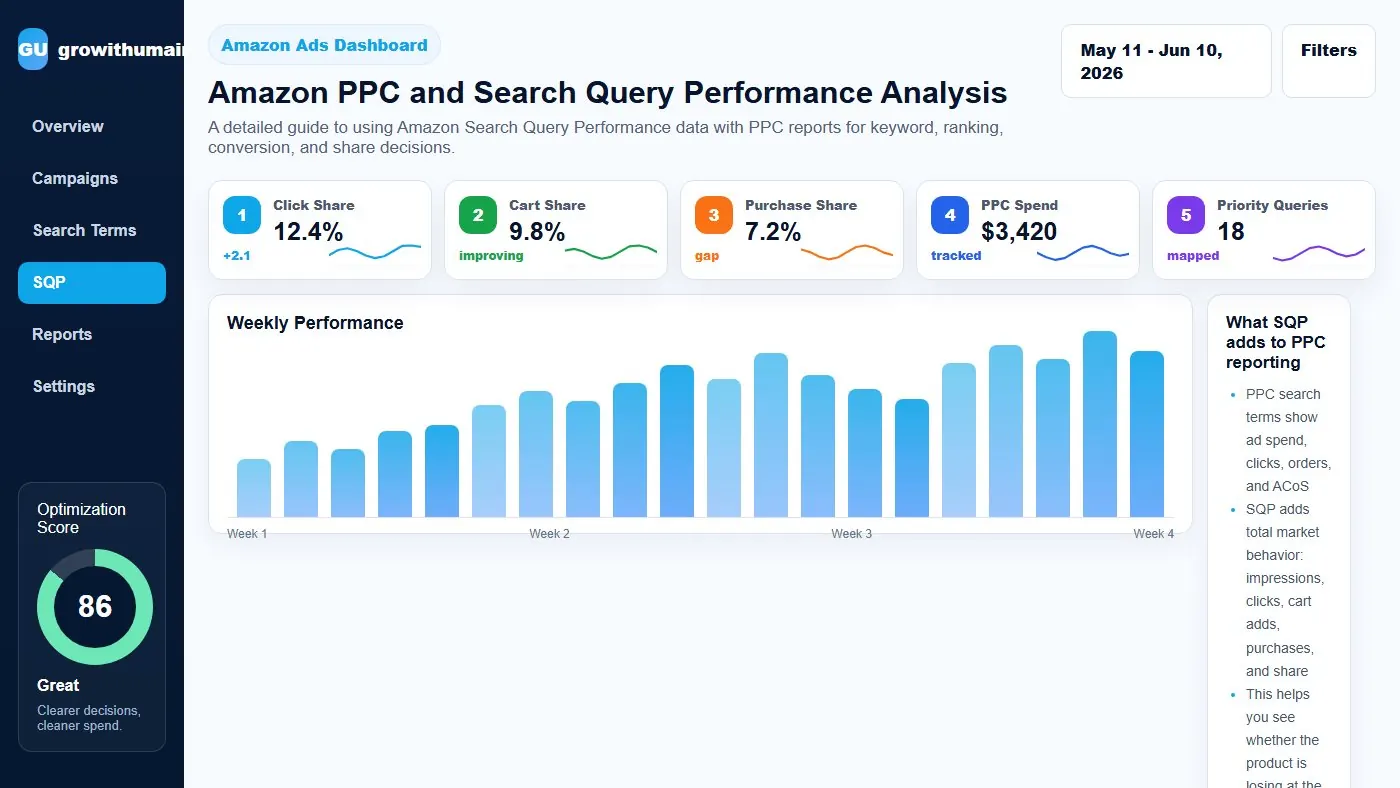
Amazon PPC and Search Query Performance Analysis: step-by-step method
Use this method to turn amazon ppc and search query performance analysis into cleaner keyword control instead of random negative and bid changes. The aim is to move from raw Amazon Ads data to a written action list: what to protect, what to reduce, what to test, and what to review again.
- 1. Export reports: Use enough data for decisions.
- 2. Sort by spend: Find where budget is moving.
- 3. Tag intent: Separate relevance from waste.
- 4. Check orders: Avoid reacting to thin data.
- 5. Harvest winners: Move converting terms to exact.
- 6. Block waste: Use negatives carefully.
- 7. Review rank: Check if terms support visibility.
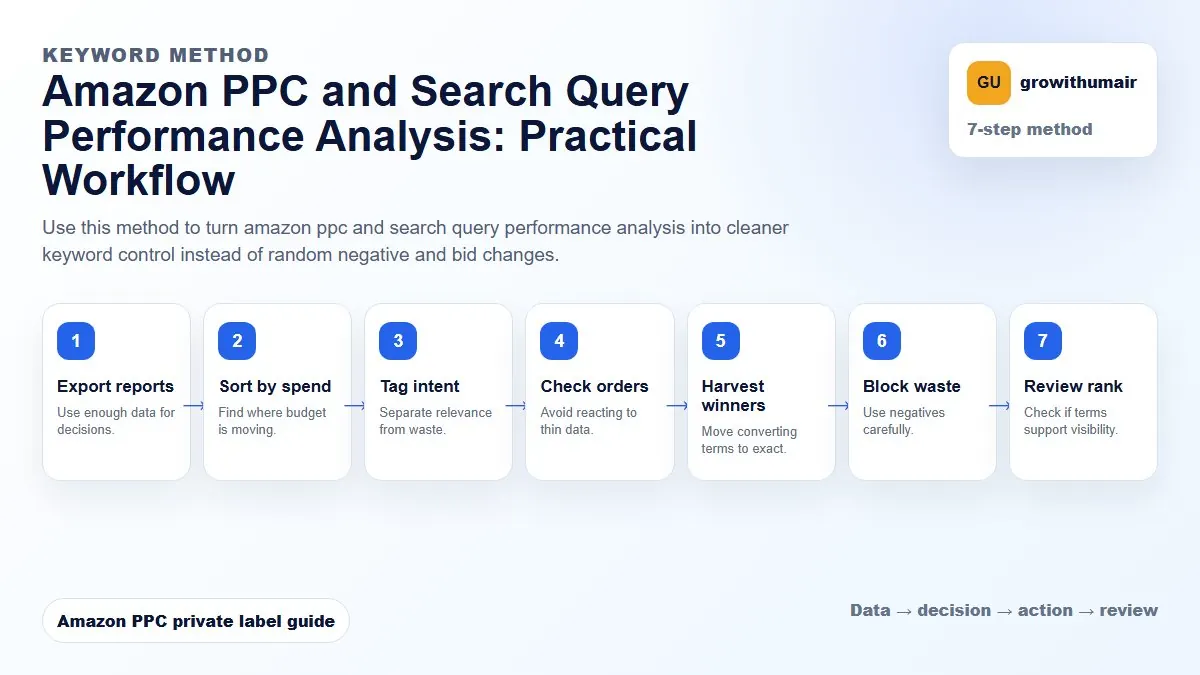
How to choose the next action
Do not treat one metric as the whole answer. For every change, read the metric beside campaign purpose, search intent, listing readiness, rank movement, and profit. This prevents cutting useful traffic just because one report looks uncomfortable.
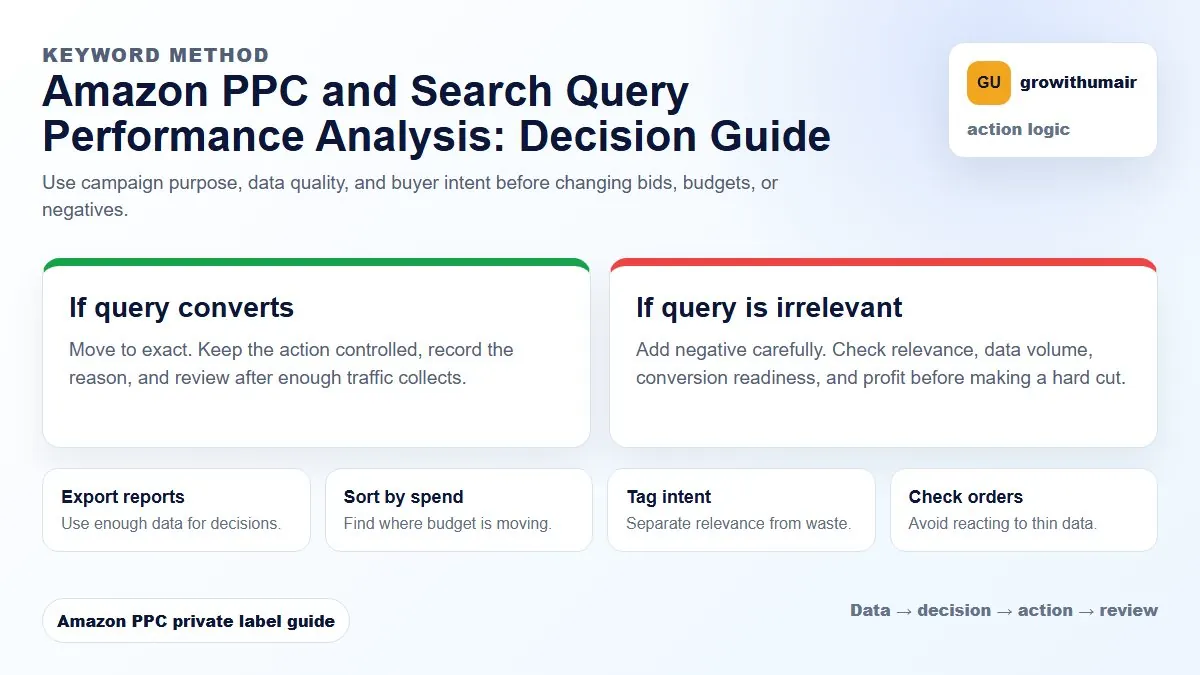
A detailed guide to using Amazon Search Query Performance data with PPC reports for keyword, ranking, conversion, and share decisions.
What SQP adds to PPC reporting
PPC search terms show ad spend, clicks, orders, and ACoS. SQP adds total market behavior: impressions, clicks, cart adds, purchases, and share. This helps you see whether the product is losing at the click stage or purchase stage.
Click share vs purchase share
If click share is low, the offer may not be winning the search result. Improve main image, title, price, coupon, and review proof. If click share is good but purchase share is weak, shoppers may click but choose another product after comparison.
Using SQP for keyword priority
A keyword with strong query volume and improving purchase share may deserve more PPC support. A keyword with many impressions but weak click and purchase share may need listing work before more ad spend.
Connect SQP to ranking campaigns
For ranking campaigns, use SQP to see whether paid visibility is improving shopper behavior beyond ad-attributed sales. If organic rank improves but purchase share stays weak, the listing may still be losing the comparison.
SQP workflow
Export SQP, compare with PPC search terms, identify priority queries, map each query to click share and purchase share, then decide whether to improve listing, increase PPC, lower bids, or stop pushing the term.
Practical checklist
- Review the data by campaign purpose before making changes.
- Separate discovery, ranking, defense, and exact winner campaigns.
- Check search terms, placements, budgets, conversion rate, and rank movement together.
- Write the next action clearly so the account does not drift.
- Recheck results after enough clicks and orders have collected.
Decision table
| SQP signal | Meaning | Action |
|---|---|---|
| Low click share | Weak search appeal | Improve image/title/price |
| High clicks low purchases | PDP conversion issue | Fix offer |
| Purchase share rising | Keyword fit improving | Support with PPC |
| High PPC spend low SQP share | Competitive gap | Reassess |
| Cart share high | Consider coupon | Improve close rate |
I can review the account, identify the first fixes, and turn the data into a clear PPC action plan.
Book PPC audit