Amazon PPC Portfolio Structure: step-by-step method
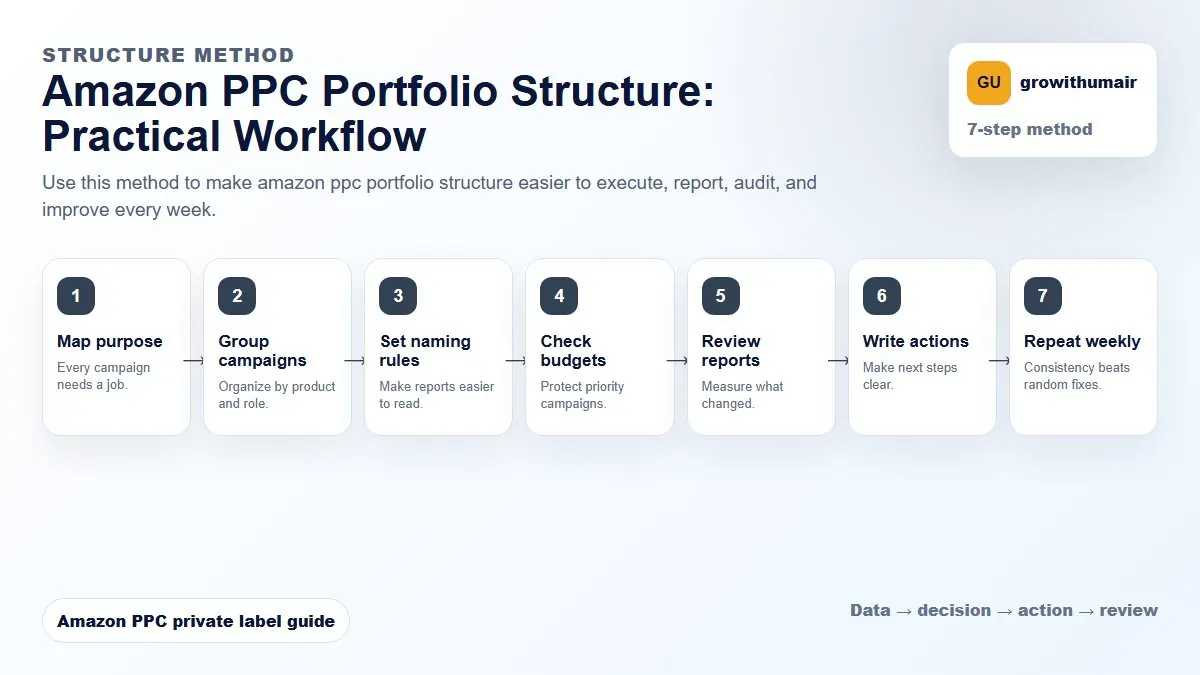
Use this method to make amazon ppc portfolio structure easier to execute, report, audit, and improve every week. The aim is to move from raw Amazon Ads data to a written action list: what to protect, what to reduce, what to test, and what to review again.
- 1. Map purpose: Every campaign needs a job.
- 2. Group campaigns: Organize by product and role.
- 3. Set naming rules: Make reports easier to read.
- 4. Check budgets: Protect priority campaigns.
- 5. Review reports: Measure what changed.
- 6. Write actions: Make next steps clear.
- 7. Repeat weekly: Consistency beats random fixes.
How to choose the next action
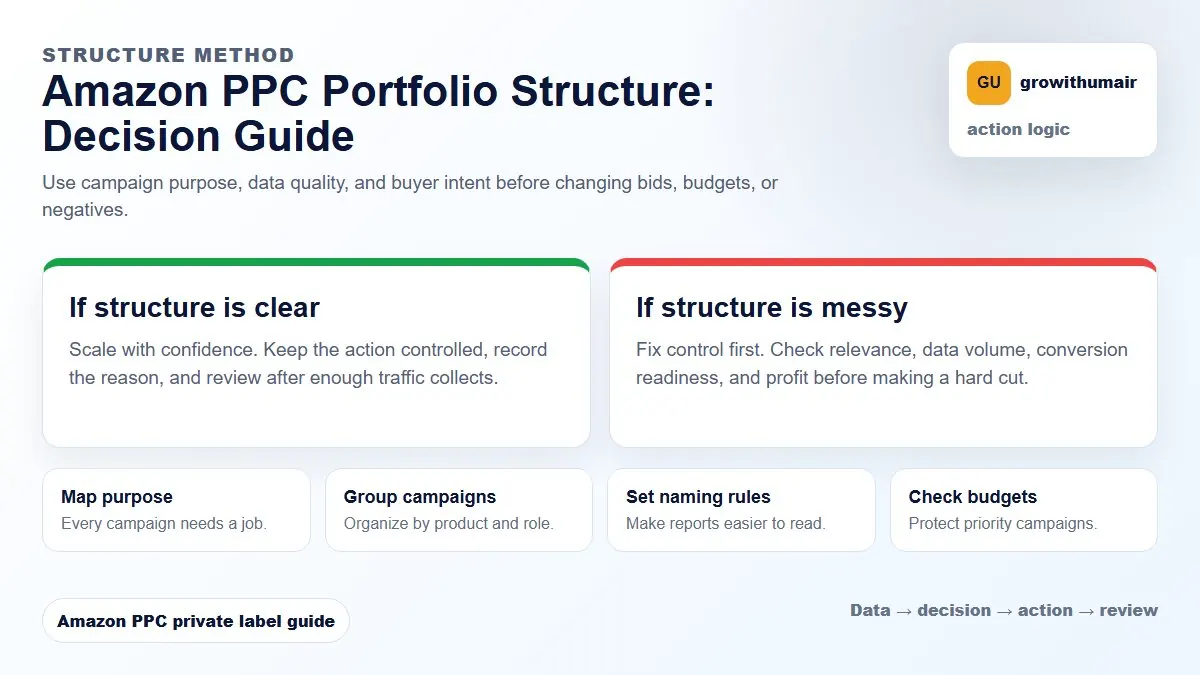
Do not treat one metric as the whole answer. For every change, read the metric beside campaign purpose, search intent, listing readiness, rank movement, and profit. This prevents cutting useful traffic just because one report looks uncomfortable.
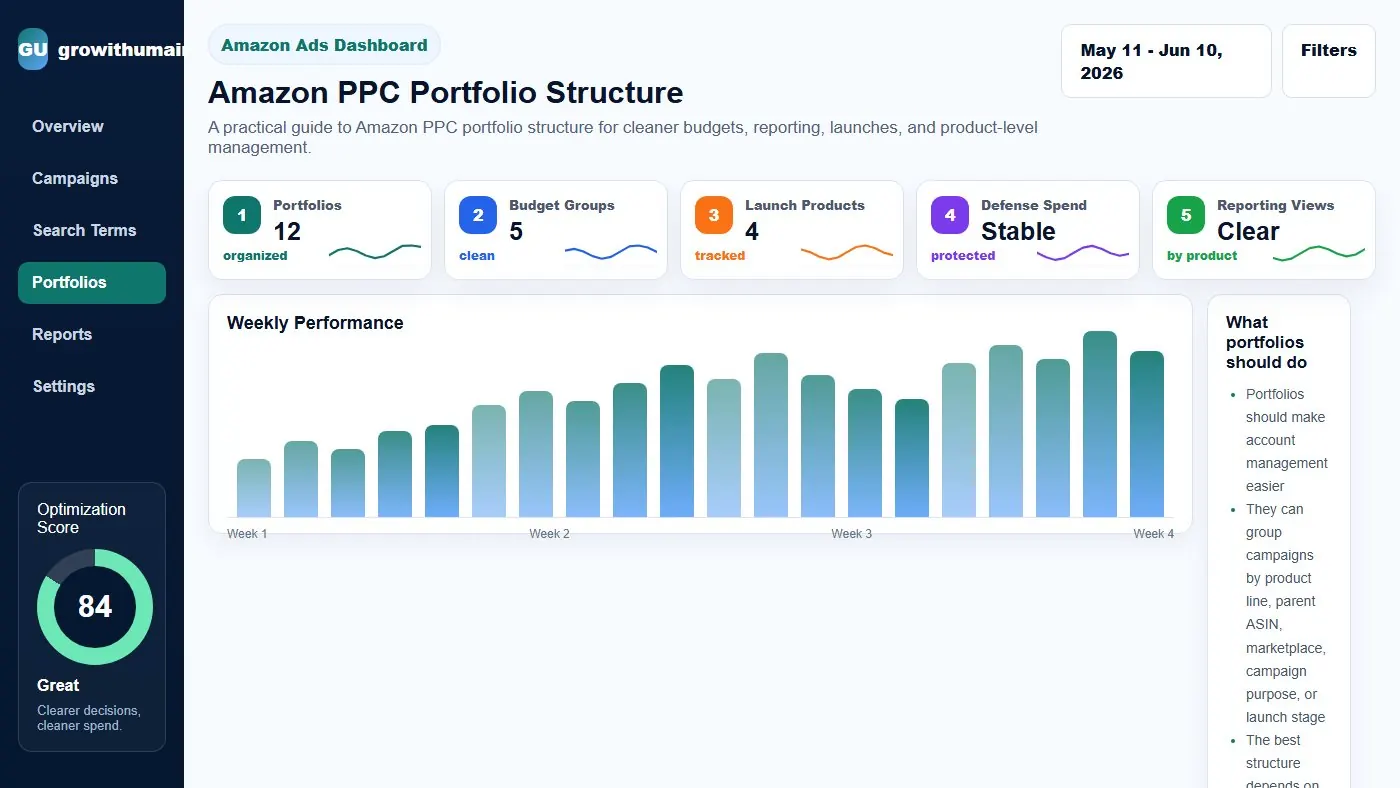
A practical guide to Amazon PPC portfolio structure for cleaner budgets, reporting, launches, and product-level management.
What portfolios should do
Portfolios should make account management easier. They can group campaigns by product line, parent ASIN, marketplace, campaign purpose, or launch stage. The best structure depends on how the seller wants to review budgets and performance.
For a small account, portfolios by product line may be enough. For a larger account, separate portfolios for launch, evergreen scaling, brand defense, and testing may be useful.
Portfolio structure by product
Product-based portfolios help answer a simple question: which products are getting spend and which products are producing profit? This is helpful when managing multiple ASINs with different margins and launch stages.
Use product portfolios when each ASIN has its own budget and growth target.
Portfolio structure by campaign purpose
Purpose-based portfolios separate ranking, research, exact winners, brand defense, and product targeting. This helps you compare spend by strategy rather than only by ASIN.
This approach is useful when the account has many campaigns for the same products and you need to understand the role of spend.
Budget control and portfolio limits
Portfolio budget caps can prevent a group of campaigns from overspending. But caps can also cut good traffic if they are set without understanding campaign priority. Use caps carefully.
If exact winner campaigns are profitable, do not let portfolio caps stop them while weak research campaigns keep spending elsewhere.
Portfolio audit checklist
Check whether every campaign belongs to the right portfolio. Review spend by portfolio weekly. Separate launch experiments from evergreen campaigns. Make sure reporting matches the way decisions are made.
Practical checklist
- Review the data by campaign purpose before making changes.
- Separate discovery, ranking, defense, and exact winner campaigns.
- Check search terms, placements, budgets, conversion rate, and rank movement together.
- Write the next action clearly so the account does not drift.
- Recheck results after enough clicks and orders have collected.
Decision table
| Portfolio type | Best use | Risk |
|---|---|---|
| Product line | ASIN-level management | Can hide campaign purpose |
| Launch | New product spend control | May cap rank campaigns |
| Brand defense | Protect branded search | Can make ACoS look too good |
| Research | Keyword discovery | Can become wasteful |
| Exact winners | Scale profitable terms | Needs enough budget |
I can review the account, identify the first fixes, and turn the data into a clear PPC action plan.
Book PPC audit