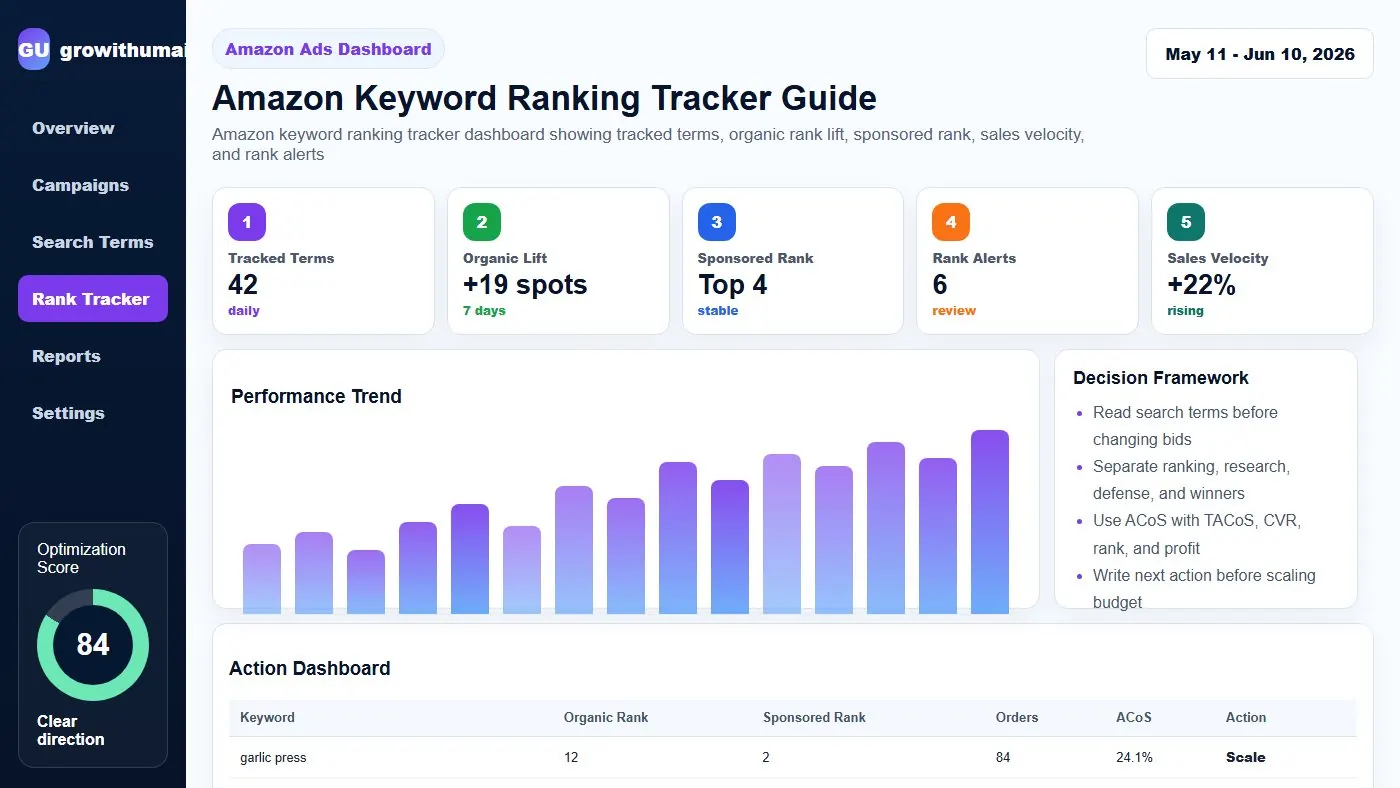
Amazon Keyword Ranking Tracker Guide: step-by-step method
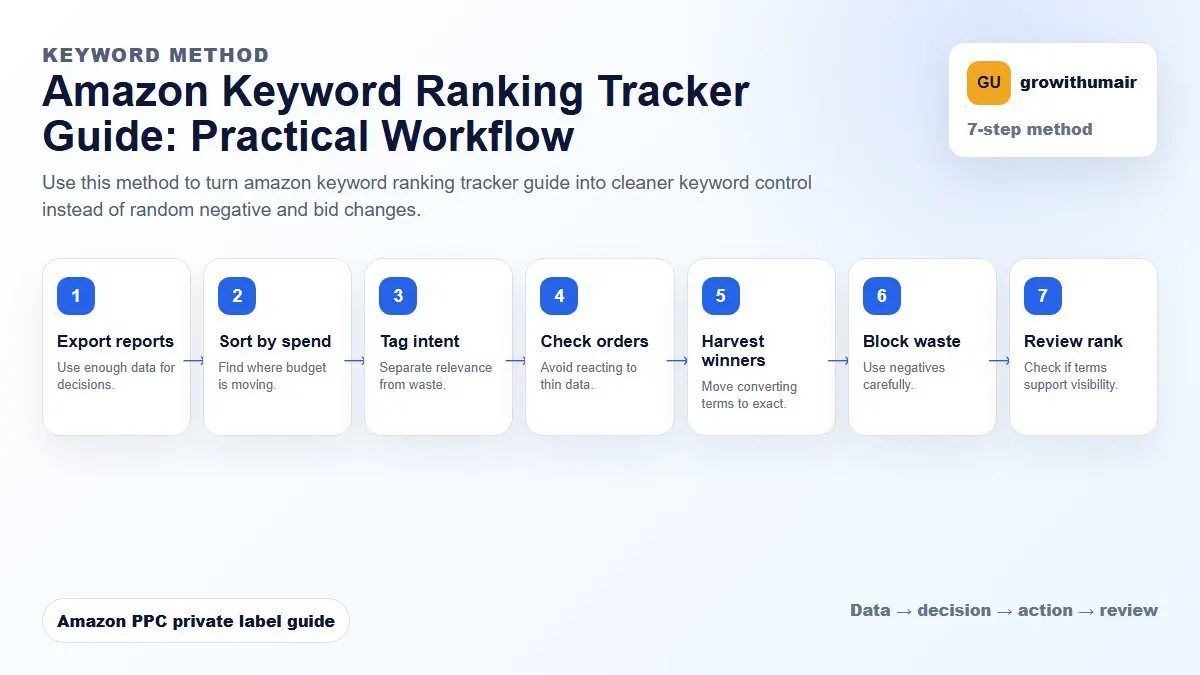
Use this method to turn amazon keyword ranking tracker guide into cleaner keyword control instead of random negative and bid changes. The aim is to move from raw Amazon Ads data to a written action list: what to protect, what to reduce, what to test, and what to review again.
- 1. Export reports: Use enough data for decisions.
- 2. Sort by spend: Find where budget is moving.
- 3. Tag intent: Separate relevance from waste.
- 4. Check orders: Avoid reacting to thin data.
- 5. Harvest winners: Move converting terms to exact.
- 6. Block waste: Use negatives carefully.
- 7. Review rank: Check if terms support visibility.
How to choose the next action
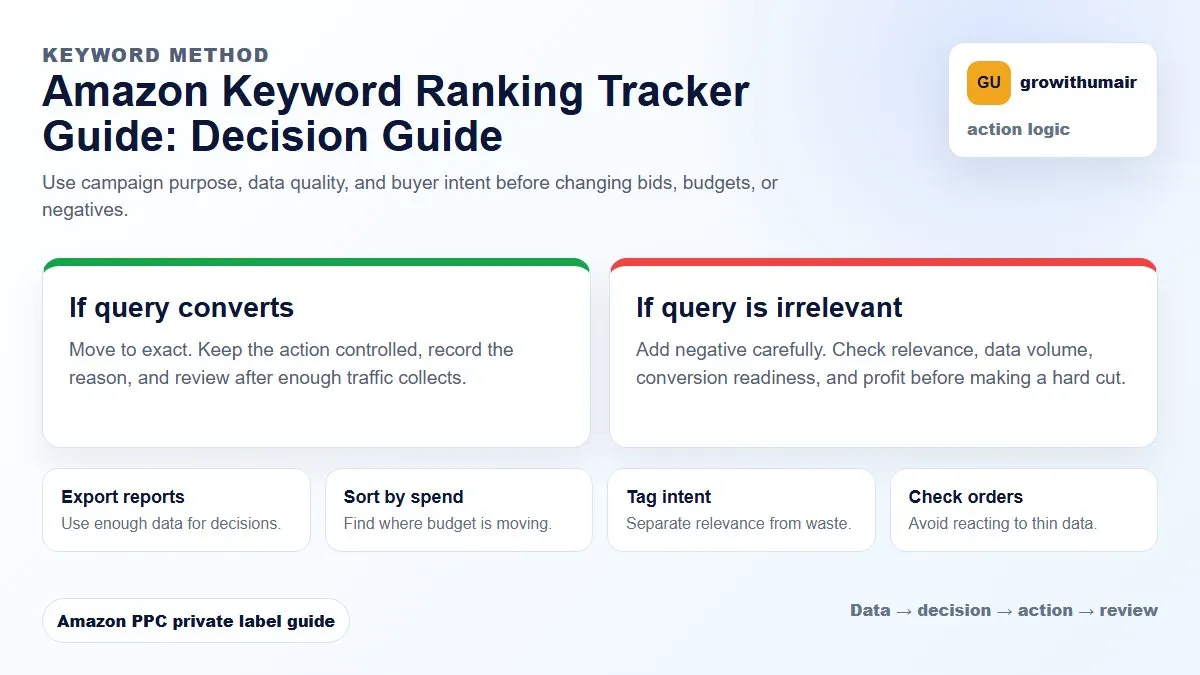
Do not treat one metric as the whole answer. For every change, read the metric beside campaign purpose, search intent, listing readiness, rank movement, and profit. This prevents cutting useful traffic just because one report looks uncomfortable.
Do not judge a ranking campaign from one day of movement. Track the trend across 7 to 14 days and compare it with spend, orders, conversion, and inventory.
What should you track?
For each priority keyword, track organic rank, sponsored rank, ad spend, ad orders, total orders, conversion rate, and stock level. Organic rank alone can mislead you because it does not explain whether PPC is supporting movement or whether the listing is converting.
Sponsored rank vs organic rank
Sponsored rank shows where your ad appears. Organic rank shows where Amazon places the listing without paid placement. A keyword can have strong sponsored rank and weak organic rank if the campaign is buying visibility but not generating enough convincing sales velocity.
How often to check rank
During launch or relaunch, daily tracking is useful. For stable products, two or three checks per week are enough. Ranking can move because of competitor promotions, inventory changes, algorithm testing, or temporary demand spikes, so avoid emotional daily bid changes.
Rank tracking template
| Column | Why it matters |
|---|---|
| Keyword | The search term being targeted. |
| Organic rank | Shows unpaid visibility. |
| Sponsored rank | Shows paid visibility and impression pressure. |
| Spend and orders | Explains whether ranking effort is producing sales. |
| Notes | Record price changes, coupons, reviews, and stock risk. |
How to use tracking data
If sponsored rank is high but organic rank does not move, check conversion and relevance. If organic rank improves while ACoS is high, check TACoS before cutting spend. If rank rises then drops after PPC cuts, the keyword may still need controlled support. Read TACoS vs ACoS to understand the account-level impact.